Business phone app with CRM

The phone app that knows the deal.

Most business phone apps make calls and stop there. TopReach is the CRM too: every call and text lands on the contact, next to their deals, and the same app power and parallel dials your list.

  • Calls and texts
  • Contacts and deals
  • Power and parallel dialing
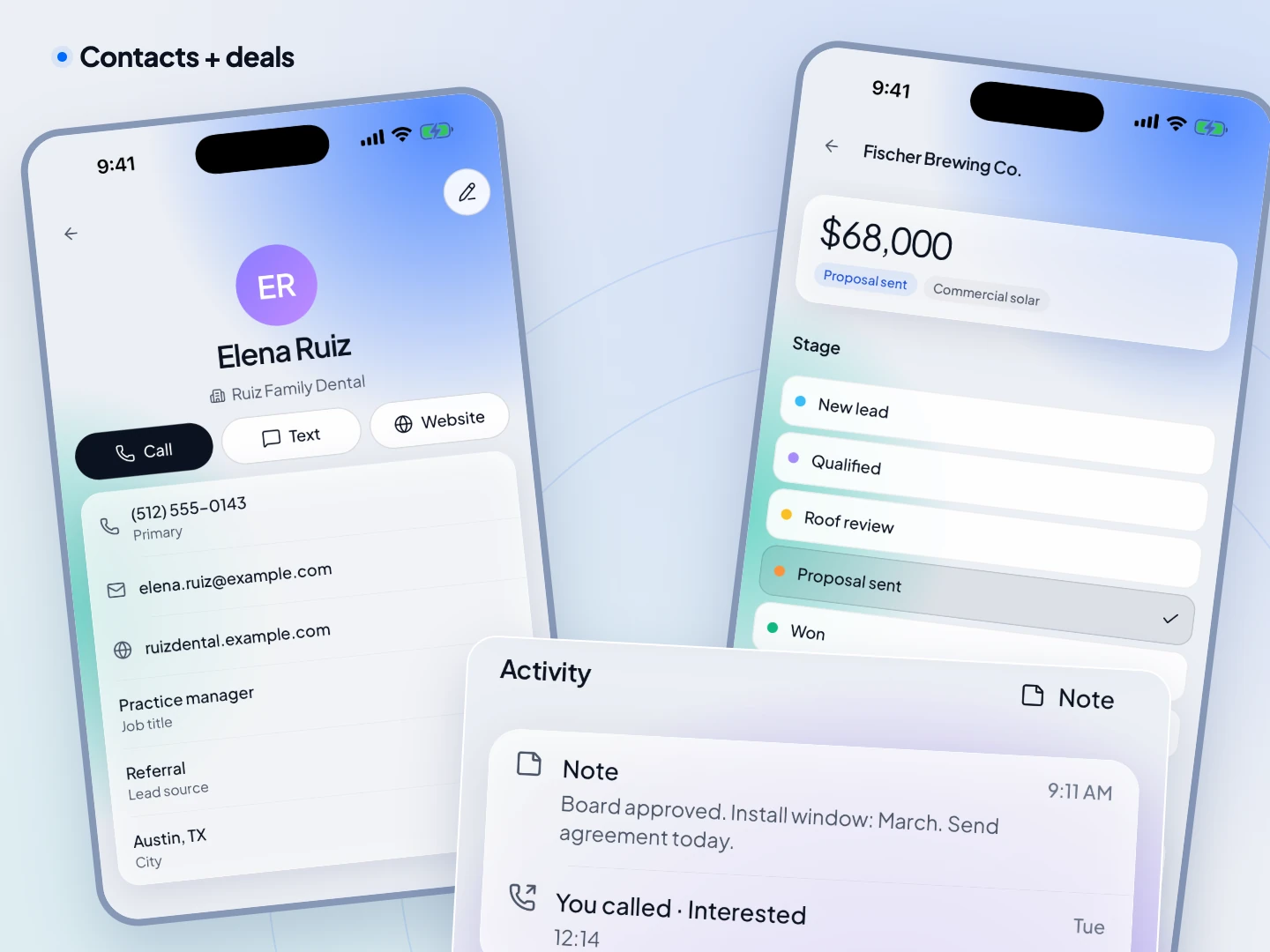
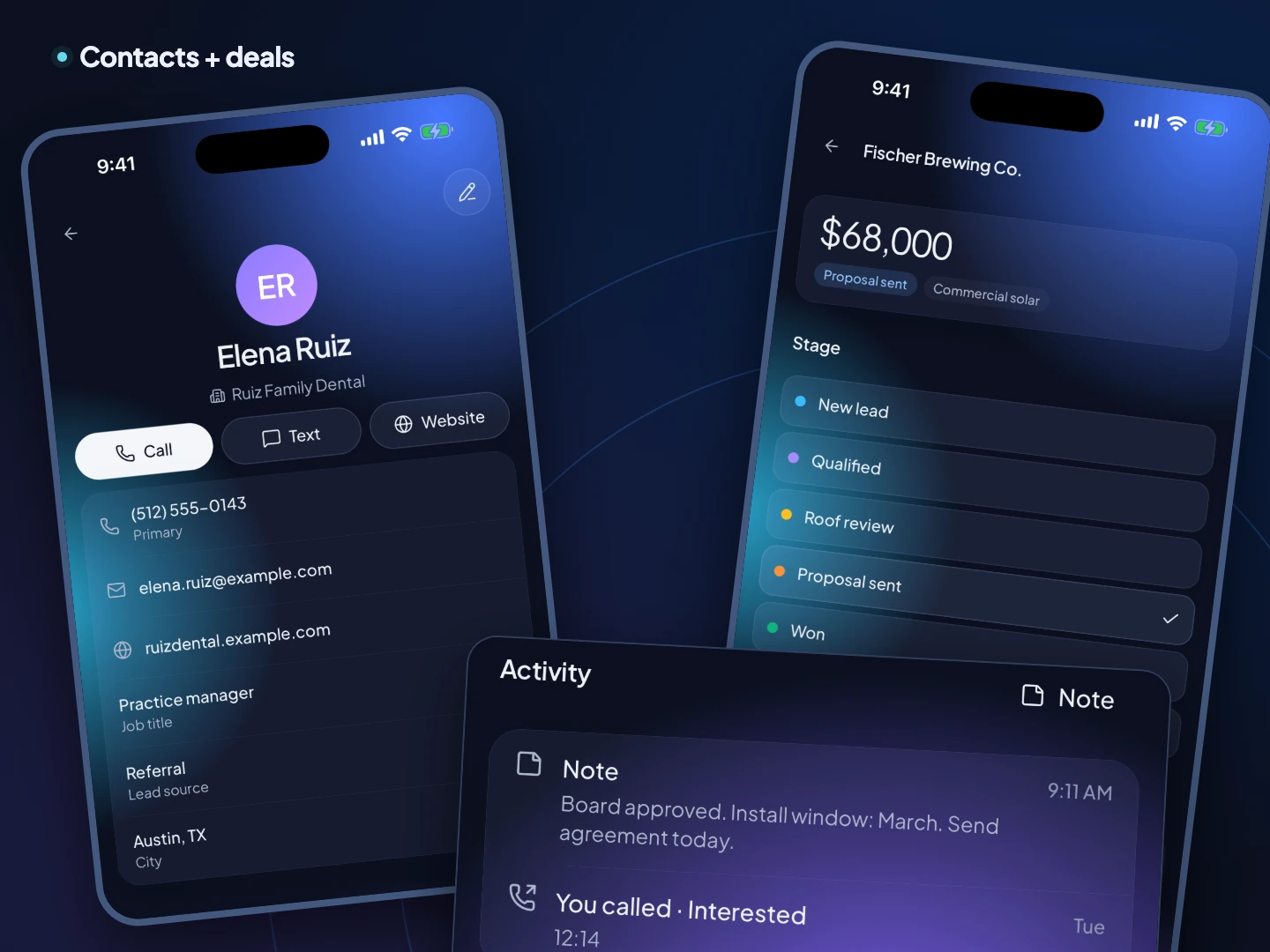
A TopReach contact with calls and notes on a phone, next to a deal and its stage. Fictional sample data.A TopReach contact with calls and notes on a phone, next to a deal and its stage. Fictional sample data.

At a glance

What it is
TopReach for iPhone and Android: business calling and texting from your team's numbers, a power and parallel dialer, and the CRM (contacts, timelines, deals, Today) in one app.
How it differs from a phone system app
Phone system apps connect to a separate CRM through an integration. In TopReach the phone and the CRM are one product, so there's nothing to sync.
Price
Included with every seat ($55 a month, or $49 billed yearly). Calling uses the $99-a-month phone license with 3,000 minutes; numbers are $10 a month.
What it doesn't do
No IVR menus or inbound call queues. If your team mostly answers a support line, a phone system with call routing fits better.

In the app

Phone and CRM, on the same screen

Contacts

Every conversation on the contact

Open a contact and see their calls and notes in order, so you walk into every call knowing what was said last time. Call or text them from their record.

A TopReach contact on a phone with calls and notes. Fictional sample data.A TopReach contact on a phone with calls and notes. Fictional sample data.

Texts

One inbox for every business number

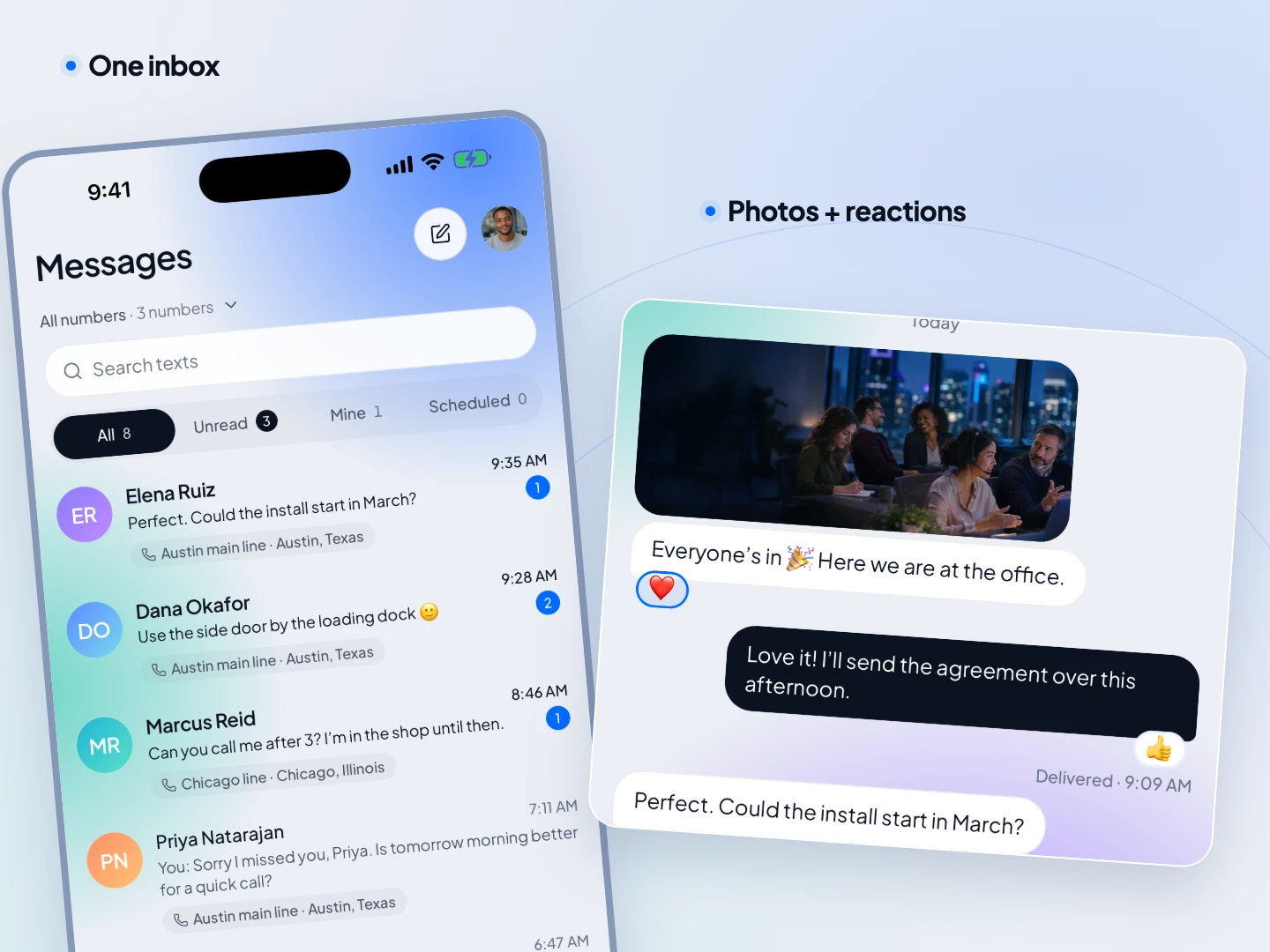
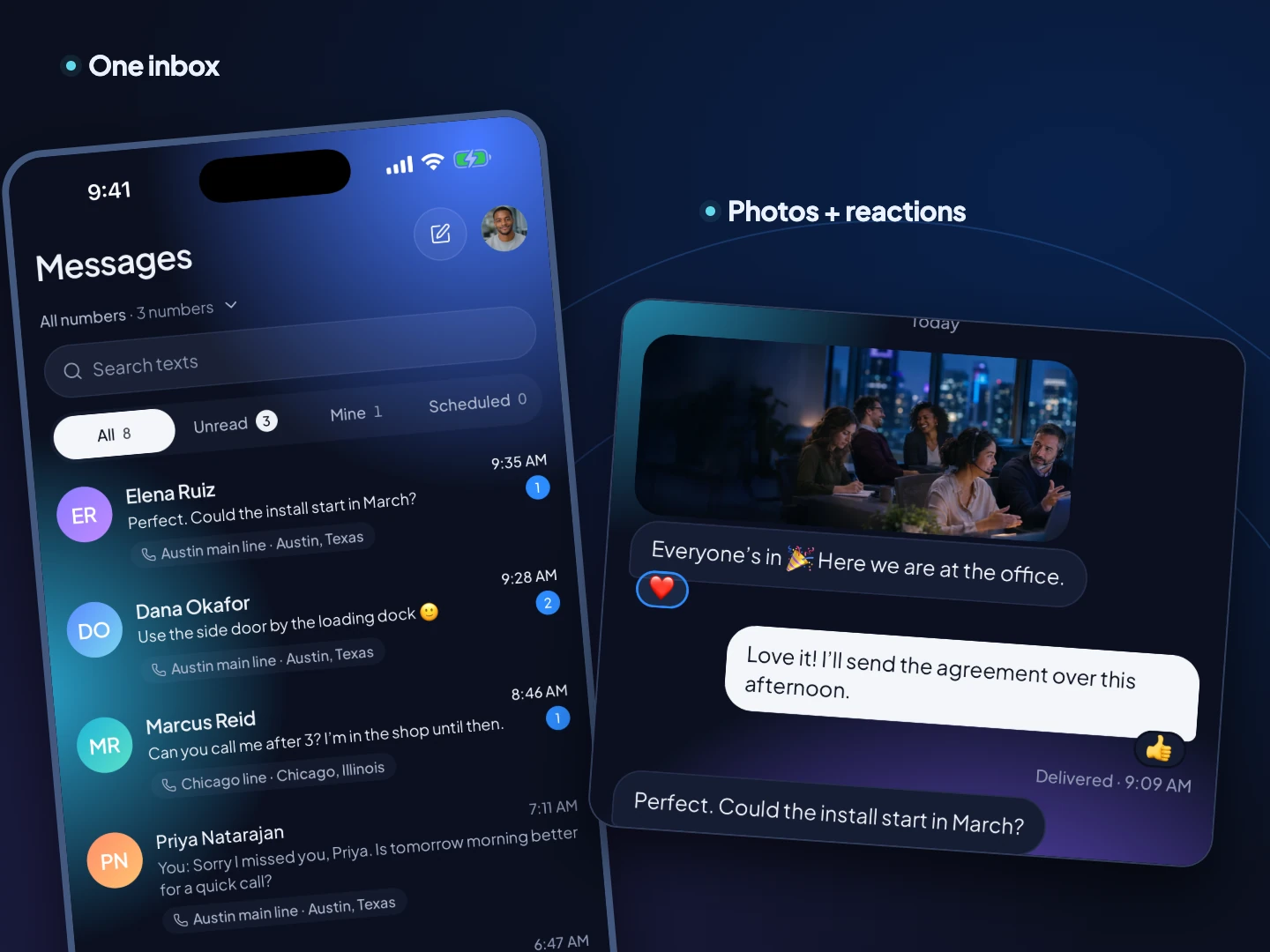
Every number's texts in one list, newest first, each tagged with its line. Replies from leads show up on their contact too, so your team sees the whole thread.

The TopReach messages inbox with conversations from several business numbers. Fictional sample data.The TopReach messages inbox with conversations from several business numbers. Fictional sample data.

Deals

Move deals from your pocket

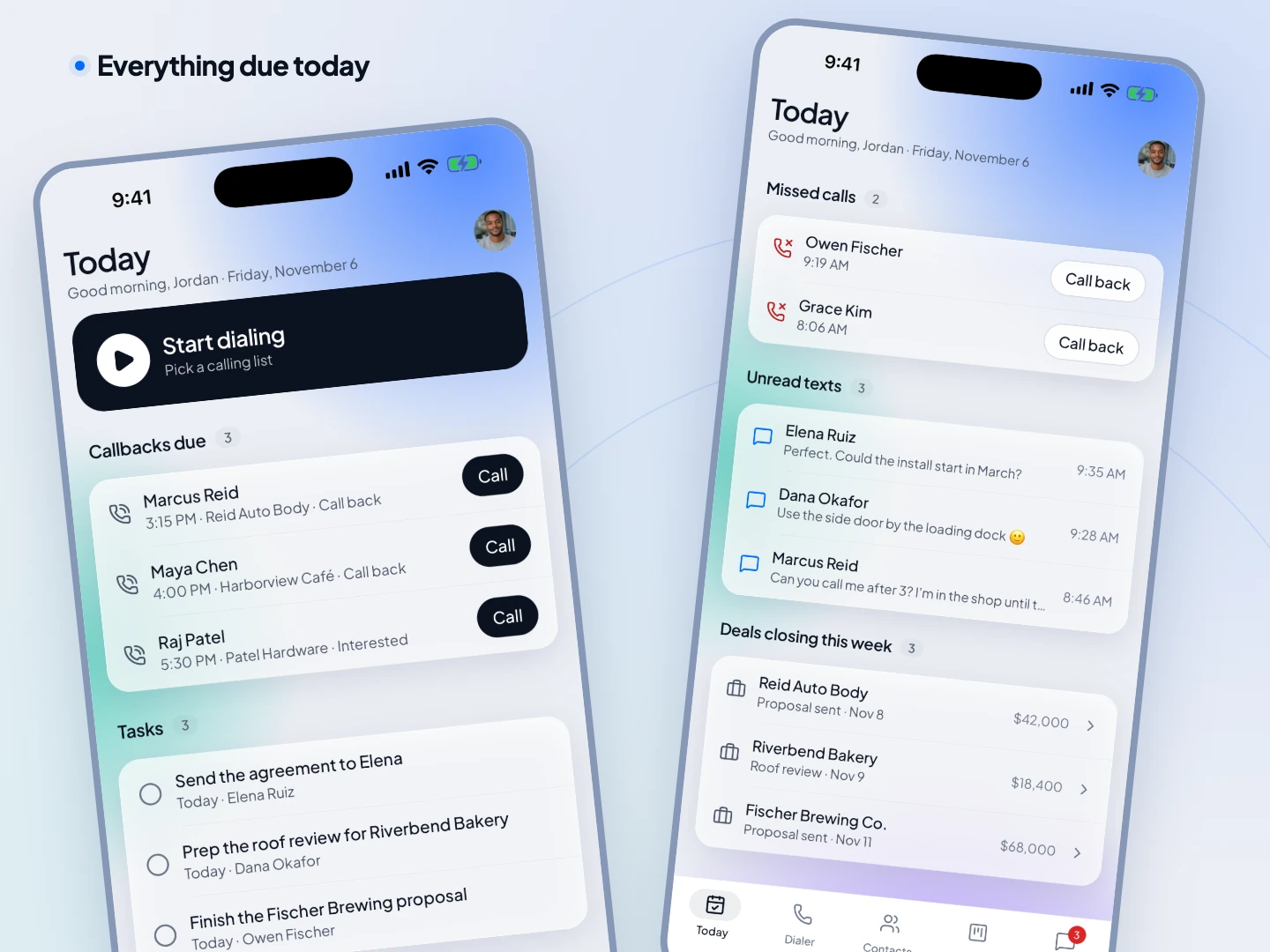
Change a deal's stage, value or close date in a tap after the call. Today shows the deals closing this week next to your callbacks and tasks.

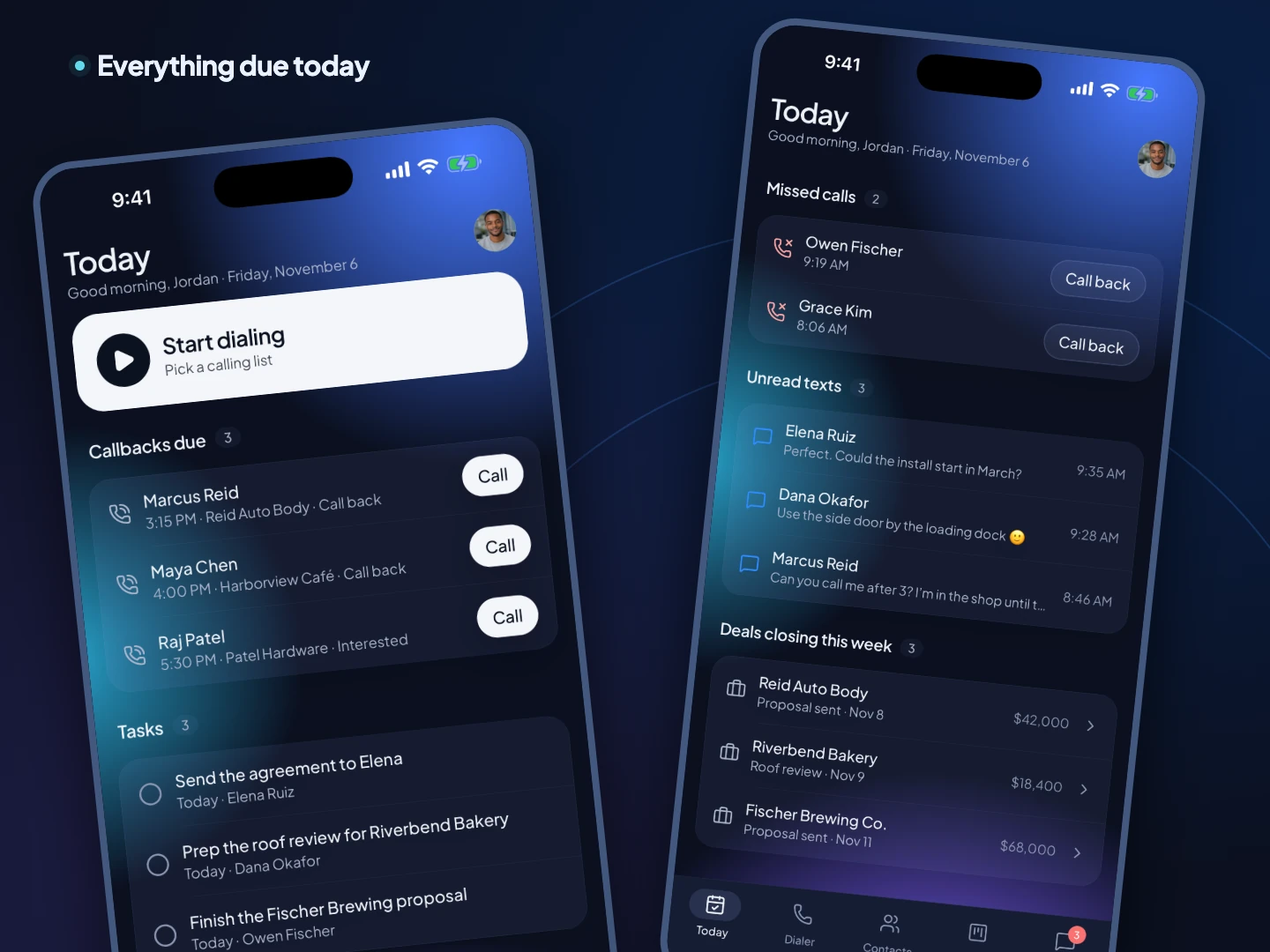
The TopReach Today screen with callbacks, tasks, missed calls and deals. Fictional sample data.The TopReach Today screen with callbacks, tasks, missed calls and deals. Fictional sample data.

Dialing

A dialer, not just a keypad

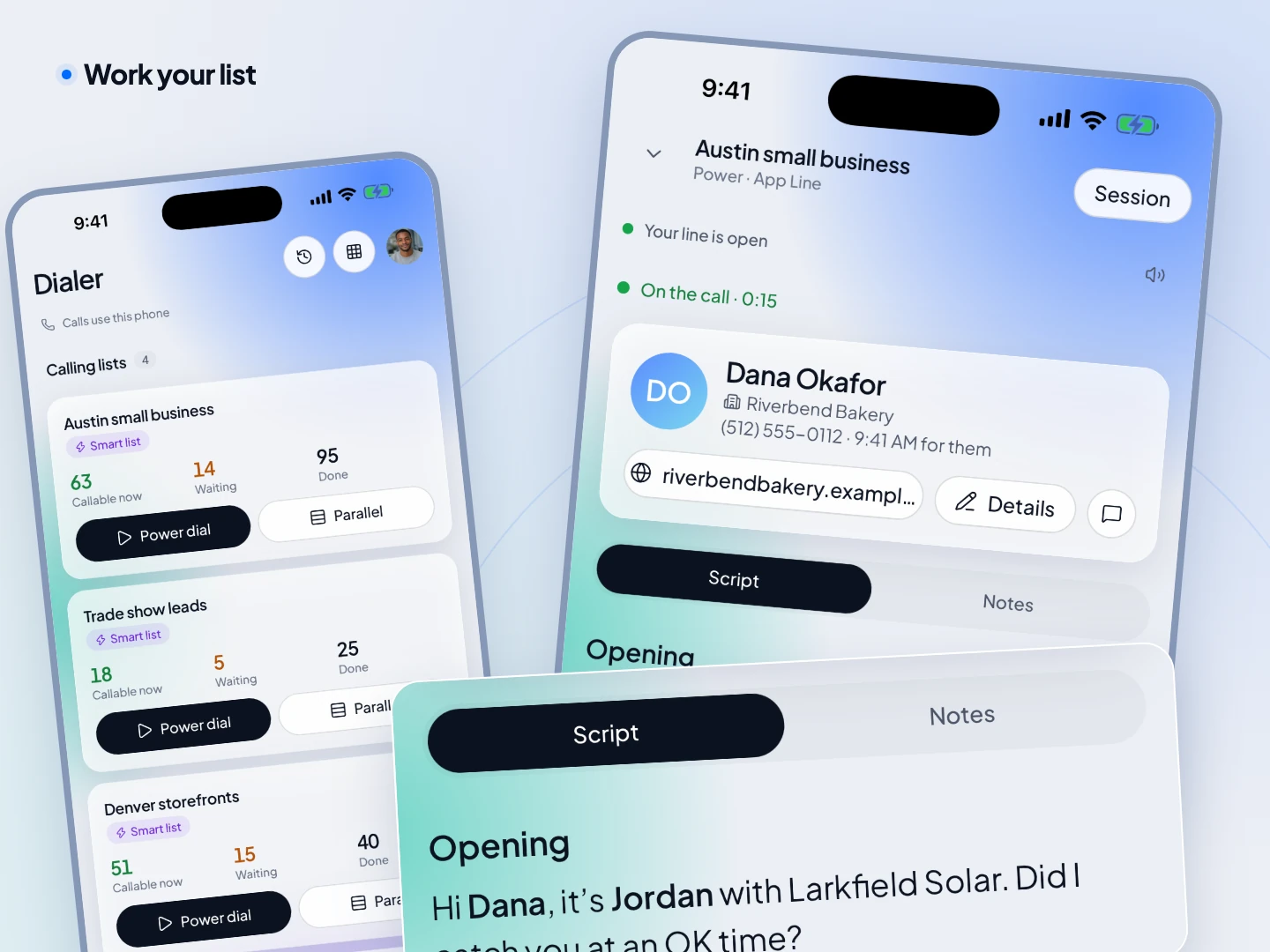
Run a call list in power mode, one lead after another, or parallel mode, several at once, with the script and lead card on the call screen.

Power dialer app →
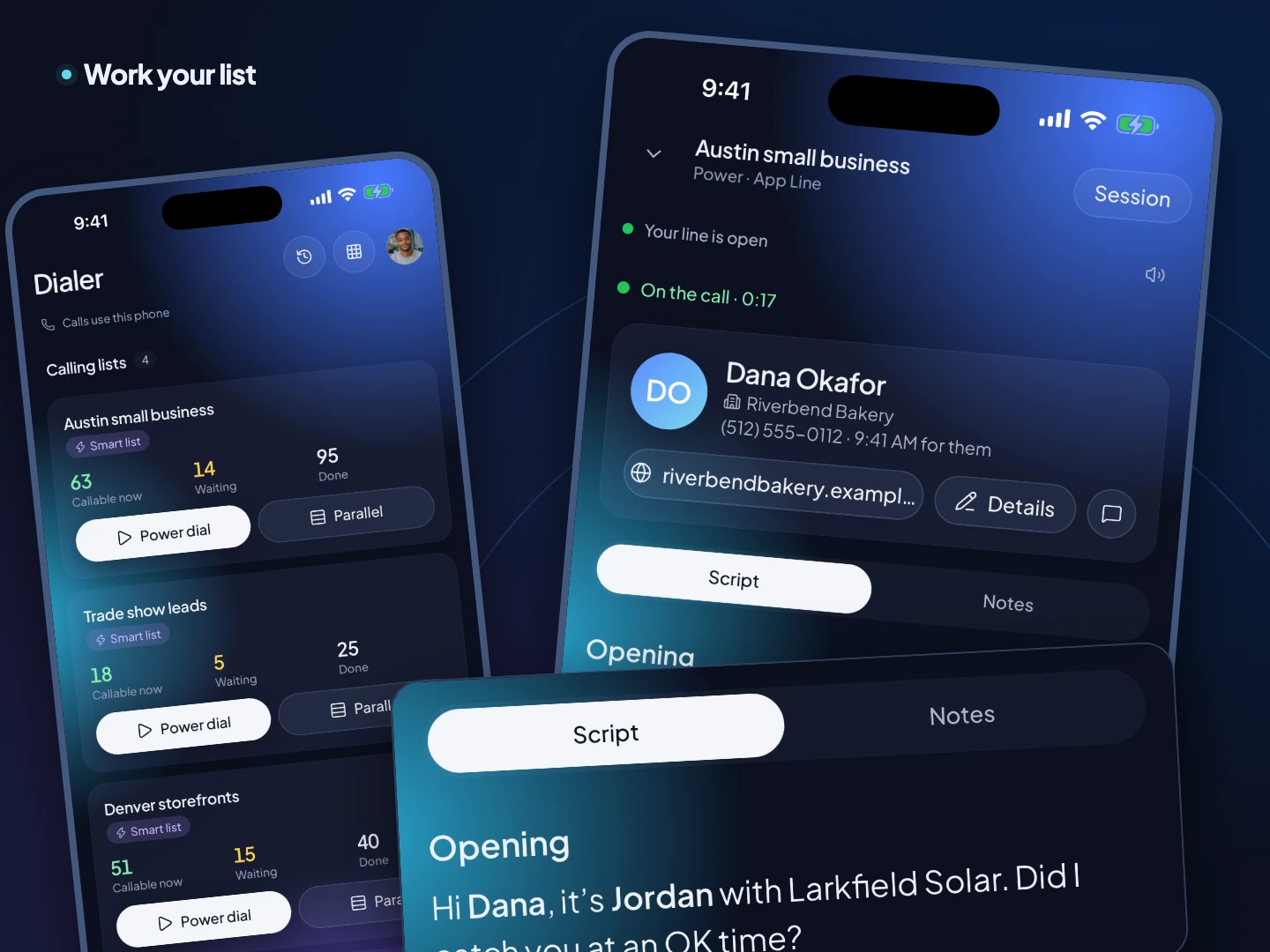
A TopReach power dialing session on a phone with the call script. Fictional sample data.A TopReach power dialing session on a phone with the call script. Fictional sample data.

Guide

What to look for in a business phone app with a CRM

Phone app plus integration, or one app?

A business phone app that integrates with a CRM logs calls into a separate system, usually through a connector you set up and watch. It works, and it's the right choice if you already run a CRM you love. When the connector misses a call or matches it to the wrong contact, someone fixes it by hand.

A CRM with the phone built in has no connector. The call happens inside the CRM, so it's on the contact the moment it ends. For teams that sell by phone, that's one login, one bill and nothing to keep in sync.

What should it do on the phone itself?

  • Call and text from business numbers, with your personal number private.
  • Show who's calling, with their history, before you answer.
  • Run a call list with a real dialer, not a list of numbers to tap.
  • Log outcomes, callbacks and notes in a tap.
  • Show deals and today's work without opening a laptop.

When is a phone system a better fit?

When most of your calls come in rather than go out. TopReach has no IVR menus, call queues or hold music for a support line. A phone system with routing handles that better, and many teams run one for support and TopReach for selling.

FAQ

Common questions

Yes. The TopReach app for iPhone and Android calls and texts from your business numbers and logs everything on the contact, next to their deals.

A sales team working together at dusk

One app for the call and the deal.

Start a 14-day free trial and sign in on your phone with the same account.

Updated