CRM for appointment setting

A CRM for appointment setters: book it, hand it off, get them to show.

TopReach is a CRM with a built-in power dialer, parallel dialer and two-way texting. Setters call and text leads, book them with a closer or a client, send the confirmation and reminder texts, and move each appointment from booked to showed or no-show, while managers see results for every setter.
  • ✓Power dialing for new leads, with each lead's last note on the call screen
  • ✓Booked, showed and no-show stages on a drag-and-drop pipeline
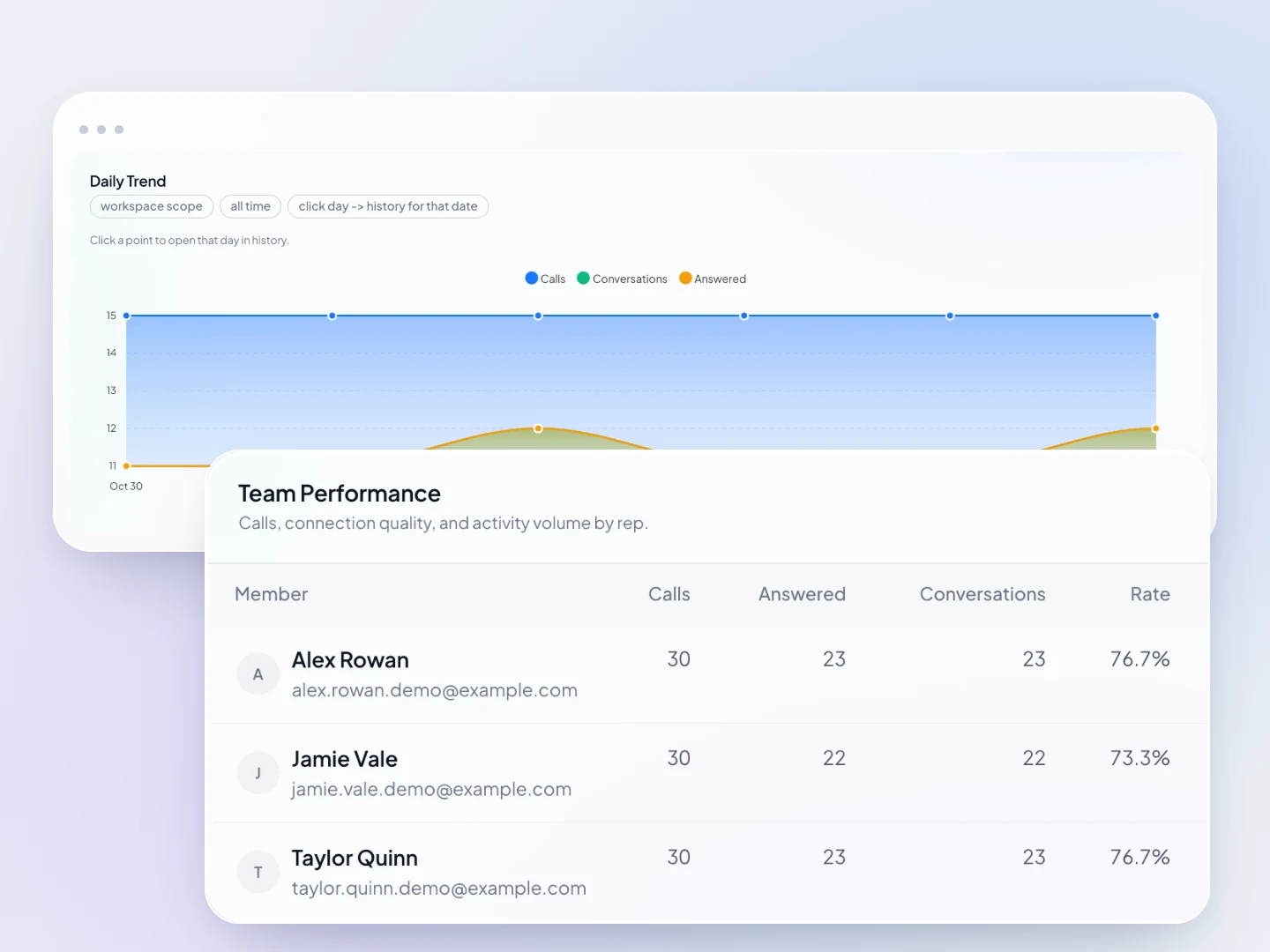
  • ✓Conversations and outcomes per setter, with leaderboards
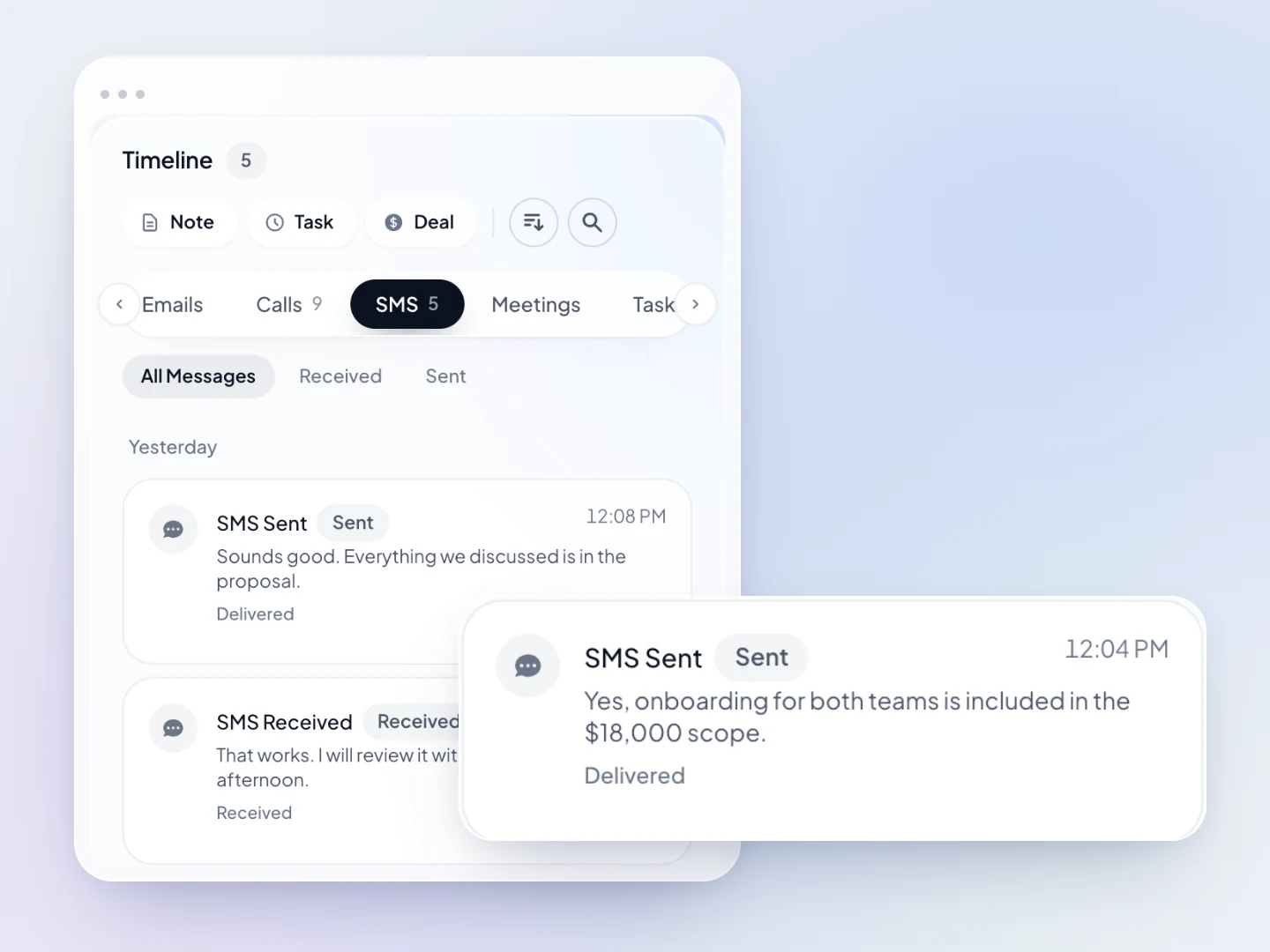
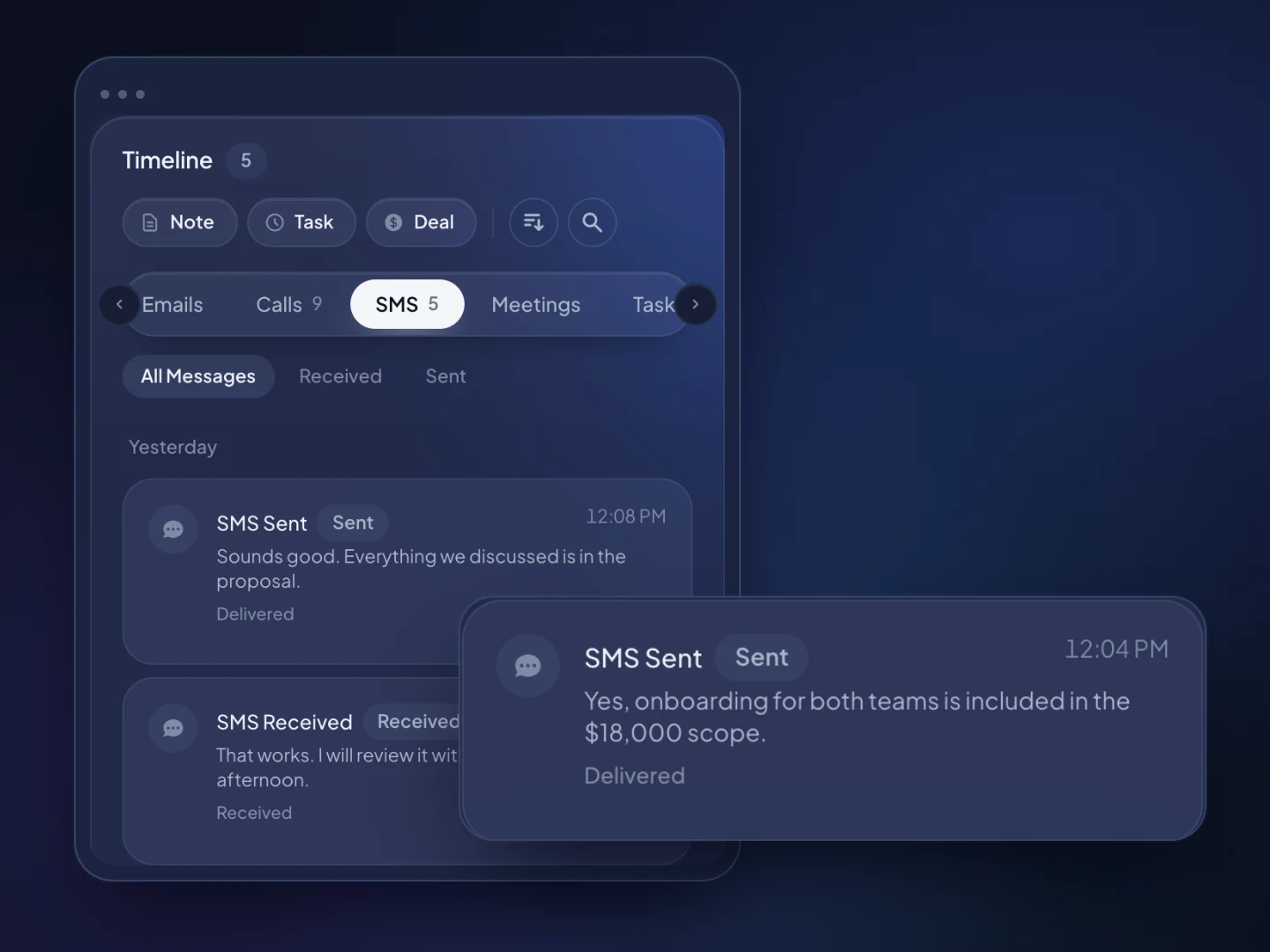
A text conversation and customer reply in the TopReach contact timeline. Fictional sample data.A text conversation and customer reply in the TopReach contact timeline. Fictional sample data.
Per seat / mo, or $49 billed yearly
$55
Phone licence per caller / mo, 3,000 minutes
$99
Per phone number / mo
$10

The setter's workflow

Everything between a new lead and a showed appointment

Call new leads fast

Power dial fresh leads one after another, with each lead's last note and next step on screen. Keep parallel mode for large aged lists you have consent to call.

A complete handoff to the closer

Qualifying answers go in custom fields, and every call, text, email and note sits on one timeline, so the closer starts the call knowing what the setter learned.

Confirmation and reminder texts

Setters text confirmations and reminders from your business number. Replies land in a shared inbox, so whoever is on shift can confirm or reschedule.

Booked, showed and no-show

Move each appointment across stages you name, such as Booked, Confirmed, Showed, No-show and Rescheduled, with the value at each stage.

Results for every setter

See conversations and outcomes per setter, with leaderboards. Managers can listen in on live calls, whisper to the setter or barge in.

Do-not-call and opt-outs for the team

One do-not-call list and texting opt-outs apply to every setter, so a lead who asks to stop isn't called again by someone else.

At a glance

What TopReach is
TopReach is a CRM with a built-in power dialer, parallel dialer and two-way texting. Appointment setters and setting agencies use it to call and text leads, book them with closers or clients, and track each appointment from booked to showed or no-show.
Best dialer mode for appointment setting
Power mode for fresh leads, confirmations and no-shows, because it calls one number at a time and never drops someone who answers. Parallel mode calls several numbers at once and drops one person when two answer, so it suits only large aged lists you have consent to call.
Setter to closer handoff
The setter records the qualifying answers in custom fields, adds a note, logs the call outcome and moves the deal to Booked. The closer opens the contact and sees every call, text, email and note on one timeline.
Confirmations and reminders
TopReach doesn't send appointment reminders on its own. Setters send confirmation and reminder texts from a shared inbox. A follow-up schedule on a list can send texts or emails on the days you choose after a missed call, but it isn't tied to the appointment time.
Pipeline stages
Appointments sit on a drag-and-drop pipeline with stages you name, such as New lead, Attempting, Booked, Confirmed, Showed, No-show and Rescheduled, and the pipeline shows the value at each stage.
Pricing
$55 a seat a month, or $49 a seat a month billed yearly. Each person who calls needs a $99-a-month phone licence, which covers every dialer mode and includes 3,000 minutes a month, and each phone number is $10 a month. A closer who doesn't dial needs only a seat. There is a 14-day free trial.
Compliance
Under the TCPA, autodialed or prerecorded calls and texts to cell phones generally need consent that covers the business the setter calls for, and the National DNC Registry and the TSR's 3% abandoned-call limit can apply. TopReach keeps an internal do-not-call list but doesn't scrub against the Registry. Canada adds the DNCL and CASL. Check with your counsel.
What TopReach doesn't do
TopReach has no booking links and no calendar sync, doesn't send appointment reminders unless a follow-up schedule is set, and has no web forms, lead routing or lead scoring. It doesn't sell leads. It has a public API with keys and webhooks for teams with a developer.

Manager view

Every setter's conversations and outcomes in one place

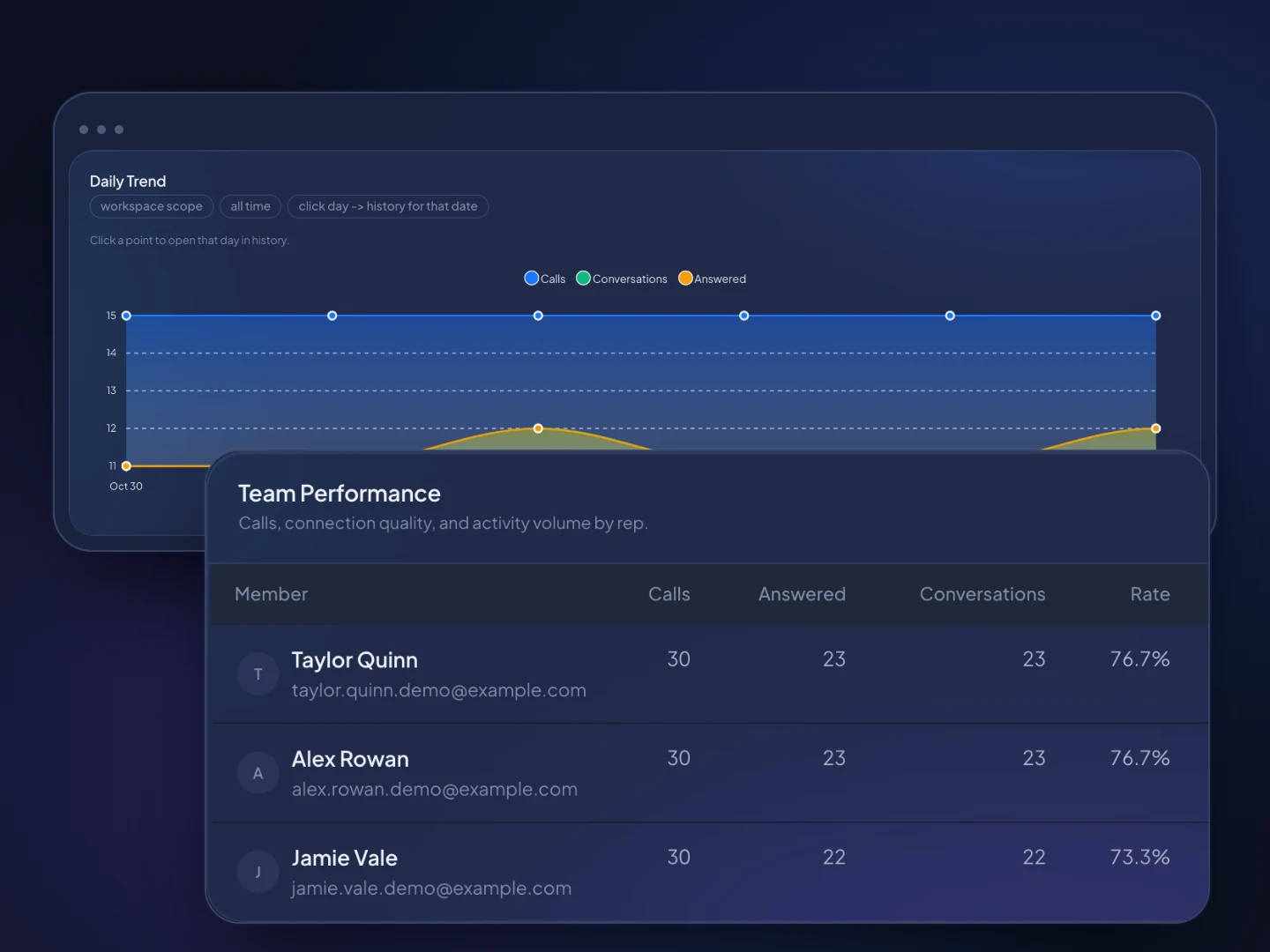
Daily calling trends and team performance in TopReach analytics. Fictional sample data.Daily calling trends and team performance in TopReach analytics. Fictional sample data.

How it works

From new lead to showed appointment

  1. 01

    Import and tag your leads

    Upload leads from a spreadsheet. TopReach finds the phone number in whichever column it's in, and you tag each lead with its source, offer and, for agencies, the client.

  2. 02

    Call, qualify and book

    Power dial new leads, record the qualifying answers in custom fields, book the time in the closer's or client's calendar and move the deal to Booked.

  3. 03

    Confirm, remind and mark the result

    Text the confirmation and reminders, then move the appointment to Showed or No-show, and get every no-show back on the phone to rebook.

Guide

How appointment setters book calls, hand them off and get them to show

A booked appointment only counts once the prospect shows up. This guide is for setters, setting agencies and in-house setter teams working with closers: how to hand off an appointment, how to book without booking links, how to raise the show rate, which stages and numbers to track, and which calling rules apply.

What does an appointment setter need from a CRM?

A setter needs a CRM that gets them to new leads fast, keeps every attempt and answer on the lead's record, hands a complete appointment to the closer and shows whether the appointment happened.

Setters book for coaches and consultants selling high-ticket programs, for solar and home-services companies booking in-home visits, and for B2B firms booking discovery calls. Some work for independent setting agencies paid per appointment or on retainer; others sit in an in-house team handing off to closers. The day looks the same either way: call new and aged leads, qualify them, book a time, confirm it and chase the no-shows.

TopReach puts the calls, texts and pipeline in one workspace. Use power mode for fresh leads, confirmations and no-shows, where a dropped call costs a booking, and parallel mode only for large aged lists. Leads arrive by spreadsheet import, which finds the phone number in whichever column it's in. TopReach has no web forms or lead routing, so if your offer depends on calling a form fill within minutes, plan how leads will reach your setters. If you have a developer, there's a public API with keys and webhooks.

How should a setter hand an appointment to a closer?

Put everything the closer needs on one record before the call, so the closer never asks a question the setter already asked.

In TopReach, the setter records the qualifying answers in custom fields, adds a short note, logs the call outcome and moves the deal to Booked. Every call, text, email and note is on the contact's timeline, along with call recordings if your workspace records. Agree in writing on what a qualified appointment means: closers judge setters on it and, for an agency, it's what the client pays for. A complete handoff covers:

  • How the prospect came in: source, offer and campaign.
  • Why they booked, in their own words.
  • The qualifiers your closer cares about, such as budget, timeline and decision-makers, or for solar, home ownership and the electric bill.
  • The appointment time in the prospect's time zone, and whether it's by phone, video or in person.
  • Who else must attend, such as a spouse or business partner.
  • Setter and Closer custom fields, so ownership is clear and each result is credited to the right person.

How do you book appointments without booking links or calendar sync?

Book in the closer's or client's own calendar while the prospect is still on the line, then record the time in TopReach. TopReach has no booking links and doesn't sync with outside calendars, so teams work around it:

  • Keep each closer's availability open in another tab, offer two specific times and book one during the call.
  • If the closer or client uses a scheduling tool, text its link from TopReach. TopReach won't know when the prospect books, so someone checks and moves the deal to Booked.
  • Agencies can ask each client for a fixed set of slots every week, so setters book without waiting for a reply.
  • Record the date, time and time zone in custom fields on the deal, and set a task or reminder for each confirmation text.

How do you raise the show rate?

Confirm straight after booking, remind close to the time, make rescheduling easy and call no-shows back quickly. In TopReach, the setter sends those texts; TopReach doesn't send appointment reminders on its own.

Texts go from your business number, and replies land in a shared inbox and on the contact's timeline, so whoever is on shift can confirm or reschedule. A follow-up schedule on a list can send a text or an email on the days you choose after an unanswered call, which suits leads you haven't reached and no-shows you're rebooking, but it isn't tied to the appointment time. Set expectations on the booking call too: how long it takes, who'll be there and what to have ready. A routine to start from:

  • Right after booking: a confirmation text with the date, time, time zone, the closer's name and how to join.
  • The day before: a reminder that asks for a reply, so you know who's coming.
  • Shortly before: a short reminder with the call link or address.
  • No reply: a call from the setter, not another text.
  • No-show: call within the hour, offer two new times and move the deal to No-show or Rescheduled.

What pipeline stages should an appointment setting team use?

Use stages that each change on an event you can check, so booked, showed and no-show are facts rather than opinions.

In TopReach, deals move along a drag-and-drop pipeline with stages you name, and the pipeline shows the value at each stage. Give each deal a value that means something to you: the client's fee per showed appointment for an agency, or the expected sale for an in-house team. A typical set:

  • New lead: imported, not yet called.
  • Attempting: called, no conversation yet.
  • Contacted: spoke with them, not booked.
  • Booked: a time is agreed with a closer.
  • Confirmed: they replied to a confirmation or reminder.
  • Showed: the appointment happened. Have the closer, not the setter, move it here, which keeps the count honest when setters are paid per show.
  • No-show: missed it, and back with the setter to rebook.
  • Rescheduled, then Won or Lost after the closer's call, and Disqualified with the reason.

Which numbers should you track for each setter?

Track conversations, appointments booked, appointments showed and show rate for each setter, and use dials to explain those numbers rather than replace them.

TopReach shows conversations and outcomes per rep, with leaderboards, and the outcome a setter logs on a call, such as Appointment set, counts toward their results. Booked, showed and no-show come from the pipeline, credited through the Setter field on each deal. Show rate is showed divided by booked, leaving out appointments still to come. What each number tells you:

  • Conversations per hour of calling: is the setter reaching people?
  • Booked per conversation: are the opener and the qualifying working?
  • Show rate: are confirmations and expectations working?
  • Close rate on showed appointments: is the setter booking people who fit? Ask the closers.
  • For agencies, showed appointments per client per week, the number most clients pay for.

What rules apply when setters call and text leads?

Setters call and text people about a sale, so telemarketing rules apply, and consumer leads for solar, home services or coaching carry more of them than business leads. This is general information, not legal advice.

TopReach keeps an internal do-not-call list and handles texting opt-outs across every setter, but it doesn't scrub against the National Do Not Call Registry, so scrub lists before you import them.

  • Consent: under the TCPA, autodialed or prerecorded calls and texts to cell phones generally need prior express consent, and written consent for marketing. The consent on a lead form has to cover the business you're calling for, which matters when an agency calls for a client or works aged leads.
  • Reminder texts: a reminder about an appointment someone booked is usually treated differently from a sales text, but it still needs the right consent, and adding a pitch can make it marketing.
  • Do-not-call: consumer sales calls must be checked against the National DNC Registry unless an exemption applies, and lists you keep calling must be re-checked at least every 31 days. Most B2B calls are exempt from the TSR, but personal cell phones can bring the rules back in.
  • Agencies and clients: under the TSR, the agency can be the telemarketer and the client the seller, and both can be liable, so agree in writing who keeps consent records and the do-not-call list.
  • Parallel dialing: the TSR limits abandoned calls to 3% of calls answered by a live person, per campaign over each 30-day period.
  • States: mini-TCPAs in Florida, Oklahoma and other states add stricter consent, calling-hour and call-frequency rules, and states such as California and Florida require every party's consent to record a call.
  • Canada: the National DNCL and the CRTC's telemarketing rules cover sales calls, and CASL requires consent, identification and an unsubscribe option in commercial texts and emails.
  • Before you take on a new client or offer: confirm the consent, scrub the list and check with your counsel.

FAQ

Questions about a CRM for appointment setting

It's a CRM built around the setter's day: calling and texting leads, recording qualifying answers, booking appointments, handing them to a closer and tracking whether each one showed. TopReach does this with a built-in dialer, two-way texting and a pipeline with stages such as Booked, Showed and No-show.

A sales team working together at dusk

Run your setters, handoffs and show rate from one workspace.

Start a 14-day free trial, import a lead list and set up your Booked, Showed and No-show stages, or book a walkthrough with our team.