Submittals on one pipeline
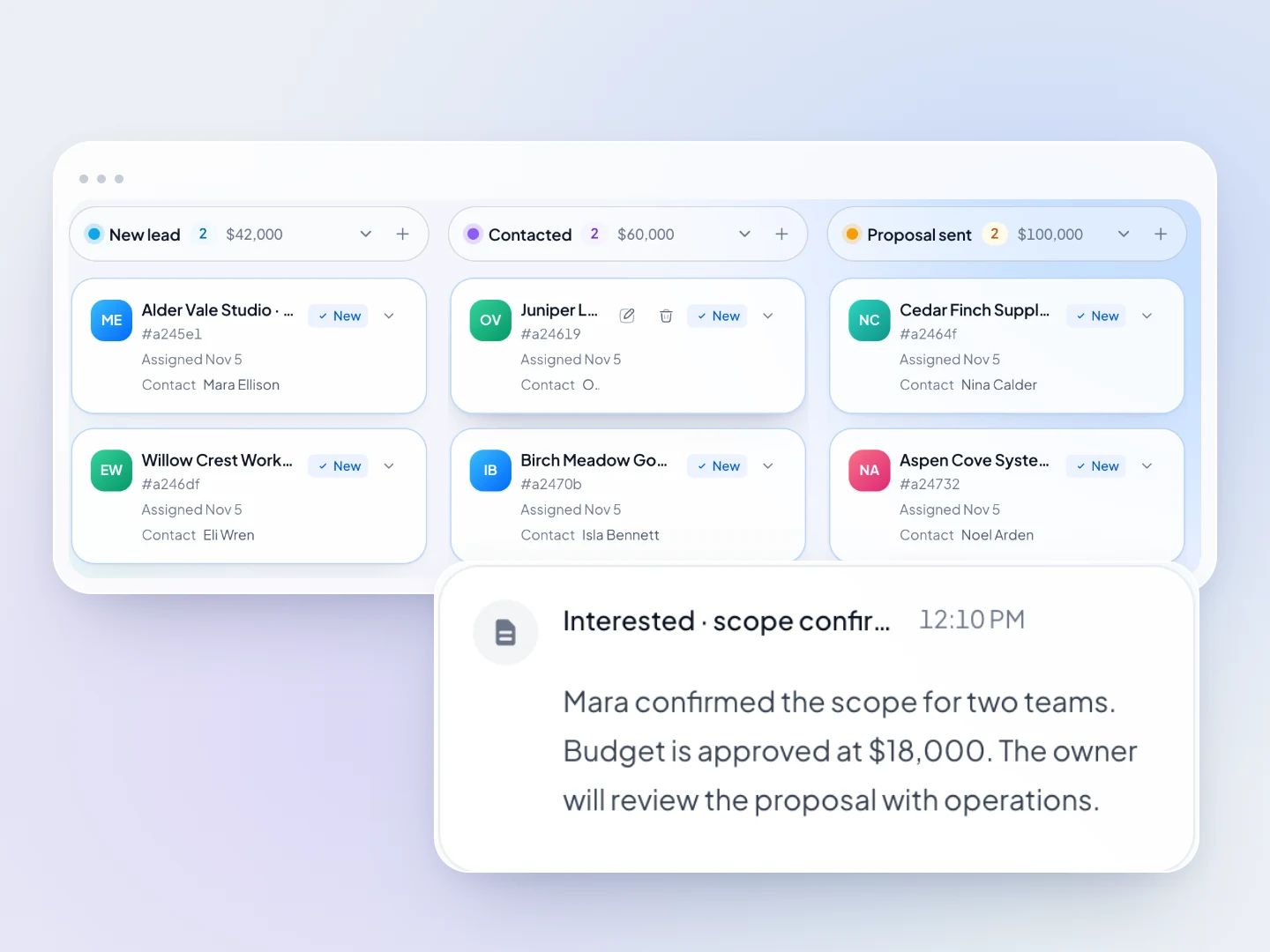
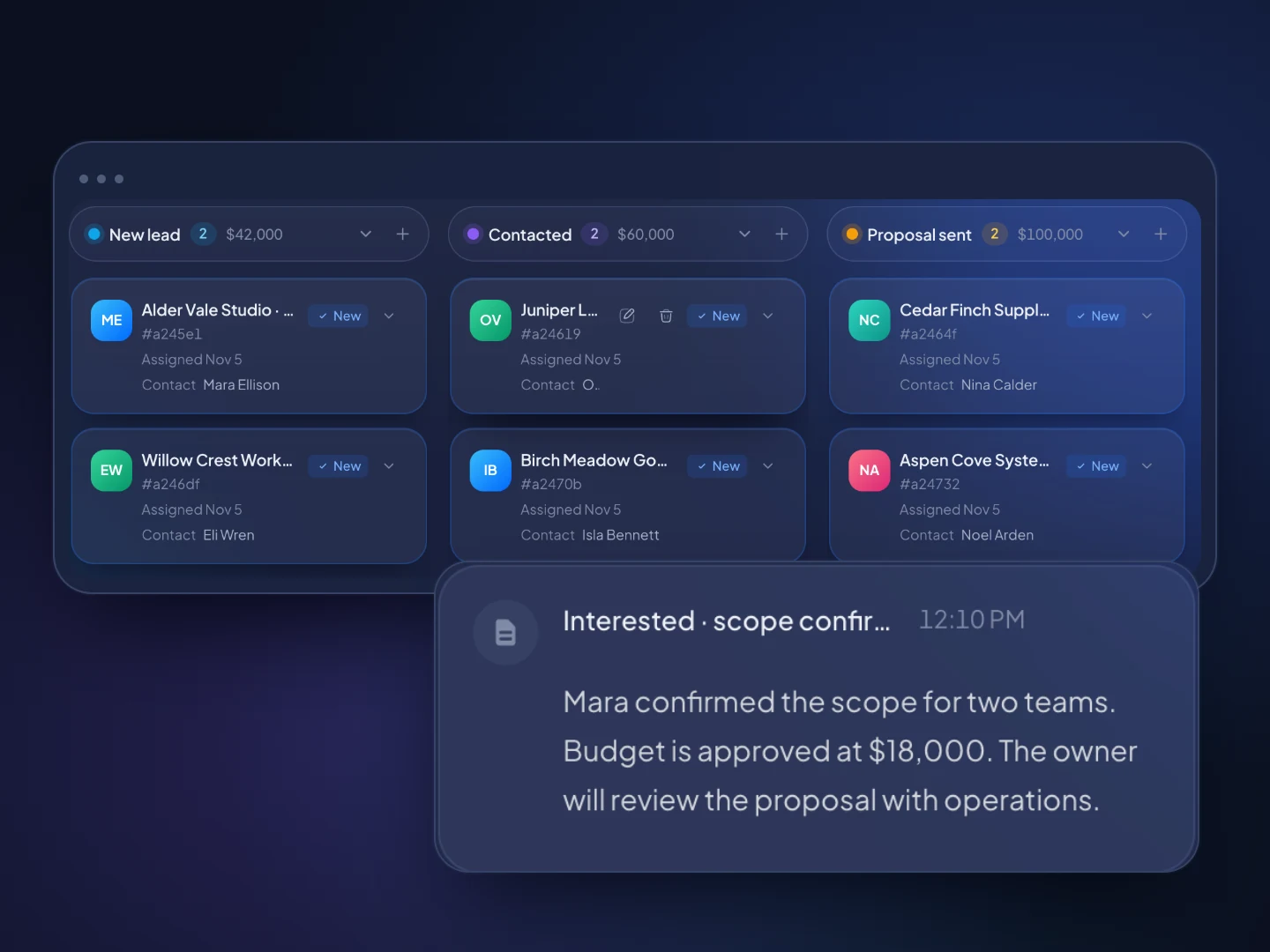
Put each candidate submitted to a role on the deals pipeline, with stages from Submitted to Placed and the expected fee as its value.
CRM for recruiting agencies
TopReach is a CRM with a built-in power dialer, parallel dialer and two-way texting for recruiting and staffing agencies. Recruiters call and text candidates, run business development calls to hiring managers and track each submittal to placement, with every conversation saved to the contact's timeline.
Built for recruiters
Put each candidate submitted to a role on the deals pipeline, with stages from Submitted to Placed and the expected fee as its value.
Every call, text, email and note lands on the candidate's timeline, with custom fields and tags for skills, location and availability.
Call through candidate and client lists one number after another, or several at once for high-volume roles, on a $99 phone licence per caller.
Text candidates from your business number. Replies land in a shared inbox and on the candidate's timeline.
Tag target companies and hiring managers by BD stage and work them from dynamic call lists in the same workspace.
When a call goes unanswered, TopReach can drop a voicemail, then send a text or email on the days you choose.
Recruiter view
How it works
Upload a spreadsheet. TopReach finds the phone number in whichever column you used, and custom fields and tags hold skills, availability and BD stage.
Build dynamic lists from tags, start the dialer and work down them. Unanswered calls get a voicemail and a text or email on the days you set.
Move each submittal from Submitted to Placed and Started, with the fee as its value, and see what's in play at every stage.
Guide
Agency recruiting is two sales jobs at once. You sell roles to candidates, and you sell your agency to the companies that hire. Both run on calls and texts. This guide covers how an agency desk works the phones, how to track candidates and placements without an ATS, what to put in custom fields and tags, how often to follow up, which dialer mode to use and the rules to check before you call.
It splits into candidate calls and client calls, and most agency recruiters make both. A recruiter who handles both sides is often called a 360 or full-desk recruiter. Larger agencies split the work between recruiters, who manage candidates, and account managers or business developers, who win and manage clients.
The candidate side is sourcing calls, screening calls, interview prep and debriefs, offer and resignation conversations, and check-ins after the start date. The client side is business development calls to hiring managers, taking job orders, presenting candidates and chasing interview feedback.
Texting is part of both. Plenty of candidates can't take a call at their desk but can answer a text, so a quick text to set a time often gets further than calling cold.
No. TopReach is a CRM with a built-in dialer and two-way texting, not an applicant tracking system. It doesn't post jobs, host a careers page, parse resumes or store documents, and it has no built-in integration with ATSs, job boards or LinkedIn.
That suits agencies whose recruiting is mostly outbound: you find people, call them and move them toward a placement. A small agency running its desk from a spreadsheet and a phone can replace both with one system. If you depend on inbound applications from job ads, keep your ATS for those and use TopReach for the calling, texting and follow-up.
Contacts come in from a spreadsheet import. Export candidates or clients to a CSV from wherever they live now and import it; TopReach finds the phone number in whichever column the file uses.
Keep every candidate as a contact, describe them with custom fields and tags, and put only live submittals on the pipeline. If every sourced name goes on the pipeline, the board fills with people you've never spoken to and stops showing where the money is.
Use custom fields for details you sort and match on: current title, target role, location and commute or remote preference, desired salary, notice period or availability date, the role they're submitted to, a link to their resume and the recruiter who owns them. Use tags for groups and status that change often: skill sets and industries, Available now, Interviewing elsewhere, and Off-limits for people you've placed, so nobody recruits them out of a client. Keep the set short enough that recruiters fill it in on every call.
Dynamic lists then fill themselves from rules on those fields and tags. A list of every candidate tagged Accounting and Available now is a ready-made call list the day a new accounting job order comes in.
In TopReach, each deal on the pipeline can be one candidate for one role, with the expected fee as its value. The pipeline shows the value at each stage, so you can see fees at Offer and fees earned at Placed. A typical set of stages:
Run business development as its own calling block with its own list, apart from candidate calls. The people, the asks and the follow-up are different, and BD calls mixed into a candidate list tend to get skipped.
Add target companies and their hiring managers, and tag them by BD stage, such as BD target, Spoke, Meeting booked, Terms sent and Client. Tags used this way work as simple business development stages, and a dynamic list of everyone tagged BD target becomes the week's call list. Once terms are signed, a custom field can hold your fee and guarantee terms.
The strongest BD call is usually about a person, not your agency. Calling a hiring manager about one strong candidate, with that candidate's permission, gives them a reason to talk. Recruiters call this a most placeable candidate, or MPC, call. Won clients send job orders, and job orders feed the candidate side.
Follow up on a set rhythm for each kind of contact, and keep submitted candidates updated even when there's little news. Candidates who hear nothing after a submittal start taking other interviews.
Use power mode for most recruiting calls. It calls one number after another, so whoever answers reaches a recruiter, with their record and last note on screen. When a call goes unanswered, TopReach can drop a voicemail, then send a text or an email on the days you choose, and it tracks every touch so nobody gets the same message twice.
Parallel mode calls several numbers at once and connects the recruiter to whoever picks up. It suits high-volume staffing, such as warehouse, light industrial or call center roles, when you're working a large list of candidates you haven't spoken to in a while and most calls go unanswered. When two people answer at once, one gets dropped. That's acceptable on a big cold list and wrong for submitted candidates and hiring managers, so keep those in power mode.
Both modes come with the one $99-a-month phone licence, so you can choose list by list.
Calling and texting rules apply to recruiters, and candidate data brings rules of its own. This is a general overview, not legal advice, so check with your counsel.
FAQ

Start a 14-day free trial, import your candidates and clients and make your first calls, or book a walkthrough with us.