Guide
How home-services companies follow up on estimates and win repeat work
For roofing, HVAC, plumbing and remodeling companies, a lot of revenue depends on calls made after the first visit: the estimate that needs a callback, the maintenance plan coming up for renewal, the customer you haven't heard from in two years. This guide covers which calls to make, the pipeline stages and fields to set up, a follow-up cadence for estimates, how to plan around the seasons, how to ask for reviews by text, which dialer mode to use and the rules on calls and texts.
Which calls should a home-services company make?
Four kinds of outbound calls do most of the work: estimate follow-up, maintenance-plan renewals, past-customer reactivation and seasonal campaigns. Review requests, usually sent by text, round them out. Each has its own list and goal, so run them as separate call lists.
This guide is about the calls you make, not the ones you answer. Booking, dispatch and invoicing stay in your field-service software, and TopReach handles the calling, texting and follow-up around them.
- Estimate follow-up: every homeowner who got a price and hasn't said yes. It's often the most valuable list you have, because the homeowner already wanted the work done.
- Maintenance-plan renewals: members whose plan is about to lapse, plus booking their next tune-up.
- Reactivation: past customers who haven't booked in a year or more, called with a specific reason.
- Seasonal campaigns: tune-ups before the heating and cooling seasons, roof checks for existing customers after a storm, and remodel planning before the busy months.
- Review requests: a text after every finished job.
How do you follow up on an estimate?
Follow up on every open estimate on a fixed schedule, starting the same day. Many homeowners collect more than one bid, and the contractor who answers questions quickly and checks in on time is easier to say yes to.
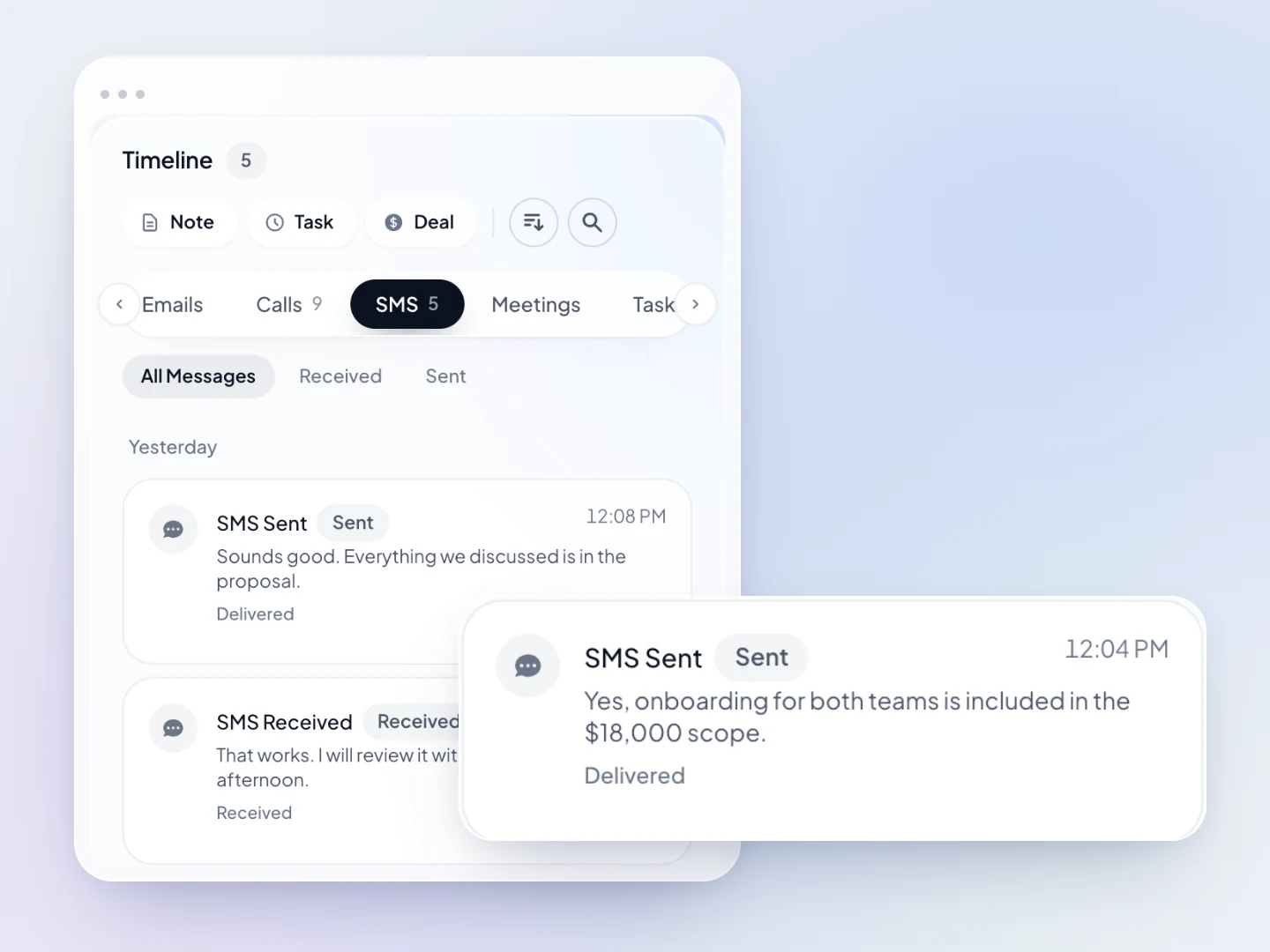
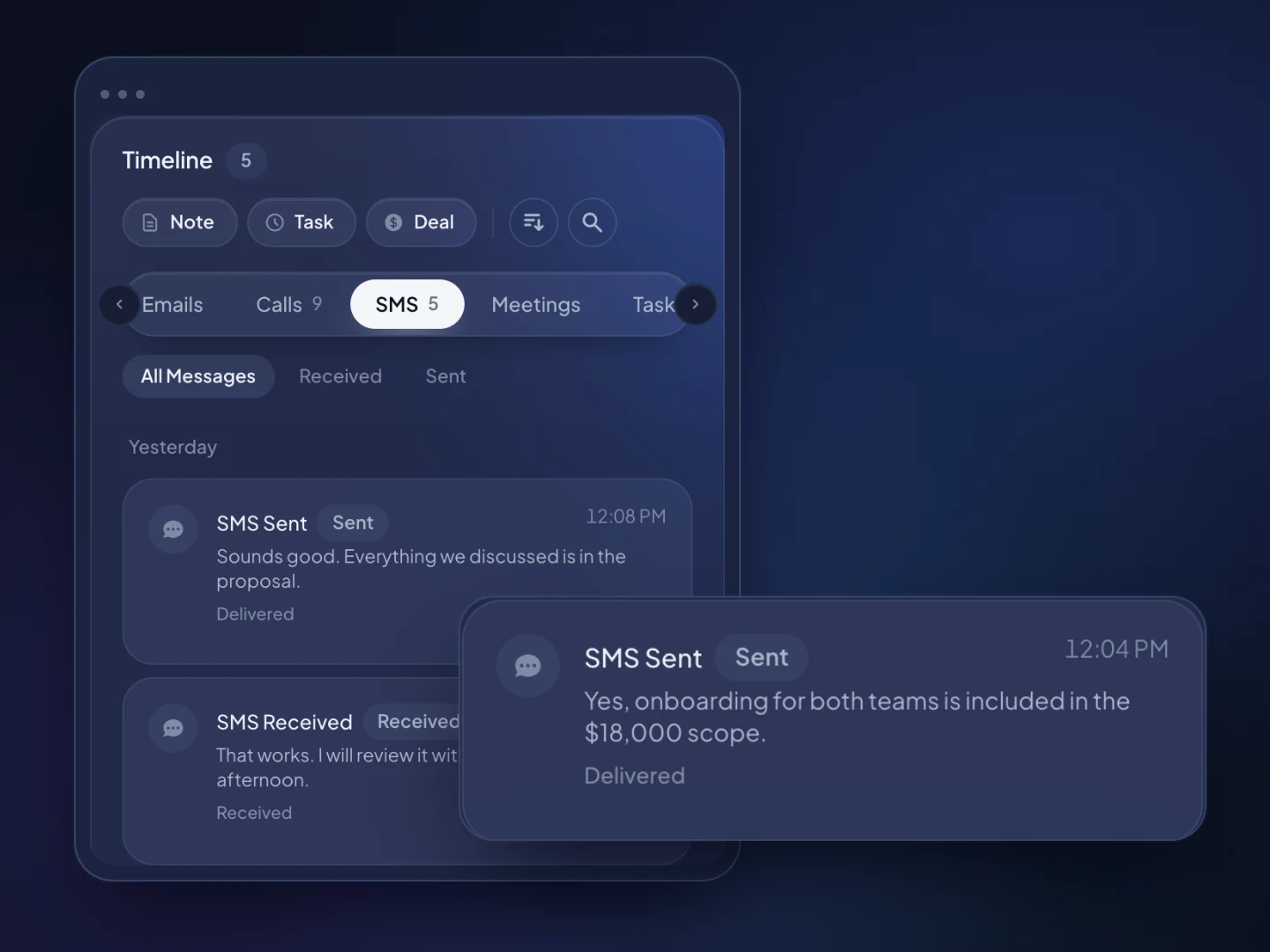
When a homeowner doesn't answer, TopReach can drop a voicemail, then send a text or an email on the days you choose, and it tracks every touch so nobody gets the same message twice. Every call, text and note lands on the customer's timeline, so the office and the estimator see the same history.
When an estimate is lost, record why: price, another company, decided not to do it, or timing. Over a season, those reasons tell you whether you have a pricing problem or a follow-up problem.
- Same day: a text thanking them, with the estimate amount and who to contact with questions
- Day 2: a call to answer questions and ask what they think of the scope
- Day 5 to 7: a call about whatever is holding them back, such as price, financing, timing or another bid
- Day 14: a direct call asking whether they want to go ahead
- After that: monthly, and again before the season the work belongs to
What pipeline stages, fields and tags should a contractor use?
Keep the stages close to how a job is sold: New inquiry, Estimate scheduled, Estimate sent, Following up, Sold and Lost. Roofers working insurance claims often add Inspection done and Claim approved. Put the estimate amount in the deal value, and the pipeline shows the dollar value at each stage, so open estimates are visible at a glance.
Custom fields hold the facts a rep needs before the call connects, and tags group customers into call lists:
Then build call lists from those fields and tags. A dynamic list fills itself from rules, so a list of plan members tagged renews-march builds itself, and a saved list works for a one-off, such as customers on the streets a hailstorm went through.
- Service type: roof replacement, repair, HVAC replacement, tune-up, water heater or remodel
- Estimate amount, estimate date and estimator
- Equipment type and age, or roof age, from the visit
- Maintenance plan status and renewal month
- Last service date
- Lead source, such as referral, search, yard sign or home show
- Tags such as estimate-open, plan-member, plan-lapsed, review-requested and storm-2026
How do you plan calls around seasonal demand?
Do your outbound calling in the slower weeks, so the busy season fills with booked work instead of emergencies you can't staff. When the first heat wave or cold snap hits, the phones ring on their own and nobody has time to make calls.
Maintenance-plan renewals follow the same logic. Call members a month before their plan renews, book the next tune-up on the same call and text a confirmation. Tag members by renewal month so each month's list is ready, and move anyone who lets the plan lapse onto a reactivation list.
For reactivation, call with a reason: a seasonal check, a look at older equipment or work you recommended last time. A specific reason gives the customer something to say yes to.
- Late winter: book spring AC tune-ups and call last year's open remodel estimates
- Spring: roof checks for past customers, and estimates that stalled over the winter
- Summer: fast follow-up on AC replacement estimates, while the heat keeps the problem urgent
- Late summer and fall: furnace tune-ups, and calls to customers with older heating equipment before winter
- Winter: water heater and frozen-pipe work for plumbers, and remodel planning calls for spring
How do you ask for reviews by text?
Text every customer a review request the day the job is finished, with a direct link to your review page. A text is easy to act on from a phone, and the job is still fresh in their mind.
Ask every customer, not just the happy ones. Google's policies prohibit selectively asking for positive reviews and offering incentives for reviews, and the FTC's rule on consumer reviews bars incentives that depend on the review being positive. Tag each customer review-requested so nobody is asked twice.
- Send it the same day, from the number the customer already knows
- Name the technician or crew and the job, so it reads as personal
- Send one reminder a few days later if there's no review, then stop
- Answer replies from the shared inbox, and call unhappy customers back
Should a home-services company use a power dialer or a parallel dialer?
Use power mode. Most home-services calls go to people who already know you: open estimates, plan members and past customers. Power dialing calls one number after another, so whoever answers reaches someone in the office, and the call screen shows the customer and your last note.
Parallel dialing calls several numbers at once and connects the rep to whoever picks up. When two people answer at once, one gets dropped. That's acceptable on a big cold list and wrong for customers, so many home-services teams won't need it. The one place it can fit is a large list of customers you haven't served in years, where most numbers won't answer, and even then the 3% abandoned-call limit under the Telemarketing Sales Rule applies.
Both modes come with the same $99-a-month phone licence. Office managers can listen in live on a new rep's calls, review recordings and compare conversations and outcomes per rep on leaderboards.
What rules apply to calling and texting customers?
Calling and texting your own customers is easier than cold calling, but the rules still apply, and they treat sales calls, job updates and marketing texts differently. This is a general overview, not legal advice; check with your counsel.
- National Do Not Call Registry: an established business relationship generally lets you call a registered number for 18 months after the customer's last purchase and 3 months after an inquiry, such as an estimate request. Past that, scrub against the registry, and do the same before cold calling a neighborhood.
- Your own do-not-call list: honor every request to stop calling or texting. TopReach keeps a do-not-call list and handles texting opt-outs across the whole office.
- Texts and prerecorded messages: under the TCPA, autodialed or prerecorded marketing calls and texts to cell phones generally need prior express written consent, and a dropped voicemail is a prerecorded message. Job texts such as appointment confirmations need less, but ask for permission to text when you book the job and keep a record of it.
- State laws and recording: some states have their own telemarketing laws with stricter rules, and some require everyone on a call to agree before it is recorded.
- Canada: the National Do Not Call List and CRTC rules cover calls. Under CASL, an existing business relationship gives implied consent for commercial texts and emails for two years after a purchase and six months after an inquiry.