A pipeline for new business
Track each prospect from first call to signed retainer on a drag-and-drop pipeline, with the value at every stage.
CRM for marketing agencies
TopReach is a CRM with a built-in power dialer, parallel dialer and two-way texting. Agencies use it to call prospects for their own new business, and to run appointment setting and lead follow-up for clients, with every call, text and follow-up tracked in one workspace.
Built for agencies
Track each prospect from first call to signed retainer on a drag-and-drop pipeline, with the value at every stage.
Import a client's leads, tag them by client and campaign, and work them from dynamic call lists that shrink as people book.
Owners, managers and callers each get a role. Managers can listen in live and review call recordings.
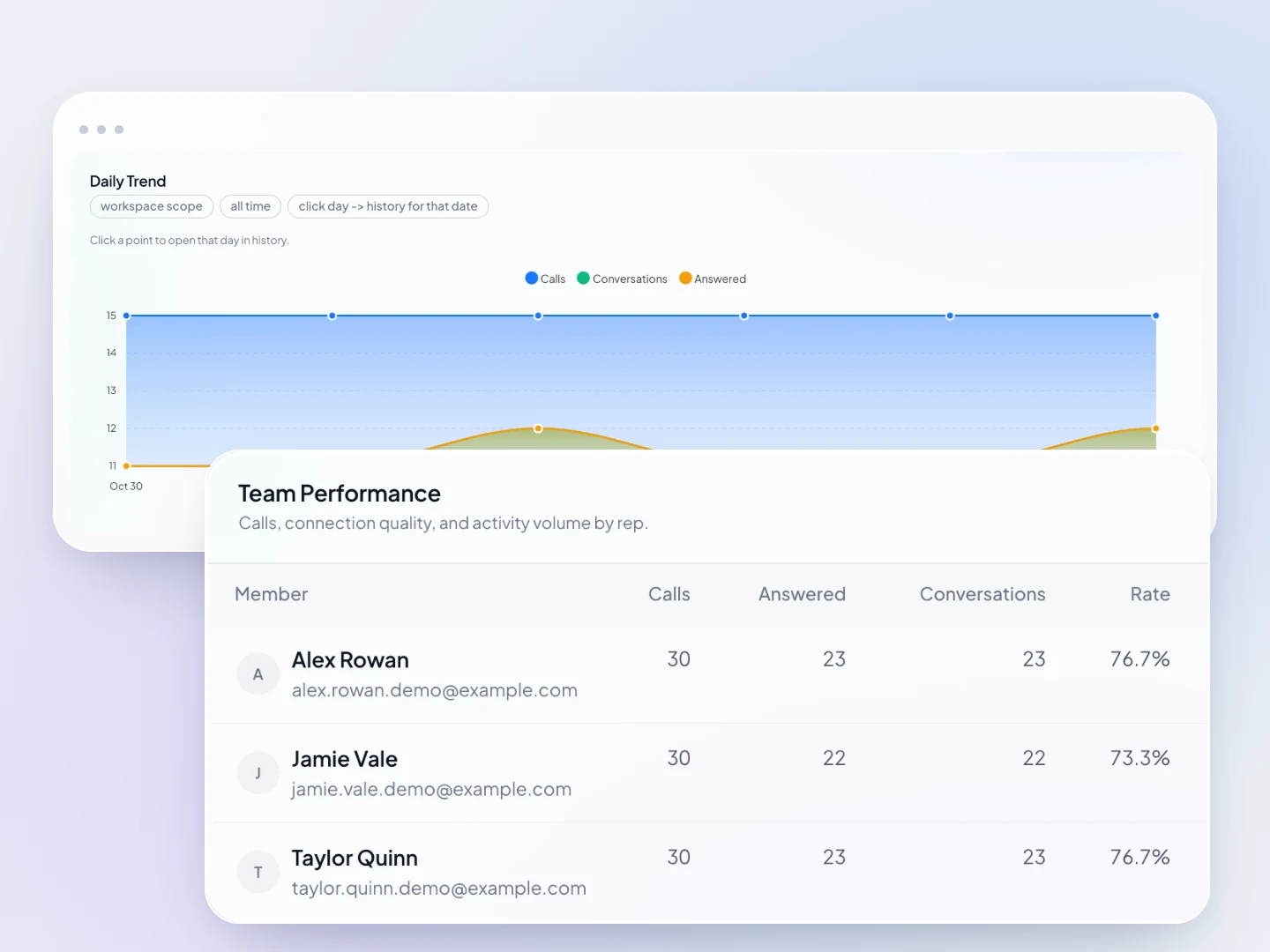
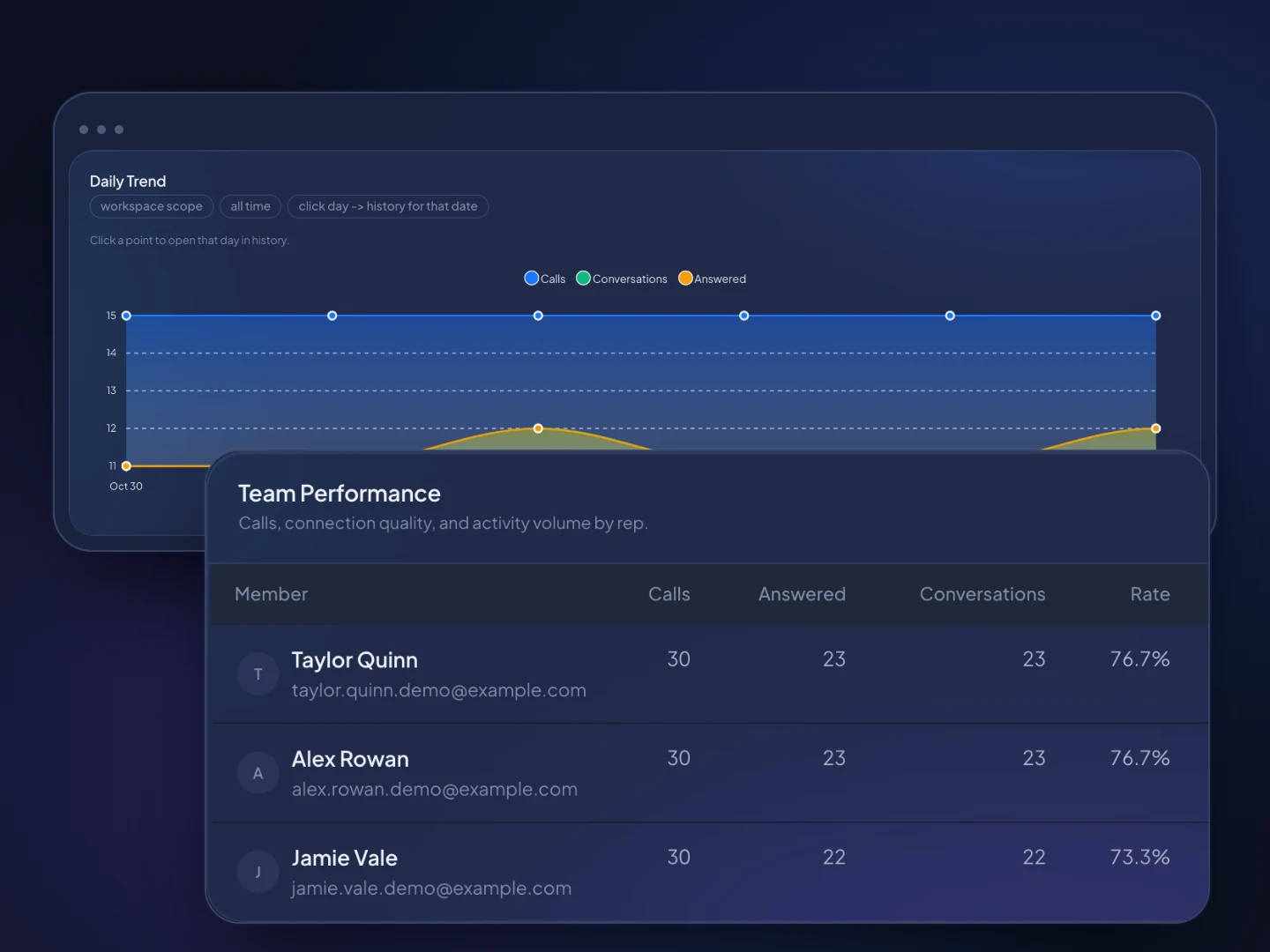
See conversations and call outcomes per rep, with leaderboards, and report appointments set and kept to each client.
TopReach keeps a do-not-call list and handles texting opt-outs across every caller.
When a call goes unanswered, TopReach can drop a voicemail, then send a text or email on the days you choose.
Manager view
How it works
Upload your prospect list or a client's leads from a spreadsheet. TopReach finds the phone number in whichever column you used.
Tag contacts by client, campaign and source, and build dynamic lists that fill themselves from those tags.
Work the list in power or parallel mode, let missed calls get a voicemail and a text or email, and report conversations and appointments to clients.
Guide
Phone work shows up in two places at a marketing agency. You call prospects to win new clients, and some agencies also sell calling as a service, setting appointments and following up on the leads their campaigns produce. This guide covers how to run both, which stages and fields to use, which dialer mode fits, where TopReach fits and where a white-label platform fits better, and the calling rules to check.
Because much of the work that brings in revenue is a phone conversation: a discovery call with a prospect, or a call to a lead from a client's ad. A CRM with calling built in keeps those conversations, the follow-up and the pipeline in one place. There are two kinds of calling, and they need different setups.
Pick a niche, build a list you can call every week and work it in fixed blocks. Calling a defined group, such as dental practices or roofing companies in one region, lets you talk about results you've had with businesses like theirs. Stages that each mean something specific keep the pipeline honest:
Track the deal's value plus the few details you'll sort and filter by. Put the expected monthly retainer, or a first-year value, on each deal, so the pipeline's value by stage shows what's really in play. Useful custom fields are website, services of interest, current agency or in-house team, rough monthly budget, decision-maker and lead source. Tags work for niche, city and campaign.
For cold prospects, a workable cadence is a call, voicemail and email on day one, another call on day three, then two or three more touches over the next two weeks, each with something useful, such as one finding from a quick audit of their site. When a call goes unanswered, TopReach can drop a voicemail, then send a text or an email on the days you choose, and it tracks every touch so nobody gets the same message twice. Save texts for people who've given you their number to text.
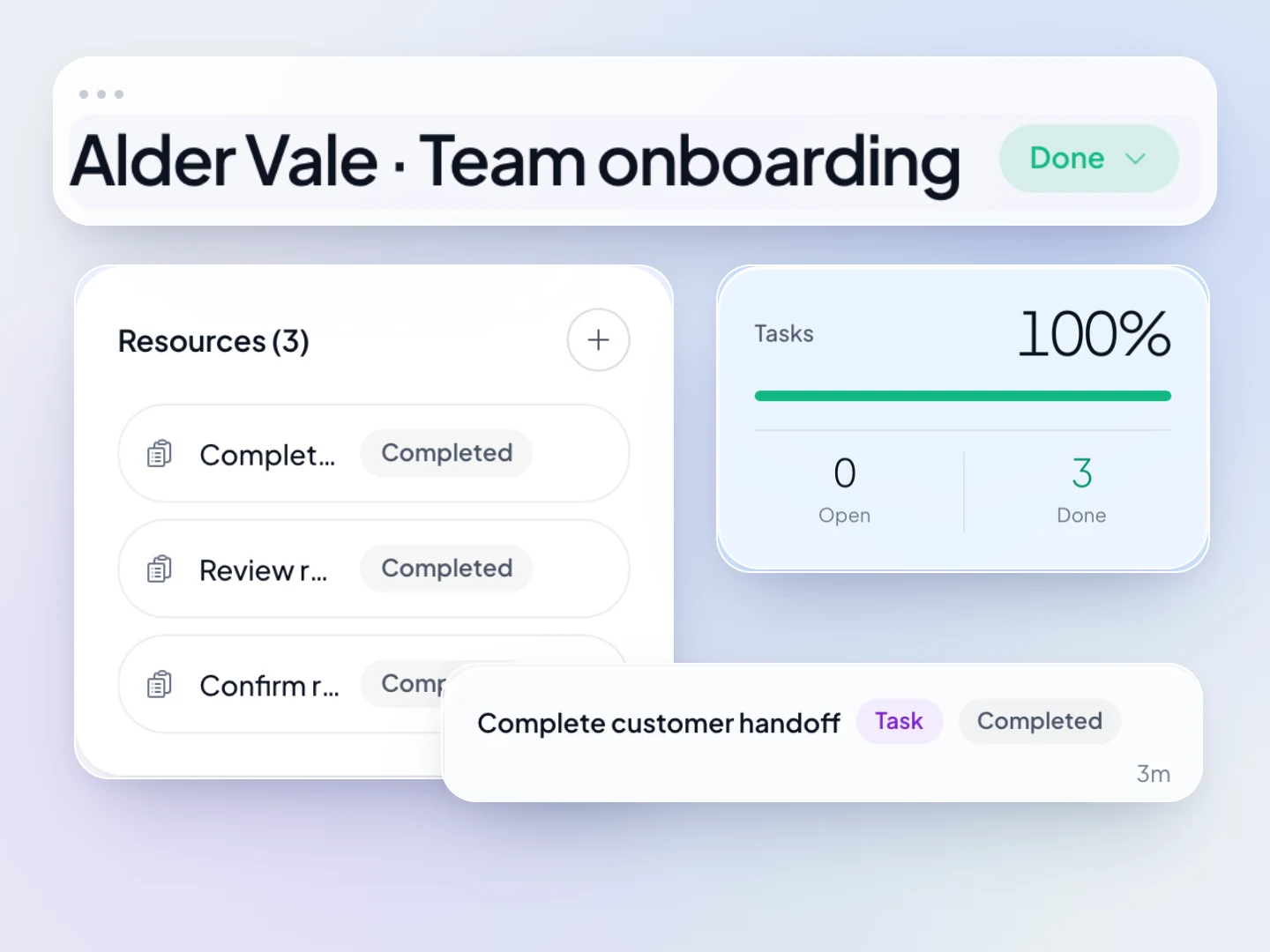
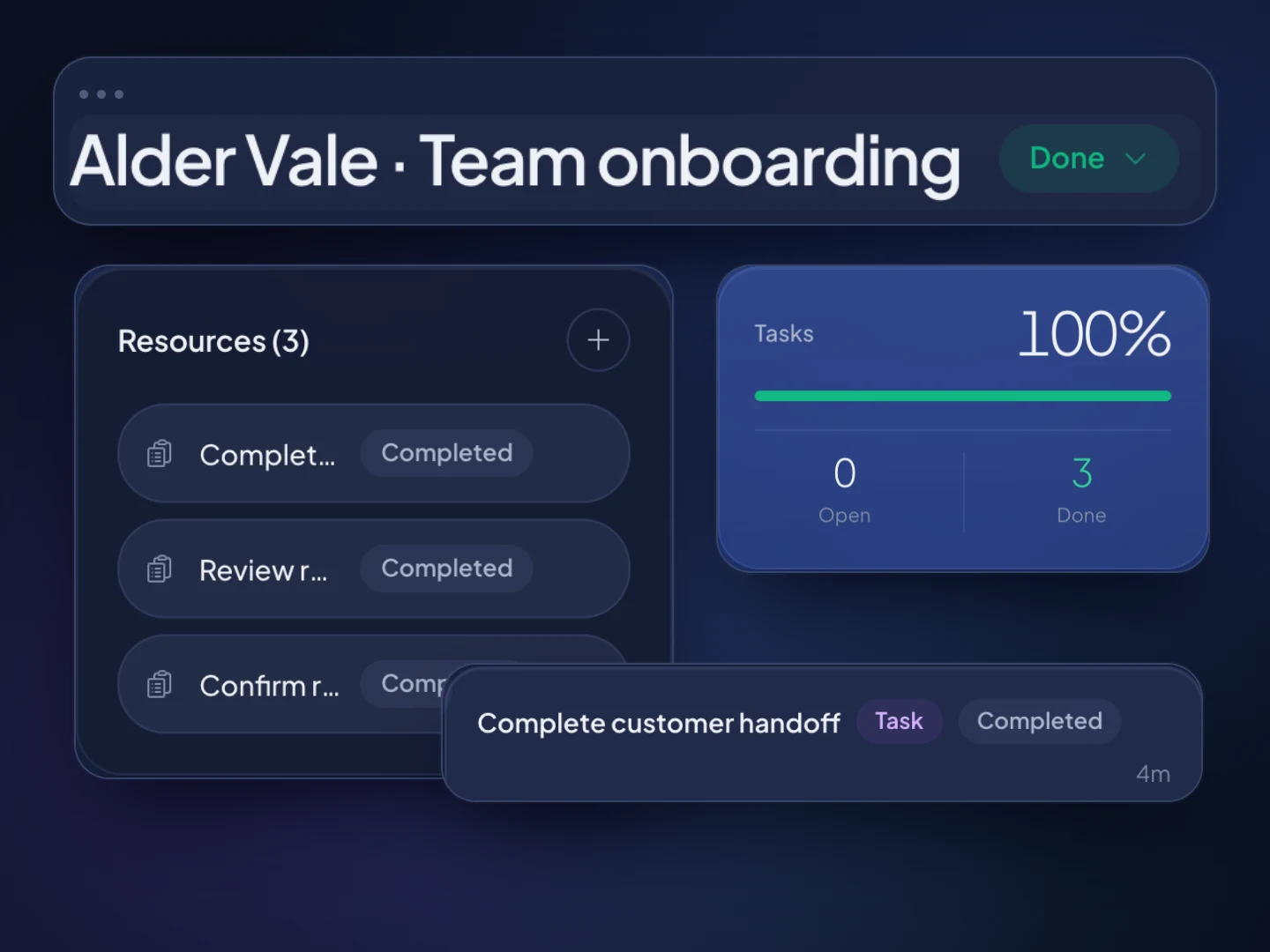
Once a client signs, TopReach's projects cover the work after the sale, so onboarding sits in the same workspace as the deal.
Call new leads the day they arrive, try several times over a few days and book them into times the client has set aside. Leads from ads and forms cool quickly, so speed and persistence carry most of the value of this service.
Be clear on how leads arrive. TopReach doesn't connect to ad platforms, form tools or your client's CRM, so leads come in by spreadsheet import, which finds the phone number in whichever column the file uses. If your service promises a call within minutes of a form fill, check that a regular import fits your workflow before you commit.
Tag each lead with its client and campaign, and log every call outcome. A dynamic list of leads tagged with this week's campaign, leaving out anyone tagged Appointment set, becomes the callers' list and shrinks as they book. A simple rhythm is a call on day one with a text after the first missed call, then calls on days two, three and five.
Report what the client paid for: leads worked, conversations, appointments set and kept, and sales the client reports back. TopReach shows conversations and outcomes per caller and leaderboards for your team. There's no client portal, so you send clients the numbers in your own report, and since TopReach doesn't track ad spend, cost per appointment comes from combining its numbers with the ad platform's.
Either works; the choice comes down to who should own the data. Running client campaigns in your agency's workspace keeps everything in one place for your callers. Tag every contact with its client, build each client's call lists from those tags, and keep the deals pipeline for your own new business.
For a large or long-term client, a separate TopReach account in the client's name is cleaner. The client owns its contacts, recordings and history if the engagement ends, its do-not-call requests stay apart from other clients', and the pipeline can be that client's lead pipeline. It's a separate subscription, with its own seats and phone licence.
No. TopReach isn't white-label: you can't put your agency's brand on it or resell it to clients as sub-accounts. It's a CRM and phone system your own team works in.
GoHighLevel is built for agencies that want to offer software under their own brand, with a sub-account for each client and tools such as funnels, websites and marketing automation. If reselling a branded platform is part of your business model, it's designed for that and TopReach isn't.
TopReach fits when the service you sell is people on the phone: new-business calling, appointment setting and lead follow-up. It has power and parallel dialing on one phone licence, two-way texting with a shared inbox, automatic voicemail, text and email after missed calls, and per-seat pricing. Nothing stops an agency using both for different jobs.
Use parallel mode for large, cold new-business lists and power mode for anything warm or paid for. Parallel dialing calls several numbers at once and connects the caller to whoever picks up, which helps when most numbers ring out. When two people answer at once, one gets dropped: acceptable on a big cold list, wrong for a client's inbound leads or past customers, where a dropped call reflects on the client. Power mode calls one number after another, so whoever answers reaches a caller. Both modes come with the one $99-a-month phone licence.
When you call or text for a client, you and the client can both be held responsible, so agree in writing who keeps consent records and the do-not-call list. This is a general overview, not legal advice; check with your counsel.
FAQ

Start a 14-day free trial, import a list and run your first calling block, or talk to us about your agency.