A CRM, not a connector
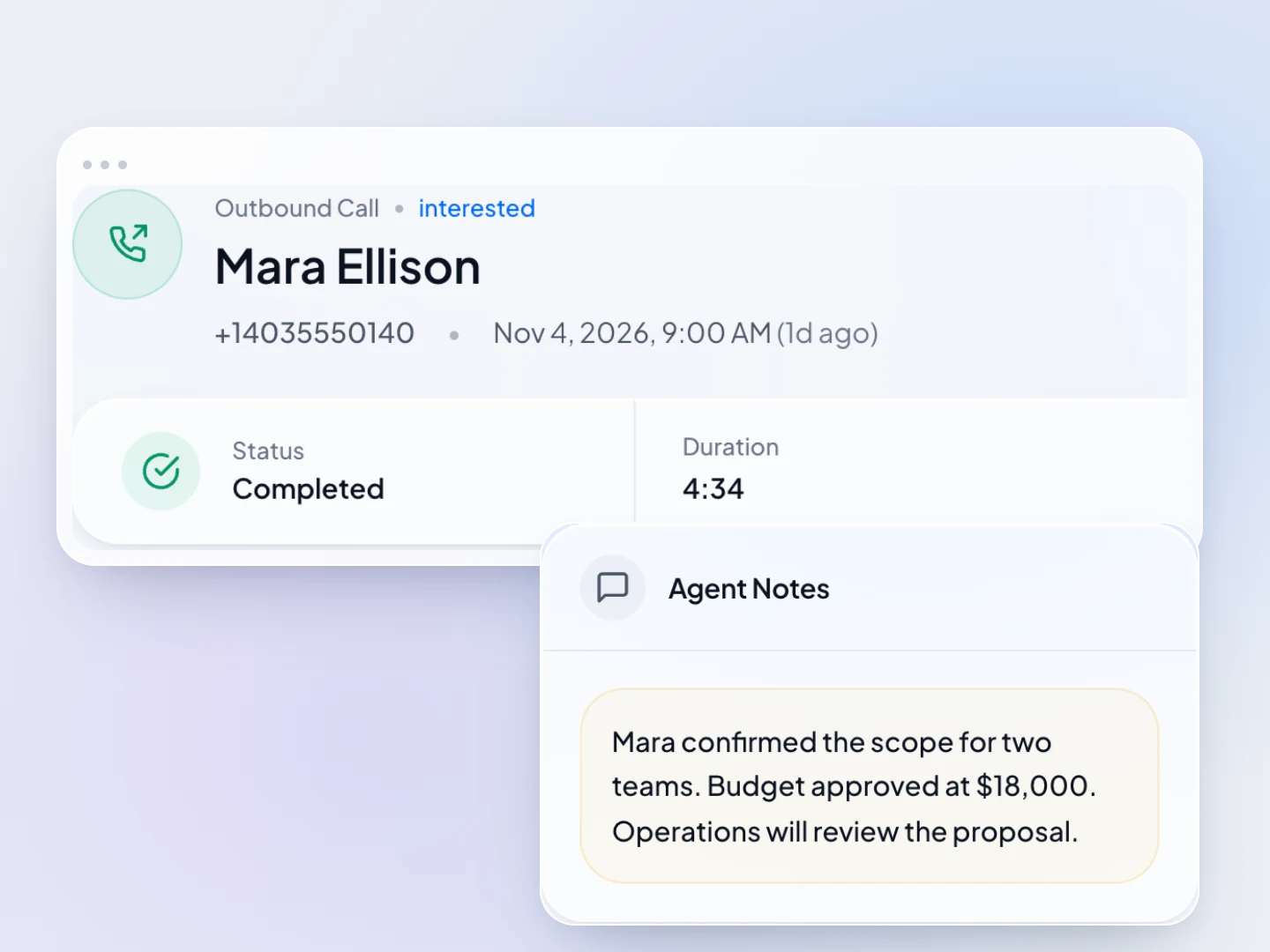
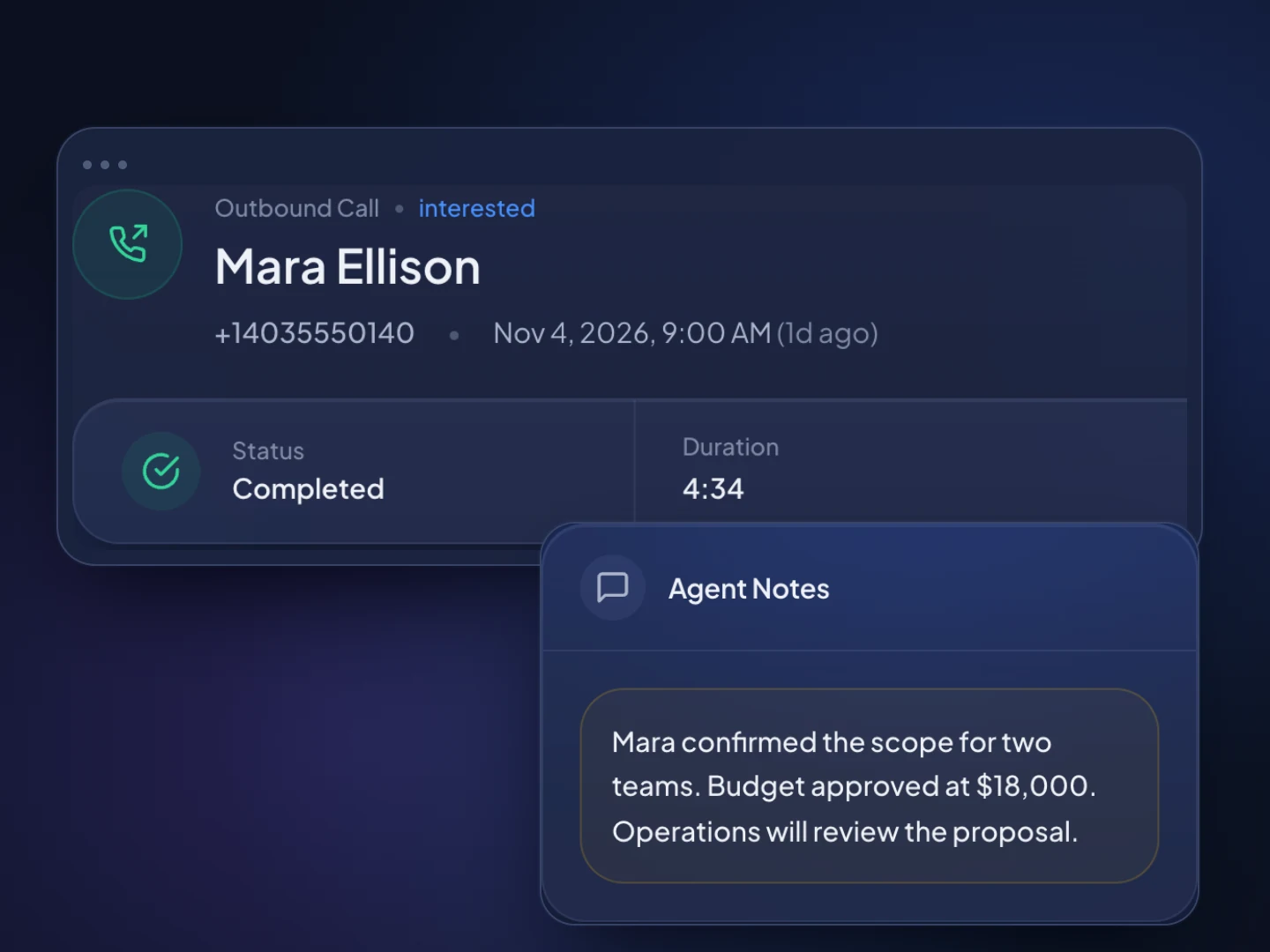
Contacts, companies and a deals pipeline with value by stage live next to the dialer, so there's no sync between two systems to look after.
Nooks alternative
Nooks is an AI dialer, sequencing and coaching platform for outbound SDR teams, with native integrations for Salesforce and HubSpot. TopReach is a CRM with power and parallel dialing and two-way texting built in, for small teams that want one product and a price they can read before talking to sales.
Why teams compare
Contacts, companies and a deals pipeline with value by stage live next to the dialer, so there's no sync between two systems to look after.
Power and parallel dialing come with the $99 monthly phone licence for each person who calls, with 3,000 minutes a month included.
Text from your business numbers and answer replies from a shared inbox. Every message lands on the contact's timeline, beside the calls.
TopReach can leave a voicemail, then send a text or an email on the days you choose, and tracks every touch so nobody gets the same message twice.
Listen in, whisper to the rep or barge in on any call, and compare conversations and outcomes per rep on leaderboards.
$55 a seat a month or $49 billed yearly, $99 a month per caller for the phone licence and $10 a month per number. You can see the cost without asking for a quote.
For the whole team
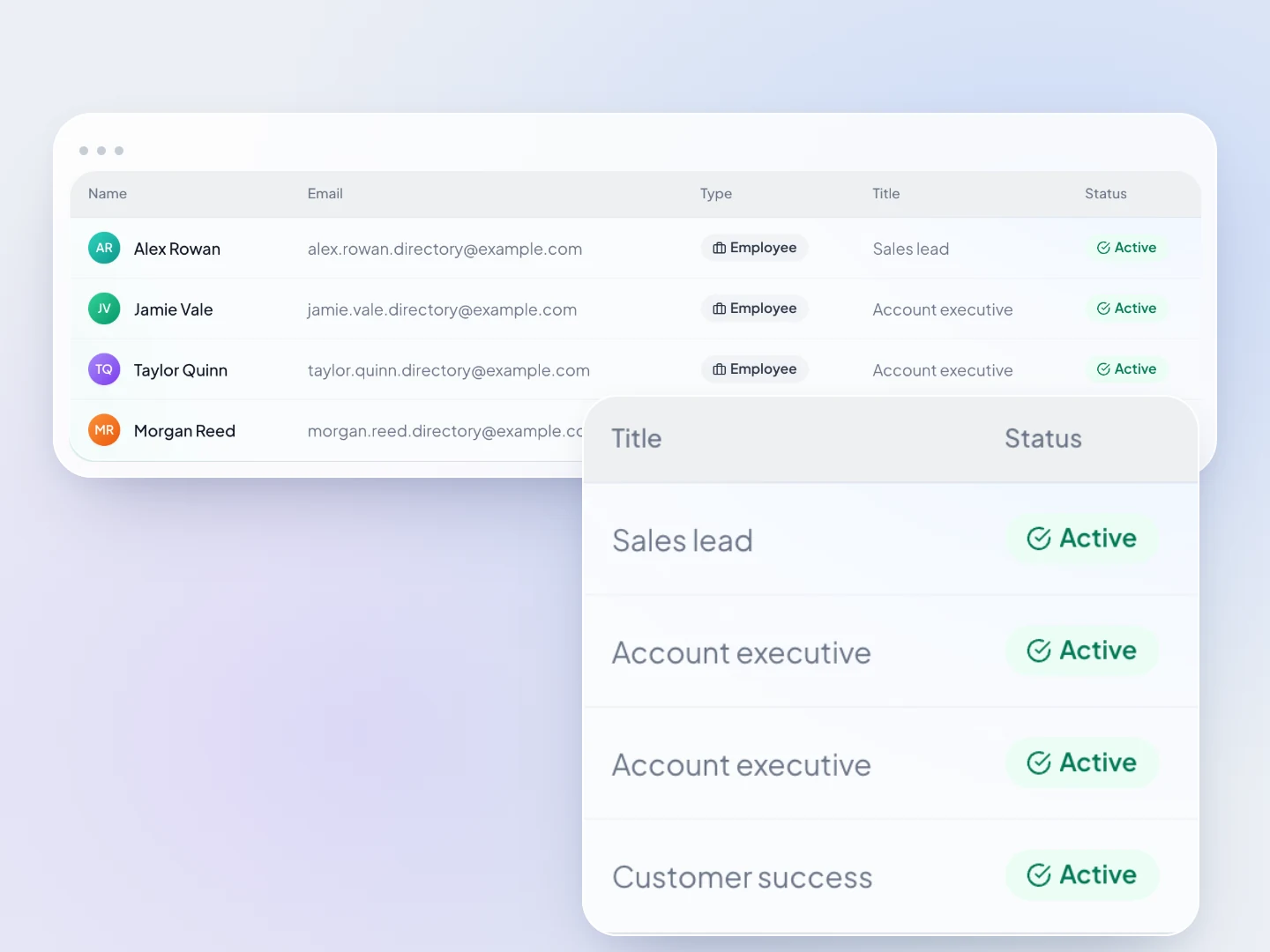
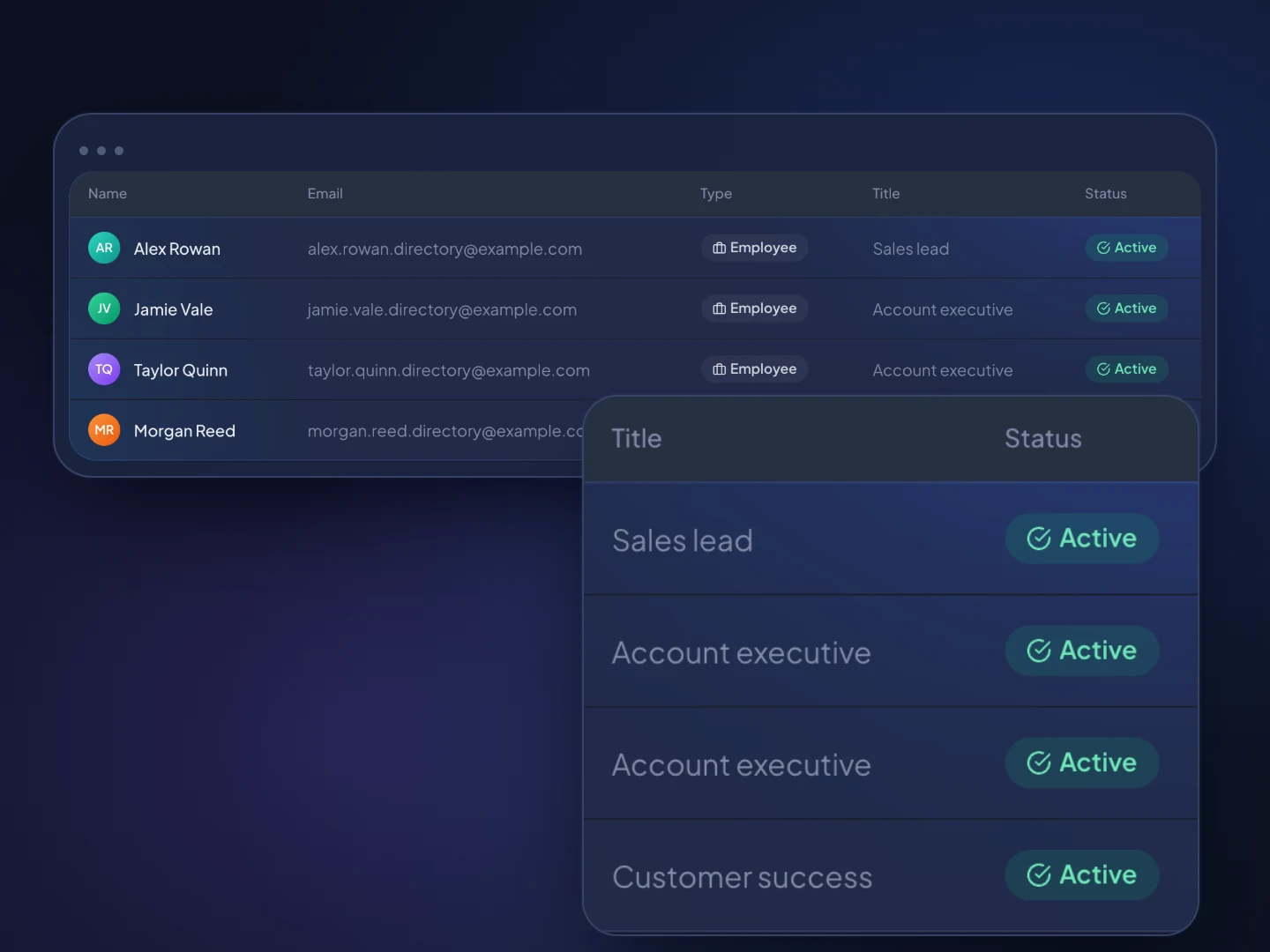
Team roles decide who sees what, and every call, text and note lands on the same contact timeline.
How it works
Import a spreadsheet. TopReach finds the phone number in whichever column it's in, and can find and merge duplicate contacts.
Add a phone licence for each person who calls and buy local numbers in the area codes you call, at $10 a month each.
Pick power or parallel mode for each call block. Unanswered calls get a voicemail and a text or email on the days you set.
Guide
Nooks sells an AI parallel dialer alongside sequencing, coaching and data tools for outbound sales teams. If you're weighing alternatives, it helps to be clear about what you're replacing: a dialer, a sequencing tool, a coaching tool or the whole set. This guide explains what Nooks offers, when it's the right choice, and when a small team is better served by a CRM with the dialer and texting built in. Every statement about Nooks comes from Nooks's own website, checked in November 2026.
Nooks is a set of AI sales tools for outbound teams, starting with an AI dialer that does parallel and power dialing. Its pricing page lists five products: AI Dialer, AI Sequencing, Signals and Intelligence, AI Coaching and Contact Data Enrichment.
The AI Dialer covers parallel dialing, multi-line and power dialing, automated voicemail drops, number rotation and spam protection. It also includes a Virtual Salesfloor where reps can shadow live calls and managers can listen in and whisper coaching, plus live battlecards, real-time transcription and call scripts. AI Sequencing adds call, email, SMS and social steps, and Nooks says it can replace Outreach and Salesloft. AI Coaching adds roleplay scenarios.
Nooks's site says its best fit is outbound SDR and BDR teams, and the managers who run them, that rely on high-volume phone outreach. The same page says it isn't built for teams that rarely use the phone, or for one-person sales teams, because of a two-seat minimum.
On CRMs, Nooks integrates natively with Salesforce and HubSpot. If you use another CRM, its pricing page says you can use the AI Dialer by uploading contacts as a CSV. Its dialer page also describes running parallel dialing on Salesloft cadences and call steps from Outreach. Pricing isn't listed: the pricing page asks you to get in touch for a custom quote.
Usually not. If you don't already run Salesforce or HubSpot, a CRM with the dialer built in is the simpler setup.
A dialer that integrates with a CRM earns its keep when the CRM is already the center of your sales operation. Reps work their lists, call outcomes flow back, and the CRM stays the record everyone trusts. If there's no CRM yet, choosing a dialer first means also choosing, paying for and setting up a CRM for it to sync with, or working from CSV uploads.
For a small team, that second product is often the bigger cost in time. Someone has to own the fields, the sync settings and the user list in two places. That's a reasonable trade for a 30-person SDR floor. It's a lot of overhead for a six-person team that mainly needs to call, text and track deals.
TopReach takes the other approach. The contacts, companies, deals pipeline, tasks and calendar are the product, and the power dialer, parallel dialer and two-way texting are part of it. Every call, text, email and note lands on one timeline per contact.
TopReach covers fewer things than Nooks, and puts the CRM, dialer and texting in one place.
Both offer power and parallel dialing, voicemail drops and live coaching. In TopReach, managers can listen in, whisper to the rep or barge in to join the call, and analytics show conversations and outcomes per rep, with leaderboards.
Texting works differently. Nooks lists SMS as a step type inside AI Sequencing. TopReach has two-way SMS and MMS from your business numbers, with replies in a shared inbox, and automatic follow-up that can drop a voicemail and then send a text or an email on the days you choose when a call isn't answered. That's simpler than a full sequencing tool, and it's built for phone-first teams.
Nooks has a lot TopReach doesn't. TopReach's AI covers live call transcripts, AI call summaries and AI voices for voicemail, but it has no live battlecards, no AI roleplay and no contact data enrichment. It doesn't integrate with Salesforce, HubSpot, Outreach or Salesloft; it has a public API with keys and webhooks instead.
Nooks is the better choice when you run an SDR team on Salesforce or HubSpot and want a dialer that brings AI coaching and sequencing with it.
TopReach is the better choice when the team is small, the phone is the main channel, and nobody wants to run a CRM and a dialer as two products.
Move the contacts first, then the phone setup, then the lists, and run a short overlap before you switch everyone.
It's usually easier to move one rep or one list first, check that call outcomes, texts and follow-ups land where you expect, and then bring the rest of the team over. Keep your old exports until you've confirmed nothing is missing.
Ask how the dialer handles abandoned calls, consent, do-not-call lists, caller ID and recording, then check the answers with your counsel. This is general information, not legal advice.
Parallel dialing raises the abandoned-call question directly. Nooks's own guide notes that once one person answers, the other calls are dropped. TopReach works the same way in parallel mode, which is why power mode is the better choice for warm or high-value contacts.
Side by side
Nooks's column comes from Nooks's own website, checked November 2026.
FAQ

Start a 14-day free trial, or book a walkthrough to see the CRM, dialer and texting together.