Dial at volume
Power dial through a list one prospect after another, or run the parallel dialer on cold lists to call several numbers at once. Reps spend more time talking and less time dialing.
Outbound sales
TopReach is a CRM with a built-in power dialer, parallel dialer and two-way texting for small outbound sales teams, from a founder doing the selling to a team of SDRs and closers. Reps call through their lists, unanswered calls get a voicemail, text or email on the days you choose, and every conversation moves a deal along one pipeline.
The outbound motion
Power dial through a list one prospect after another, or run the parallel dialer on cold lists to call several numbers at once. Reps spend more time talking and less time dialing.
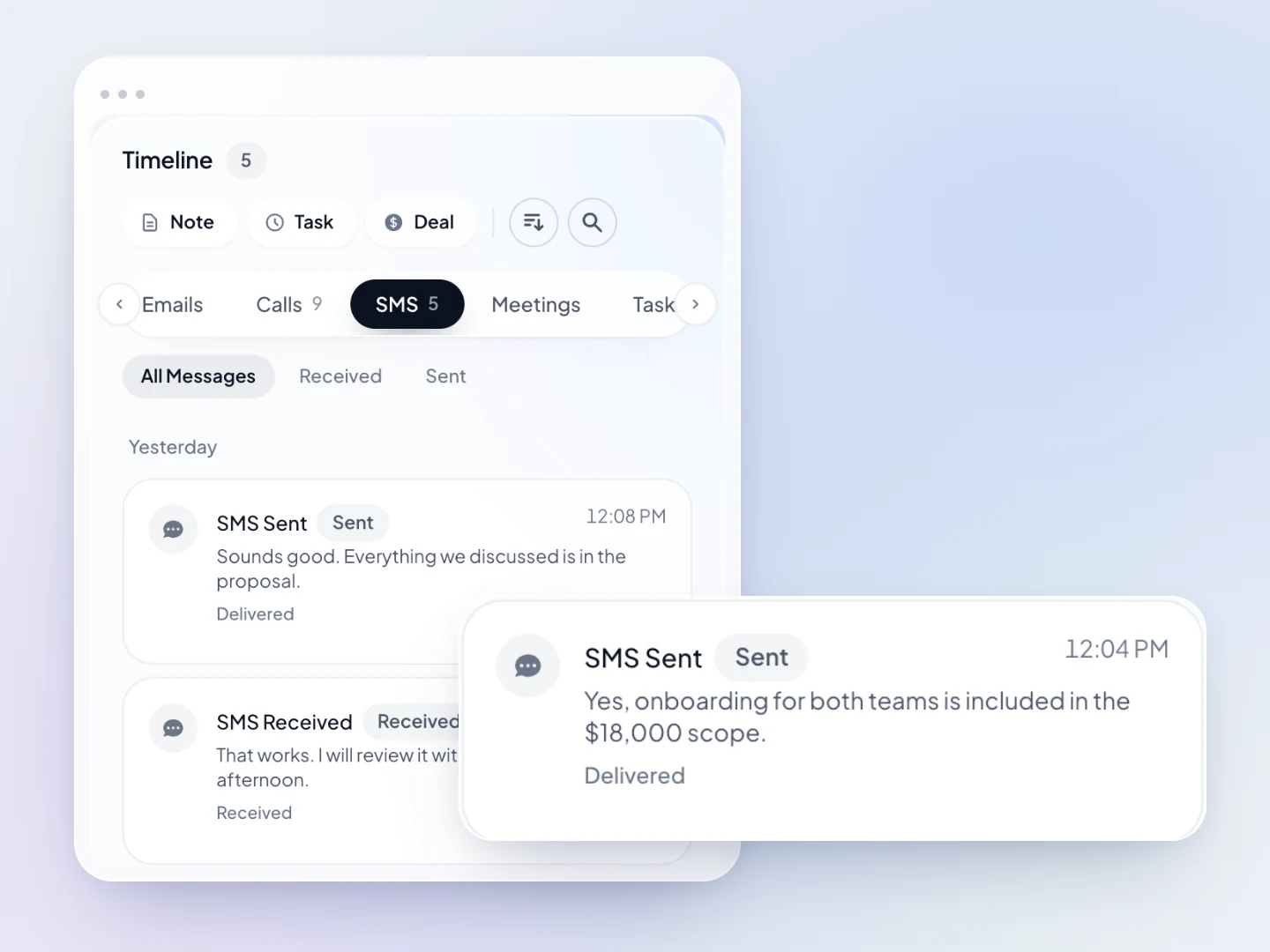
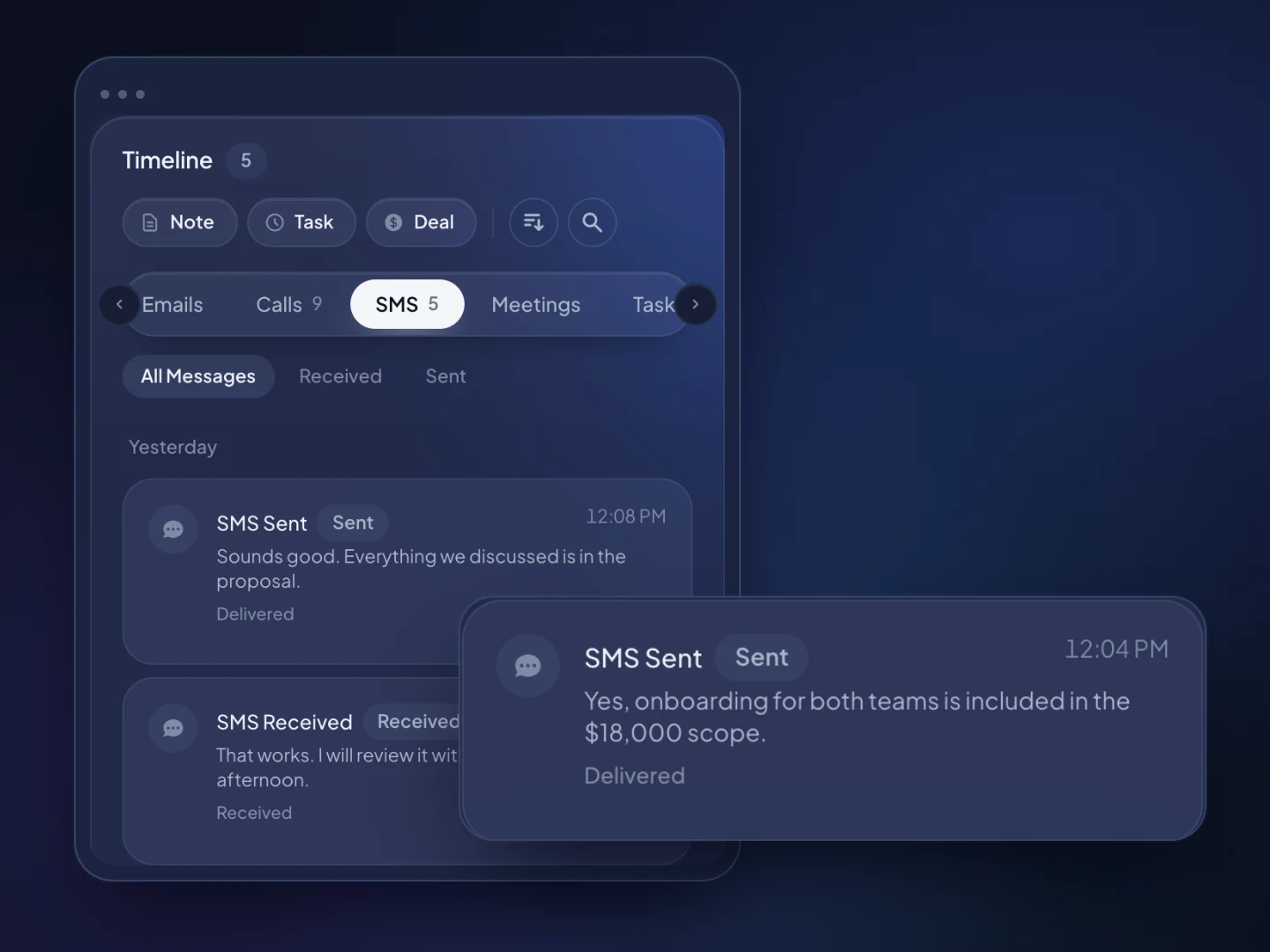
When a call isn't answered, TopReach can drop a voicemail, then send a text or email on the days you choose. Text replies land in a shared inbox and on the prospect's timeline.
Drag deals from Attempting to Meeting booked, Proposal and Won. The pipeline shows the total value at each stage.
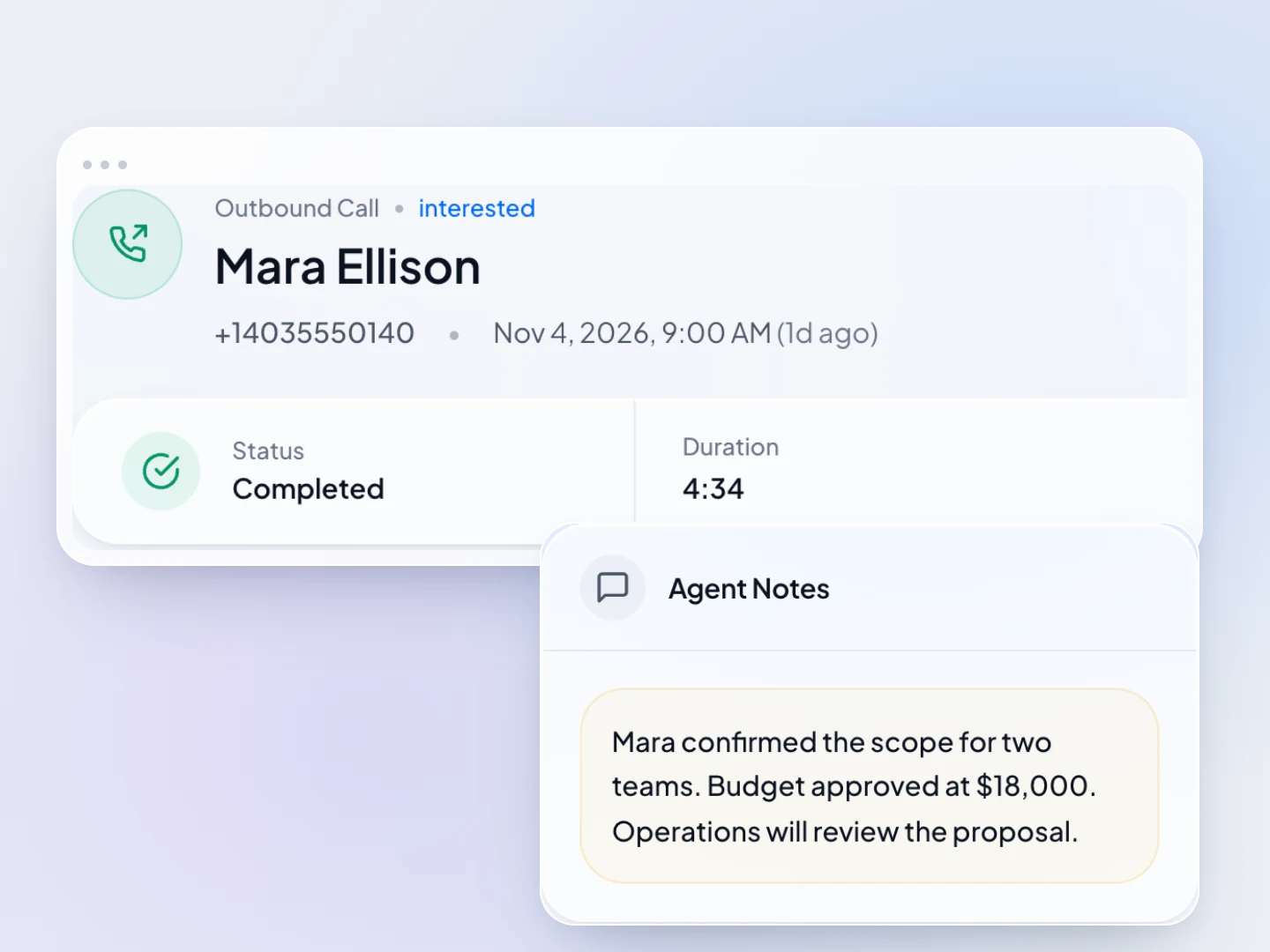
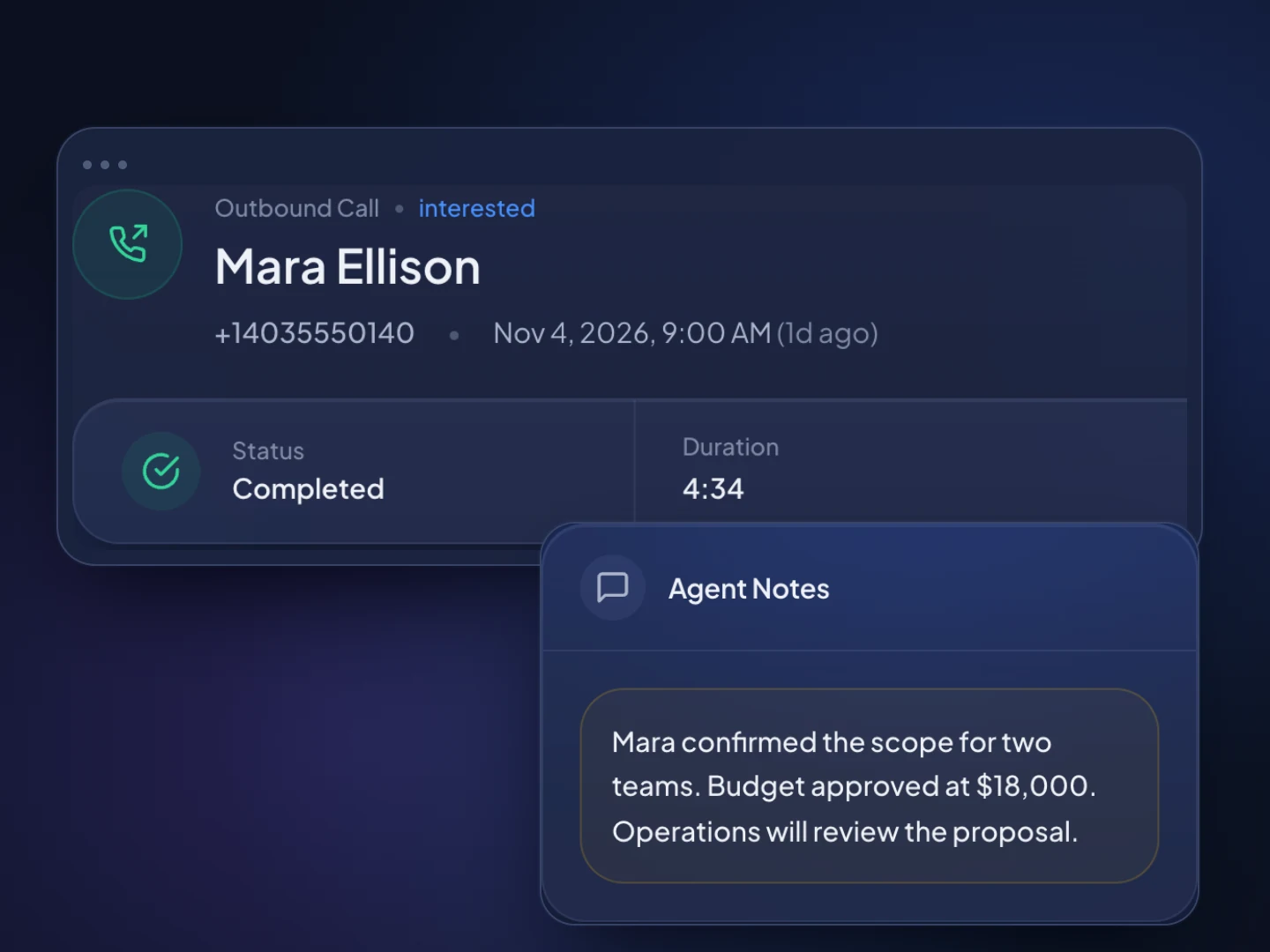
Call recordings, outcomes and notes save to the prospect's timeline, so coaching starts from real conversations.
Conversations and outcomes per rep, with leaderboards, so you can see who is getting conversations and who needs help.
Set a task or reminder for every callback a prospect asks for, so it happens when you promised.
The workspace
How it works
Upload a spreadsheet of your prospects. TopReach finds the phone number in whichever column it's in, and you save it as a call list.
Power dial warm lists one number at a time, or run parallel mode on cold lists where most calls go unanswered.
Conversations become deals, unanswered calls get a voicemail, text or email, and managers listen in, whisper or barge in and review recordings.
Guide
Outbound sales is simple to describe and hard to keep up: build a list, call it, follow up until you get an answer, and move the people who say yes toward a deal. This guide covers how small outbound teams split the work, which pipeline stages and fields to use, what a follow-up cadence looks like, when to use a power or parallel dialer, how to coach reps and which rules to check before you cold call.
A CRM for outbound sales is one where reps make calls, send texts and emails and log outcomes inside the CRM, so the record of every prospect builds itself as they work.
Many CRMs were built for inbound teams: a lead fills in a form, a rep opens the record, the deal moves along. Outbound turns that around. Reps start from a list of people who haven't asked to hear from them, and most of the day is calling, leaving voicemails and following up. If the dialer, texting and pipeline are separate tools, reps spend part of every call copying notes between them, and managers never see the whole picture.
TopReach puts those pieces in one workspace: contacts and companies, a power and parallel dialer, two-way texting with a shared inbox, email follow-ups and a deals pipeline. Every call, text, email and note lands on the prospect's timeline.
Most small outbound teams split prospecting from closing once they have more than two or three reps: SDRs or BDRs make the first calls and book meetings, and account executives run the meetings and close.
Before that point, the same person usually does both, and that works as long as prospecting time is protected. Blocks of two or three hours with nothing but calls in them produce more conversations than dialing in the gaps between meetings. Whatever the setup, a few habits keep a shared list clean:
Use stages that each change on something you can check, such as a conversation held or a meeting booked, rather than how keen a prospect sounded, and keep everything reps sort and filter by in custom fields.
Useful custom fields for outbound are industry, company size, the prospect's role, list source, time zone, the tool they use today, owner and next step date. Tags suit things that come and go, such as a campaign or an event. Put a deal value on everything from Meeting booked onward, so the pipeline adds up to money. Dynamic lists that fill themselves from rules turn those fields into call lists, such as every Attempting prospect in one time zone, ready for the hour when they're most likely to pick up.
A typical outbound set of stages:
A good cadence spreads several calls, voicemails, emails and, where the rules allow, texts over two to three weeks, then stops when you get a clear answer or run out of attempts.
Most cold prospects don't answer the first call, so the work is in the follow-up. TopReach can run the repetitive part: when a call isn't answered, it can drop a voicemail, then send a text or email on the days you choose, tracking every touch so nobody gets the same message twice. Reps spend their time on the next call rather than on reminders.
Here is an example cadence, to adjust once you see your own results:
Use parallel mode on large cold lists where most calls go unanswered, and power mode for anyone warm, booked or high-value.
Power mode calls one number after another, so whoever answers reaches a rep, and the call screen shows the prospect, your last note and the next step. Parallel mode calls several numbers at once and connects the rep to whoever picks up, which cuts the time spent on rings and voicemail greetings. When two people answer at once, one gets dropped. That's fine on a big cold list. It's the wrong risk for a prospect who asked for a callback, a meeting you're confirming or a key account.
A common split is parallel mode for the first attempts on a new cold list, then power mode once someone has spoken to you. Both modes come with the same $99-a-month phone licence, so you can pick the mode list by list.
Coach from real calls, and measure conversations and meetings rather than dials.
Dial counts reward the wrong thing. A rep who makes 200 dials and books one meeting needs different help from a rep who has 30 conversations and books six. Look at conversations, outcomes, meetings booked and the pipeline value each rep creates. In TopReach, managers can listen in on a live call, whisper to the rep without the prospect hearing, or barge in to join, and leaderboards show conversations and outcomes per rep.
Cold calling is legal in the US and Canada, but rules on consent, do-not-call lists, calling hours and recording apply, and they treat business and personal numbers differently. Check with your counsel before you start; this is general information, not legal advice.
TopReach keeps a do-not-call list and handles texting opt-outs, so one request applies across the whole team. Whether a given call or text is allowed is still a decision to make under the rules that apply to you:
FAQ

Start a 14-day free trial, import your prospect list and put your reps on the dialer, or book a walkthrough with our team.