Guide
How service businesses follow up on quotes, win back customers and ask for reviews
A lot of work slips away from service businesses quietly: a quote nobody followed up, a past customer nobody called when the season came round, a happy customer nobody asked for a review. This guide covers the calls and texts that close those gaps, the pipeline stages and fields to set up, a follow-up rhythm that doesn't nag, which dialer mode to use and the rules to check before you call or text.
Which calls and texts matter most for a service business?
Four kinds of outreach cover most of it: new inquiries, open quotes, past customers and review requests. Cleaning companies, landscapers, pest control and pool services, movers, painters, HVAC and repair shops, and IT or bookkeeping firms all run some version of them. Treat each as its own list, so every list stays short and it's obvious what to say.
- New inquiries: call back the same day, ideally within the hour, while they're still choosing who to hire.
- Quote and estimate follow-up: chase every quote you send until you get a yes or a no.
- Reactivation: call or text past customers before the season they last booked, or when they're due for service again.
- Reviews: text a review link soon after the job, while the work is fresh.
How should you follow up on a quote or estimate?
Follow up within a day or two of sending it, then on a set schedule until the customer decides. Plenty of customers mean to reply and don't, or are waiting on a second quote, and a short call is often what gets a decision.
Put every quote on a pipeline with its dollar value, so you can see how much work is waiting on an answer. Stages that match how the work moves:
- New inquiry: they've asked about a job.
- Visit booked: an estimate or site visit is on the calendar.
- Quote sent: the price is with them.
- Followed up: you've spoken since sending it.
- Won: booked and handed to the crew.
- Lost: kept with the reason, such as price, timing or chose someone else, and a date to check back.
What follow-up rhythm works for quotes, and what should you record?
A rhythm that keeps you in front of the customer without nagging: a text the day you send the quote to confirm it arrived, a call two days later, a text around day five, a last call at about day ten, then move it to Lost with a reason. In TopReach, an unanswered call can drop a voicemail, then send a text or an email on the days you choose, and it tracks every touch so nobody gets the same message twice.
Custom fields hold what you'll sort and call by: service type, address or service area, how they found you, when they want the work done and the date of their last job. Tags cover the service, the season and anything you'll want to pull a list by later.
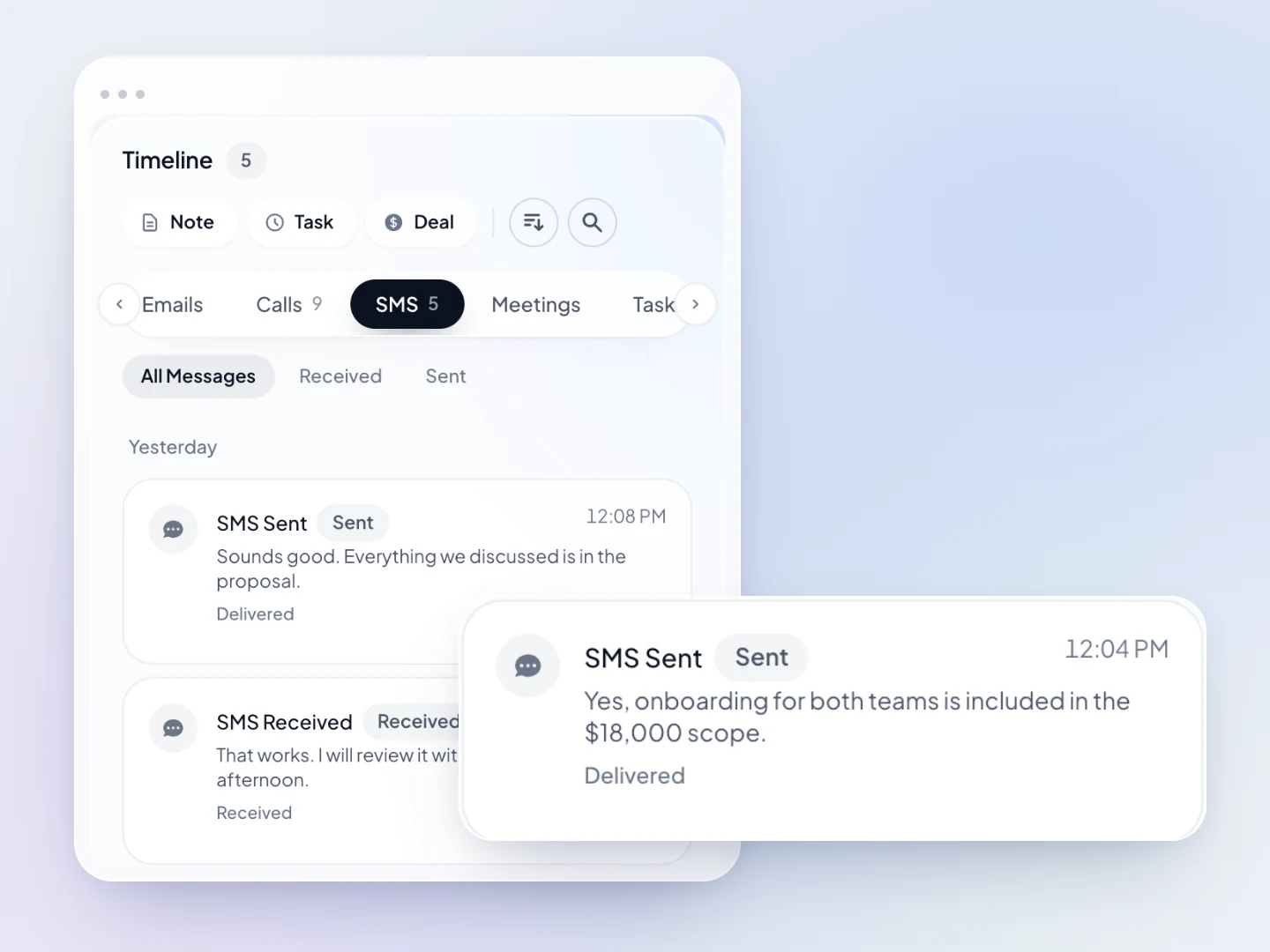
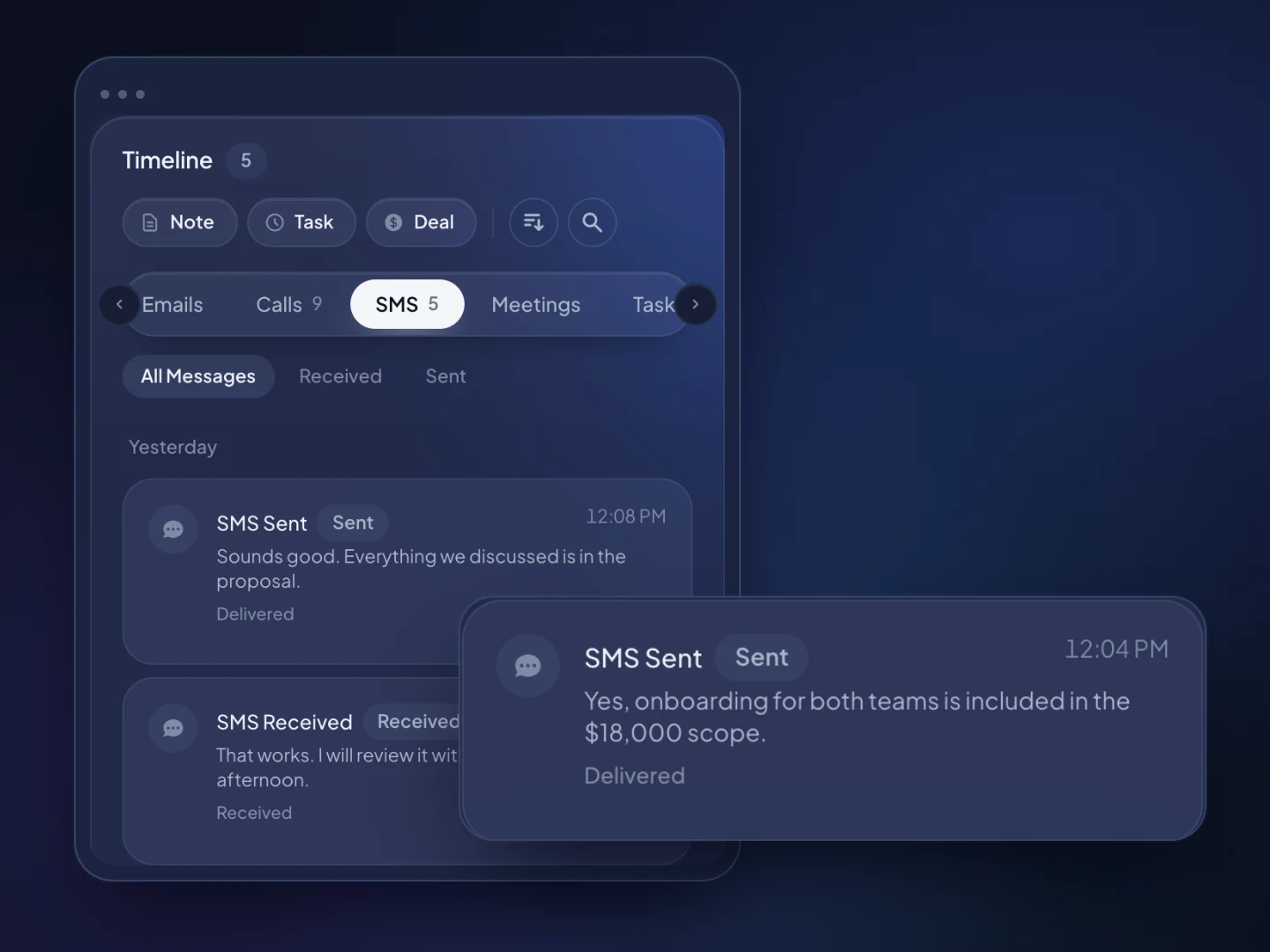
Keep the office and the crew working from the same record instead of personal phones. Every call, text, email and note lands on the customer's timeline, texts go to a shared inbox anyone in the office can answer, and tasks, reminders and the calendar keep callbacks and site visits from slipping. Projects track the work after the sale. TopReach isn't field service software, though: it doesn't dispatch crews, plan routes, send invoices or take payments.
Owners, managers and staff each get a role. Managers can listen in live, review call recordings and compare conversations and outcomes per person, which helps when a new hire starts taking calls.
How do you win back past customers?
Call or text them shortly before they're likely to need you again, with a specific reason. A past customer already knows your work, so a well-timed call is usually easier than winning a stranger.
Build the list from your own records. Import past customers from a spreadsheet, tag them by service and the season they last booked, and use a dynamic list built from rules, such as everyone tagged Gutter cleaning 2025, leaving out anyone tagged Booked 2026. The list updates as people book, so nobody gets a call about work they've already scheduled.
Good reasons to call are seasonal work such as spring cleanups, furnace or AC tune-ups and pool openings, a service interval coming due, or an opening in this week's schedule. If the message includes a discount or promotion, it's marketing, and texting it needs the right consent, covered below.
Work the list in power mode, so whoever answers reaches someone who can book them, and let the automatic voicemail and text cover the people who don't pick up.
How should you ask for reviews by text?
Text every customer a short request with your review link soon after the job, and send one reminder at most. A text suits this because it can be read and tapped in a few seconds. Keep it personal: the customer's name, the job and who did it, sent from the business number they already know. If someone replies with a problem, call them instead of sending another text, and fix it.
Ask everyone, not only customers you expect to be happy. Google's review policies don't allow selectively asking for positive reviews or offering incentives for reviews, and the FTC's 2024 rule on consumer reviews bars buying reviews or offering incentives tied to a positive one.
In TopReach, review requests go out as ordinary two-way texts, and replies land in the shared inbox. Tag customers Review requested and Review left so you know who to remind. TopReach doesn't connect to Google or review sites, so someone updates the tag when a review appears.
Should a service business use a power dialer or a parallel dialer?
Use power mode for almost everything. It calls one number after another, so whoever answers reaches someone who can quote or book them, with their record and last note on screen. New inquiries, open quotes and past customers are all warm, and none of them should pick up to silence.
Parallel mode calls several numbers at once and connects you to whoever answers. When two people pick up, one gets dropped. That's acceptable on a big, cold list, such as several years of old inquiries that never booked, and wrong for anyone you've worked for. Both modes come with the one $99-a-month phone licence.
What rules apply when a service business calls and texts customers?
Calls and texts to your own customers are mostly allowed, but consent and do-not-call rules still apply, especially to marketing. This is a general overview, not legal advice; check with your counsel. TopReach keeps a do-not-call list and handles texting opt-outs, so a customer who asks you to stop is covered across the whole team.
- Texts and autodialed calls to cell phones: under the US TCPA, they generally need the customer's prior express consent, and marketing texts, such as a promotion, need consent in writing. Ask for permission to text when you take the job, and note it on the record. A dropped voicemail counts as a prerecorded message.
- Do-not-call: the established business relationship exemption generally allows sales calls to numbers on the National Do Not Call Registry for 18 months after a customer's last purchase and 3 months after an inquiry. It ends when the customer asks you to stop, and it doesn't replace consent for texts or autodialed calls to cell phones.
- Calling hours: federal rules limit sales calls to between 8 a.m. and 9 p.m. in the customer's time zone, and some states set narrower hours.
- State laws: states such as Florida and Oklahoma have their own telemarketing laws, and some states require every party's consent before a call is recorded.
- Canada: the National DNCL has a similar exemption for existing customers, 18 months after a purchase and 6 months after an inquiry. CASL allows commercial texts and emails to customers on implied consent for two years after a purchase, with identification and an unsubscribe option in every message.