No CRM to connect
Contacts, companies, a deals pipeline with value by stage, tasks and a calendar are part of TopReach, so calls and texts don't need to sync anywhere else.
Kixie alternative
Kixie is a business phone, power dialer and texting platform that works inside your CRM, with native integrations for HubSpot, Salesforce, Pipedrive, Zoho and HighLevel. TopReach is the CRM itself, with power and parallel dialing and two-way texting built in, for small teams that don't have a CRM or would rather pay for one product.
Why teams compare
Contacts, companies, a deals pipeline with value by stage, tasks and a calendar are part of TopReach, so calls and texts don't need to sync anywhere else.
One $99 phone licence per caller covers both dialer modes, with 3,000 calling minutes a month included.
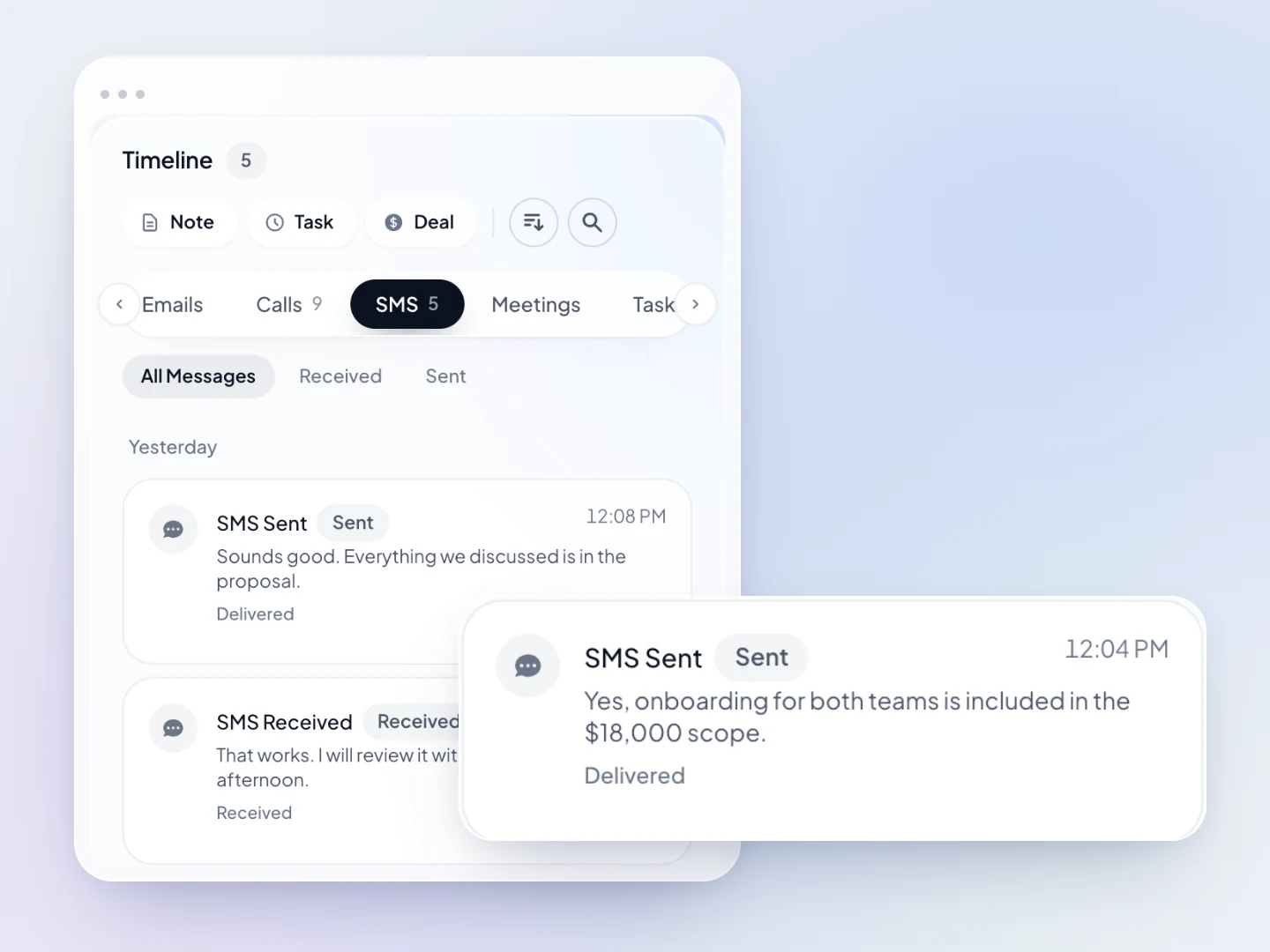
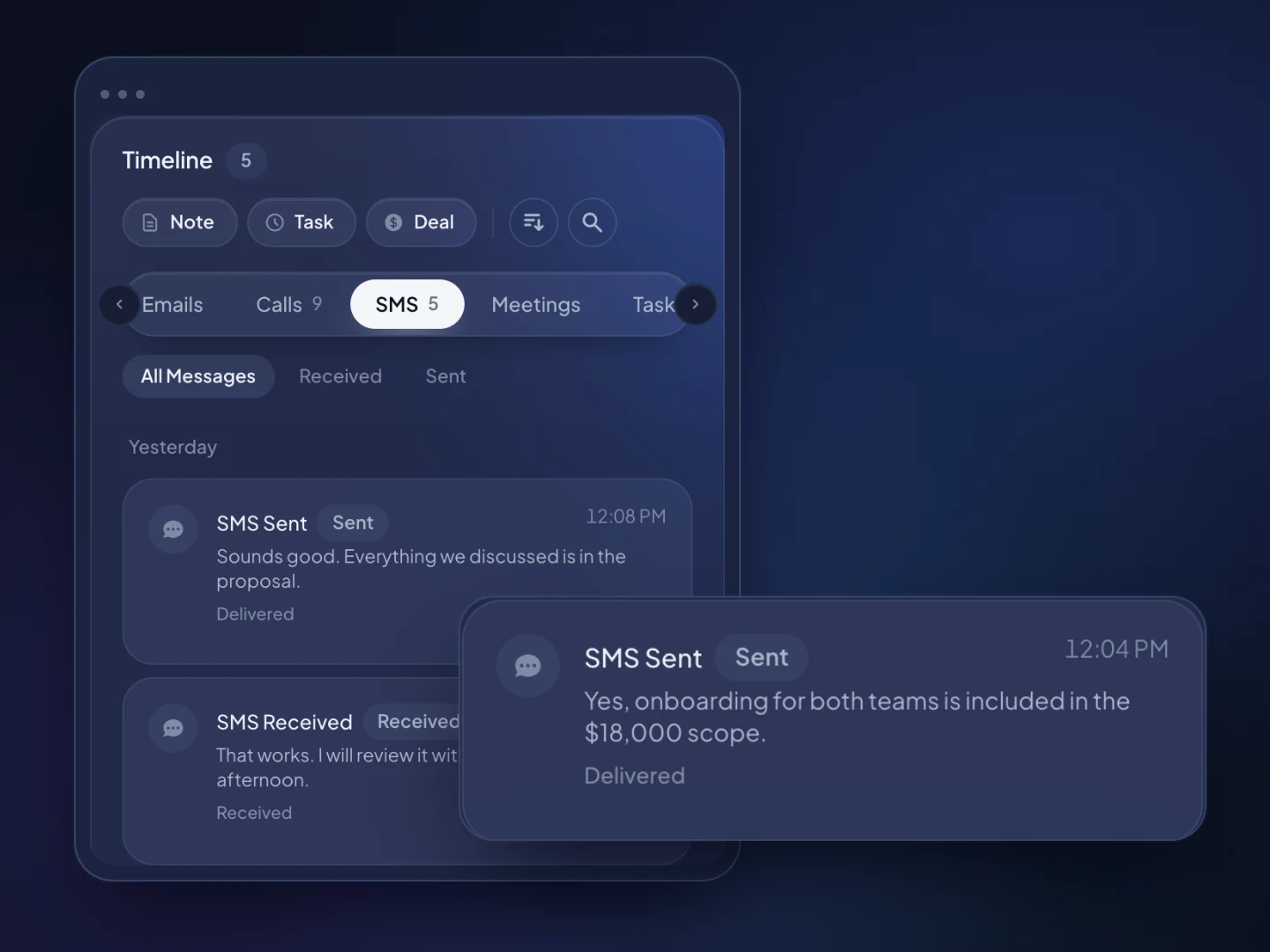
Two-way SMS and MMS from your business numbers, with replies in a shared inbox and on each contact's timeline.
When nobody answers, TopReach can drop a voicemail and send a text or an email on the days you choose, without anyone getting the same message twice.
Analytics on conversations and outcomes per rep and leaderboards, with live listen, whisper and barge for coaching.
$55 a seat a month or $49 billed yearly, a $99 monthly phone licence per caller and $10 a month per number. You can add up the bill before you sign up.
The pipeline
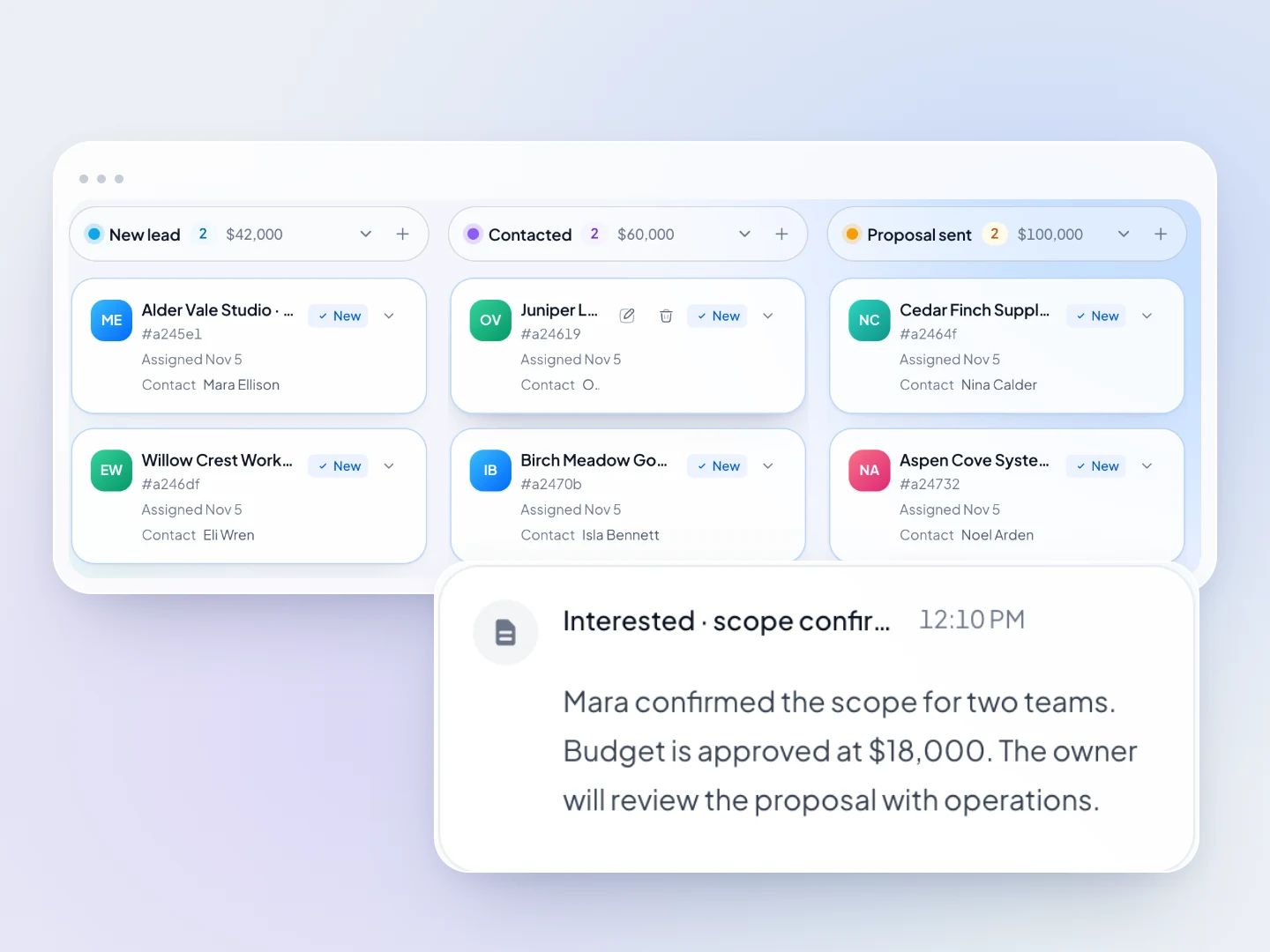
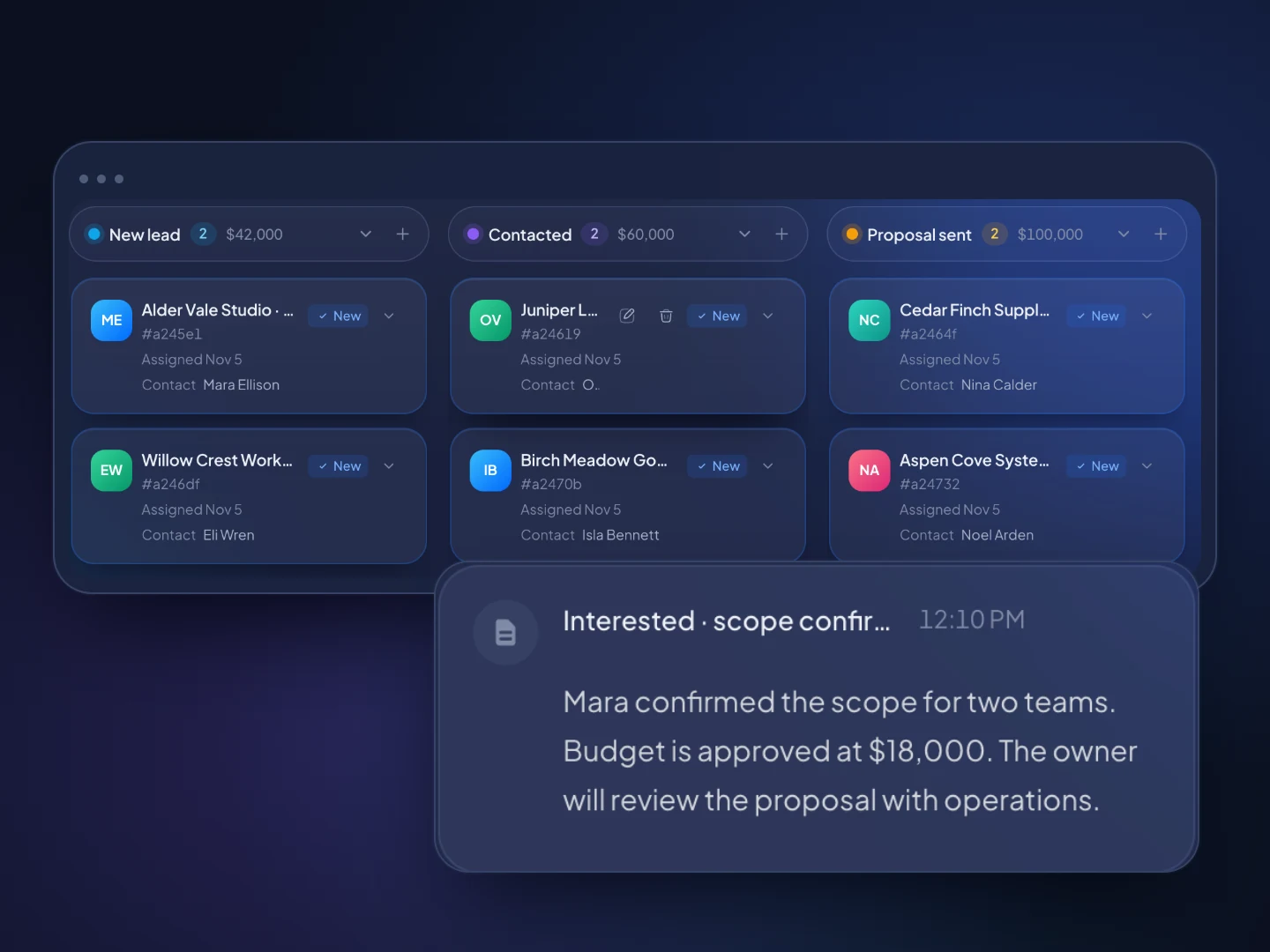
Every conversation saves to the contact's timeline, and every deal sits on a pipeline with the value at each stage.
How it works
Export a spreadsheet from your current CRM and import it. TopReach finds the phone number in whichever column it's in, and can find and merge duplicates.
Give each person who calls a phone licence and buy local numbers in the area codes you call, at $10 a month each.
Work saved or dynamic lists in power or parallel mode, answer texts from the shared inbox, and let follow-up run on unanswered calls.
Guide
Kixie and TopReach do similar things on the phone: power dialing, multi-line dialing, business texting and live call coaching. The difference is where they live. Kixie works inside the CRM you already have, while TopReach is the CRM. This guide covers what Kixie offers, how its plans are set up, when it's the better choice and when a small team is better off with everything in one product. Every statement about Kixie comes from Kixie's own website, checked in November 2026.
Kixie is a business phone, power dialer and texting platform for sales and revenue teams, and it connects to the CRM a team already uses. Its site lists solutions for inside sales, business development, marketing, revenue operations and customer support teams, and for industries including eCommerce, financial services, home improvement, call centers and health services.
Kixie's native CRM integrations are HubSpot, Salesforce, Pipedrive, Zoho and HighLevel, and its integrations page lists custom integrations with many more, including Close, Copper, Freshworks and Microsoft Dynamics. Its site says calls, texts, outcomes and recordings are logged in your CRM automatically.
The pricing page lists three plans. Professional includes the business phone, CRM integration, click-to-call and click-to-text, SMS templates, voicemail drop and live call coaching, but not the PowerDialer. Single-Line PowerDialer adds a one-line PowerDialer, and Multi-Line PowerDialer dials up to four lines at once. Every plan lists unlimited calling in the US and Canada, team SMS, call recording, an IVR auto-attendant, ring groups, call queues and a developer API. ConnectionBoost (Kixie's local presence and caller ID feature), Conversation Intelligence and a Do Not Call add-on are sold as add-ons, and AI Human Voice Detection is a premium add-on on the Multi-Line plan.
The pricing page shows no prices. Kixie's own facts page says per-seat prices aren't published and are quoted per team. There's a 7-day free trial.
Keep your CRM and add Kixie if your team is happy in HubSpot, Salesforce, Pipedrive or Zoho. Switch to one product if you don't have a CRM yet, or barely use the one you pay for.
If your team lives in one of those CRMs, Kixie adds calling and texting to it without asking anyone to move. Reps keep working the records they know, and calls and texts are logged back. That's a sensible setup, and TopReach isn't built to fit into it: TopReach has no built-in integration with those CRMs.
If you don't have a CRM yet, or you're paying for one you mostly use as a contact list, the picture changes. Adding Kixie to a CRM means two products, two bills and two places to manage users. TopReach puts contacts, companies, a deals pipeline, tasks, reminders, a calendar, the dialer and two-way texting in one workspace, priced per seat with a phone licence for each person who calls.
TopReach is a CRM with the phone built in, while Kixie is a phone system that plugs into your CRM. Most of the other differences follow from that.
You can't compare them line by line, because Kixie doesn't publish prices. Its pricing page lists the three plans and their features without prices, and its facts page says prices are quoted per team (checked November 2026).
TopReach's prices are listed. A seat is $55 a month, or $49 billed yearly, and every feature is included in the seat. Each person who calls also needs the $99 monthly phone licence, which covers power and parallel dialing with 3,000 minutes. Numbers are $10 a month each. A three-person team where everyone calls, with one number each, pays $492 a month on monthly billing.
When you get a Kixie quote, add the cost of the CRM it connects to and of any add-ons you'd need, such as ConnectionBoost or the DNC add-on, so you're comparing the whole setup rather than one line of it.
Kixie is the better choice when you're keeping your CRM and want the phone inside it, or when you need phone-system features TopReach doesn't have.
Use parallel or multi-line dialing for large cold lists, and power dialing for warm contacts. That holds in Kixie and in TopReach.
Power mode calls one number after another, so whoever answers always reaches a rep. Parallel mode calls several numbers at once and connects the rep to whoever picks up; when two people answer, one gets dropped. On a big cold list where most calls go to voicemail, the extra connections are worth that risk. On callbacks, existing customers and high-value contacts, a dropped call costs more than the time it saves, so call them one at a time.
The TCPA, the TSR, do-not-call rules, caller ID and recording laws, and Canada's DNCL and CASL can all apply, and the business making the calls is responsible for them, whichever tool it uses. Software can help, but it doesn't take the obligations off you. This is general information, not legal advice.
Side by side
Kixie's column comes from Kixie's own website, checked November 2026.
FAQ

Start a 14-day free trial, or book a walkthrough to see calls, texts and the pipeline together.