The CRM comes with it
Contacts, companies, a deals pipeline with value by stage, custom fields, tags, tasks and reminders. Calls and texts land on the same record, with no integration to set up.
Dialpad alternative
Dialpad sells separate products for a company phone system, outbound sales and a contact center, each built to connect to your CRM. TopReach is one product: a CRM with a power dialer, parallel dialer and two-way texting built in. For a small team that mostly calls out, that's simpler. For a company that needs phones for everyone, a contact center or AI coaching, Dialpad is the better fit.
Why small teams look at TopReach
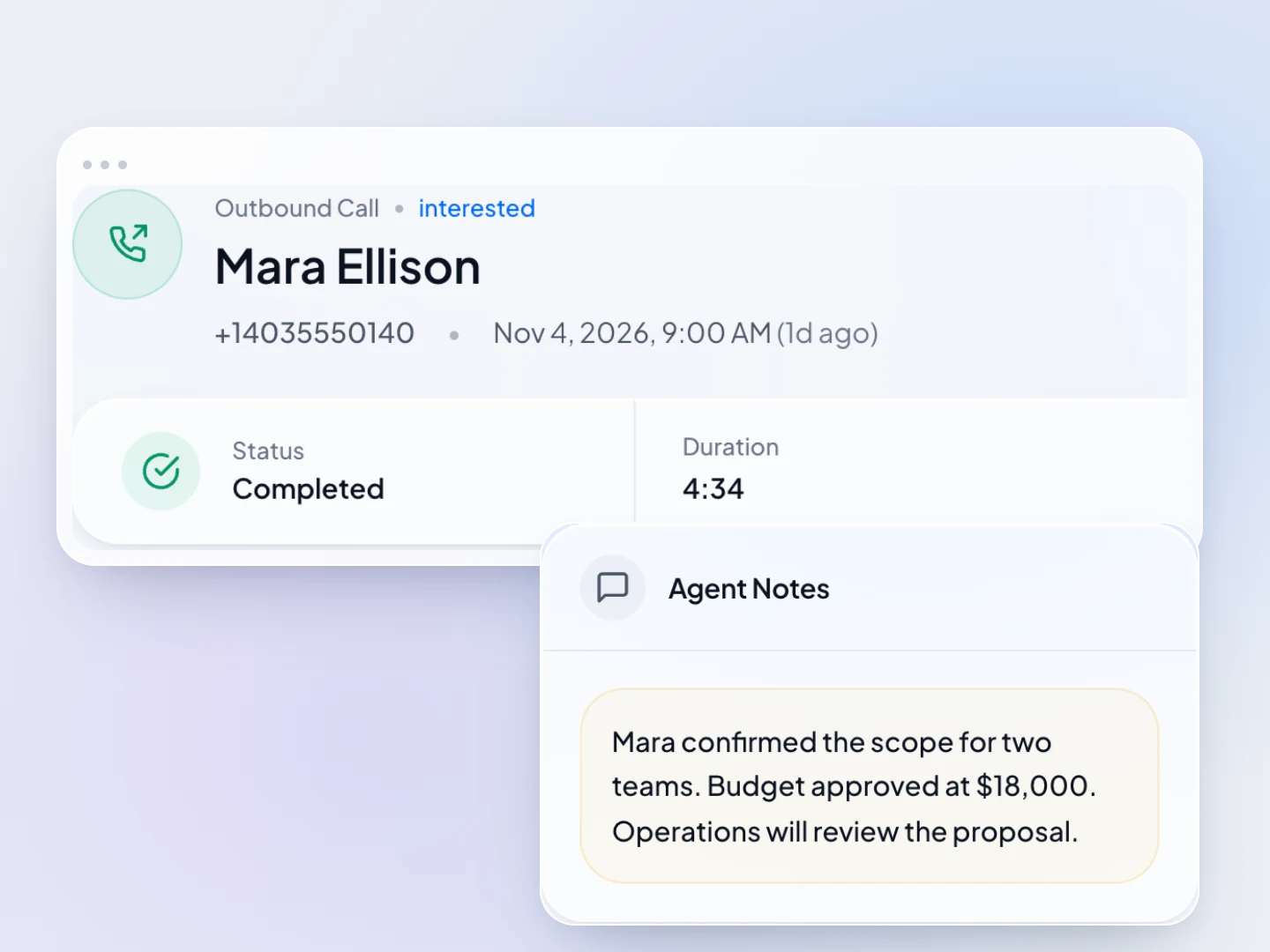
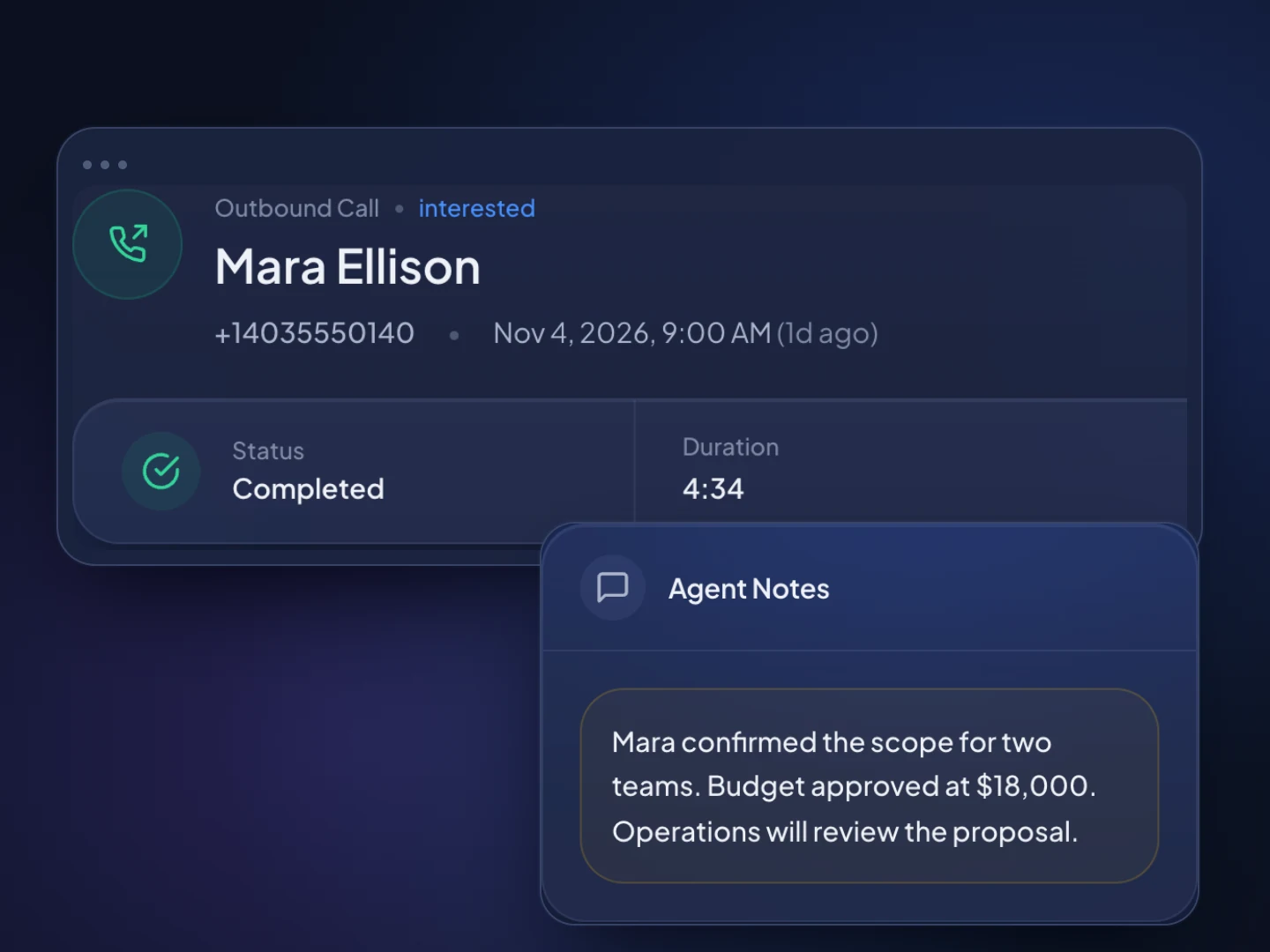
Contacts, companies, a deals pipeline with value by stage, custom fields, tags, tasks and reminders. Calls and texts land on the same record, with no integration to set up.
Power mode calls one number after another, so whoever answers reaches a rep. It suits customers, warm leads and callbacks.
Parallel mode calls several numbers at once and connects the rep to whoever picks up. When two people answer, one gets dropped, so keep it for large cold lists.
When a call isn't answered, TopReach can drop a voicemail, then send a text or an email on the days you choose, tracking every touch.
SMS and MMS from your business numbers, with replies in a shared inbox and on the contact's timeline next to every call.
$55 a seat, $99 a month per caller for every dialer mode with 3,000 minutes, and $10 per number. Teammates who don't call need only a seat.
Coaching
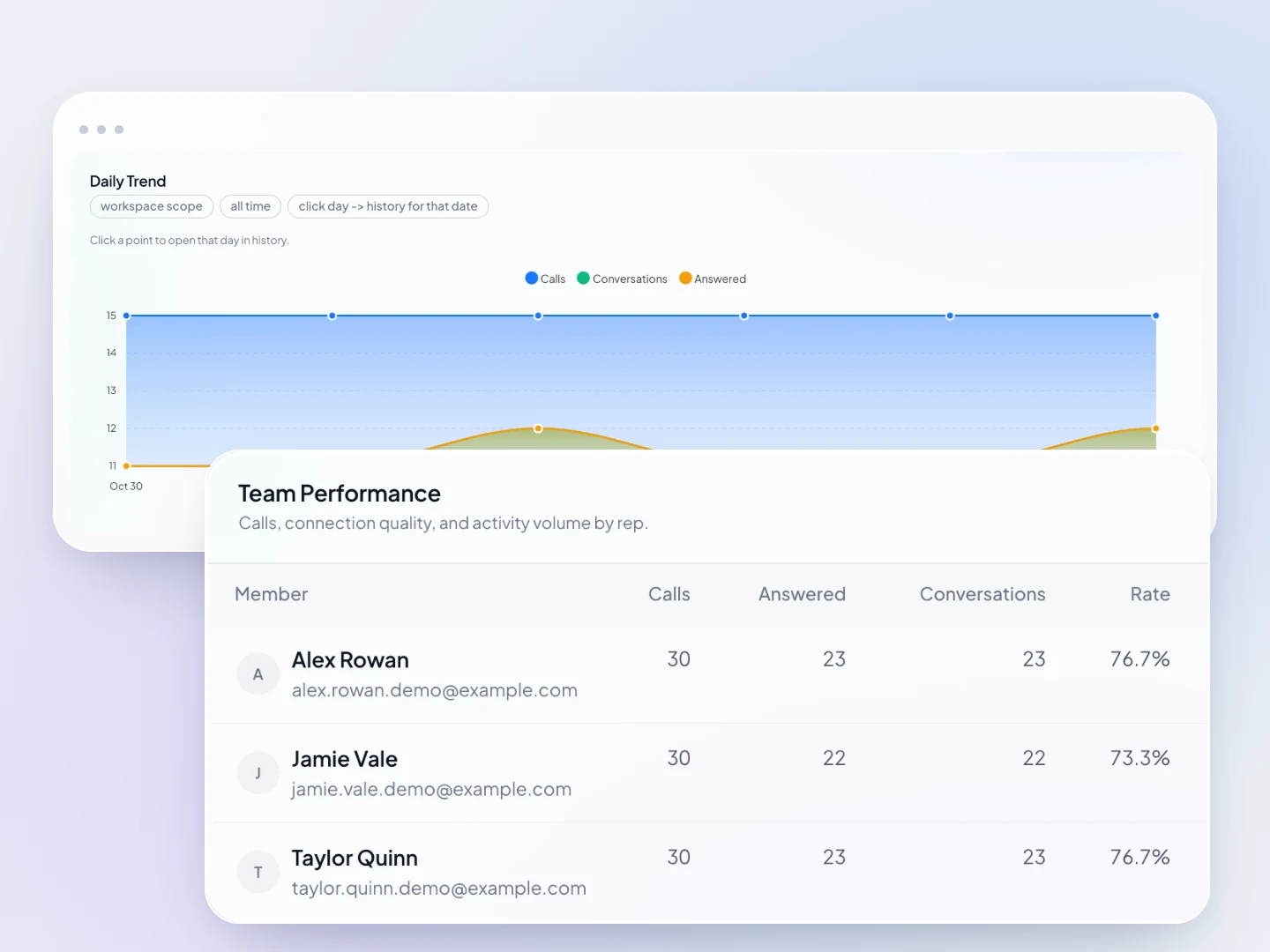
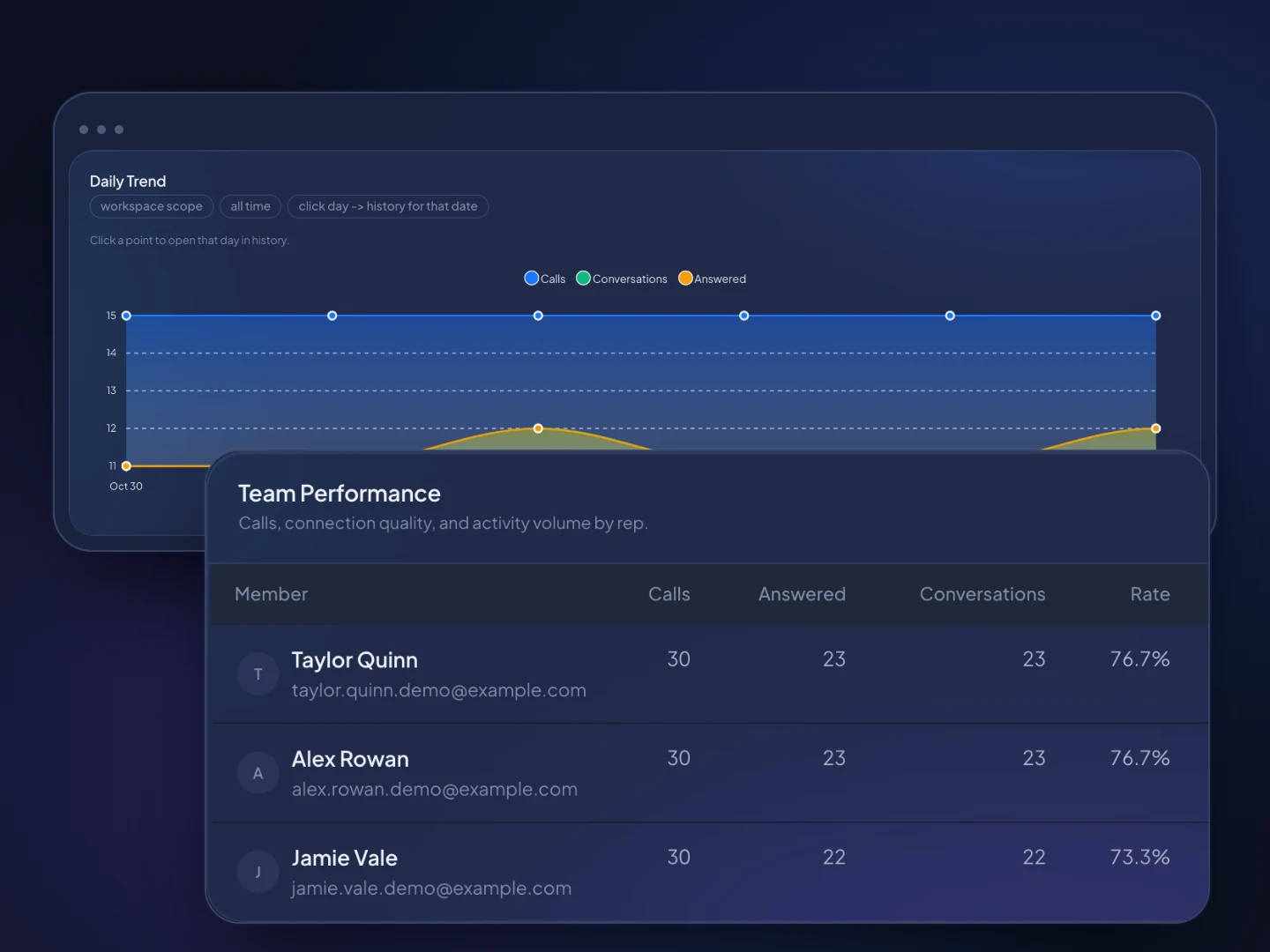
Managers can listen in, whisper to the rep without the other person hearing, or barge in, and compare conversations and outcomes per rep.
How it works
Upload a spreadsheet exported from your CRM. TopReach finds the phone number in whichever column it's in, and it can find and merge duplicates.
Buy local numbers in the area codes you call and turn on local presence, so each lead sees the one from their area. Build saved lists, or dynamic lists that fill themselves from rules.
Reps work their lists in power or parallel mode, missed calls get automatic follow-up, and managers listen in on live calls.
Guide
Dialpad is several products, so the first question in any comparison is which one you'd buy. This guide explains Dialpad's lineup and prices, when Dialpad is the right choice, when a small team is better served by a CRM with the dialer built in, and what to check before you switch.
Dialpad is an AI platform for customer experience, sold as four products, and its information page names enterprise and mid-market organizations, contact centers and sales teams as its focus. For an outbound sales team, the closest match is usually Dialpad Sell, or Dialpad Support if you want the Power Dialer its pricing page lists there.
The prices below are listed on Dialpad's pricing page (checked November 2026), per user a month, billed annually:
Dialpad is the better choice when you need a phone system for the whole company, a contact center, or AI agents. TopReach covers none of those: it has no IVR menus, no inbound call queues and no AI agents.
A CRM with a built-in dialer fits better for a small team, roughly 2 to 20 people, whose main phone work is calling out and following up, and who'd rather run one product than a phone system plus a CRM.
In TopReach, the contacts, the deals pipeline, the dialer, the text inbox and the follow-up all live together. A rep builds a saved list or a dynamic list that fills itself from rules, starts the dialer and works through it. Every outcome lands on the contact's timeline. When nobody answers, TopReach can drop a voicemail and then send a text or an email on the days you choose.
Managers can listen in, whisper or barge in on live calls, review recordings according to the workspace's recording setting, and compare conversations and outcomes per rep on leaderboards. People who don't call, such as an owner who only watches the pipeline, need a seat but no phone licence. TopReach is based in Canada and serves teams in Canada and the US.
Dialpad's pricing page lists a Power Dialer on its Support plans, and its sales dialer page describes a power dialer as a kind of auto dialer for sales. Its Sell Advanced plan adds local presence dialing and voicemail drop. In TopReach, dropping a voicemail is part of the automatic follow-up on unanswered calls, which can also send a text or an email on the days you choose.
TopReach includes two modes on one $99 phone licence. Power mode calls one number after another, so whoever answers reaches a rep. Parallel mode calls several numbers at once and connects the rep to whoever picks up. When two people answer together, one gets dropped. Use parallel on large cold lists where most calls go unanswered, and power mode for warm leads, customers and anyone high-value.
Abandoned calls matter for parallel dialing. In the US, the Telemarketing Sales Rule limits abandoned calls to 3% of answered calls per calling campaign, measured over 30 days, so a team using parallel mode for telemarketing should watch its rate.
On caller ID, both have local presence. Dialpad lists it on Sell Advanced and its Support plans. TopReach includes it with the phone licence: each call shows one of your numbers with the callee's area code, or one from their province or state, and you pay $10 a month a number.
Dialpad Sell costs less per user than TopReach, and TopReach includes the CRM. The fair comparison depends on whether you'd pay for a CRM next to Dialpad.
Take three callers and one manager who doesn't call. On TopReach with monthly billing, that's four seats at $55, three phone licences at $99 and three numbers at $10: $547 a month, CRM and local presence included. On Dialpad's listed prices, three Sell Essentials users are $117 a month billed annually, three Sell Advanced users with local presence are $177, and three Support Essentials users with the Power Dialer are $267, each before your CRM and any add-ons.
If you already pay for a CRM you plan to keep, Dialpad will usually cost less. If the CRM would exist only to sit behind the phone system, include its price before you decide. Dialpad offers a 14-day free trial of Connect, and TopReach has a 14-day free trial.
Check who else in your company relies on the phone system, and which features you'd give up.
The same rules apply whichever tool you use. This is general information, not legal advice.
Side by side
Dialpad details come from Dialpad's own website and pricing page, checked November 2026. Plans change, so check theirs before you decide.
FAQ

Start a 14-day free trial, import your contacts and make your first calls in TopReach.