Both modes on every calling seat
Allo's Power Dialer is a $50-a-month team add-on on Business, and its Parallel Dialer is on Ultra. Every TopReach phone license includes power and parallel modes.
Allo alternative
Allo is an AI business phone system for teams under 250 people, with AI call summaries and sync to the CRM you already use. Its Power Dialer is a team add-on that runs from the web or desktop app, and its Parallel Dialer comes with the Ultra plan. TopReach is a CRM with power and parallel dialing on every phone license, in the browser and in the iPhone and Android apps. If you want a phone line synced to HubSpot or Salesforce, or inbound call flows, Allo is likely the better fit, and this page explains why.
Why outbound teams look at TopReach
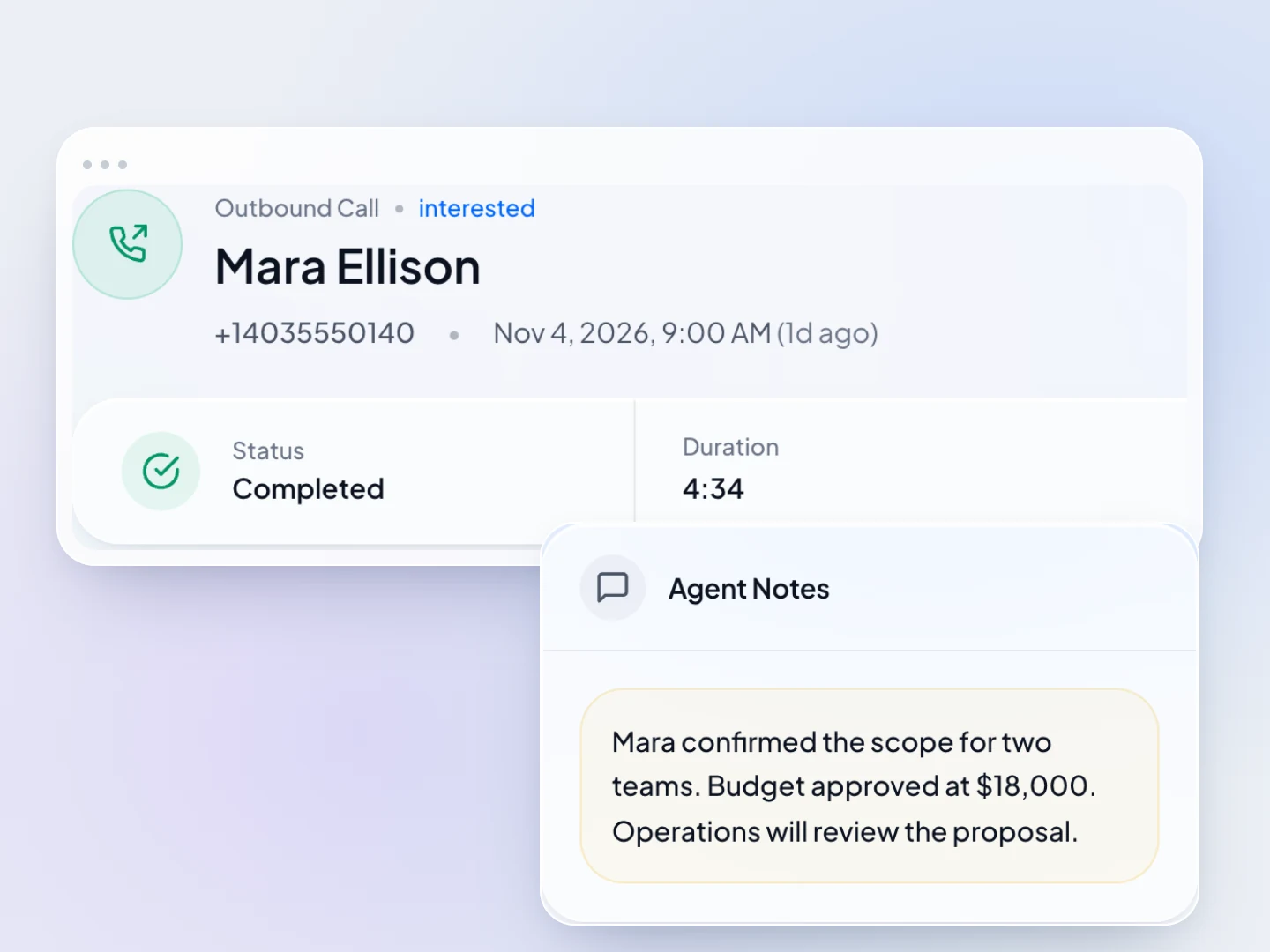
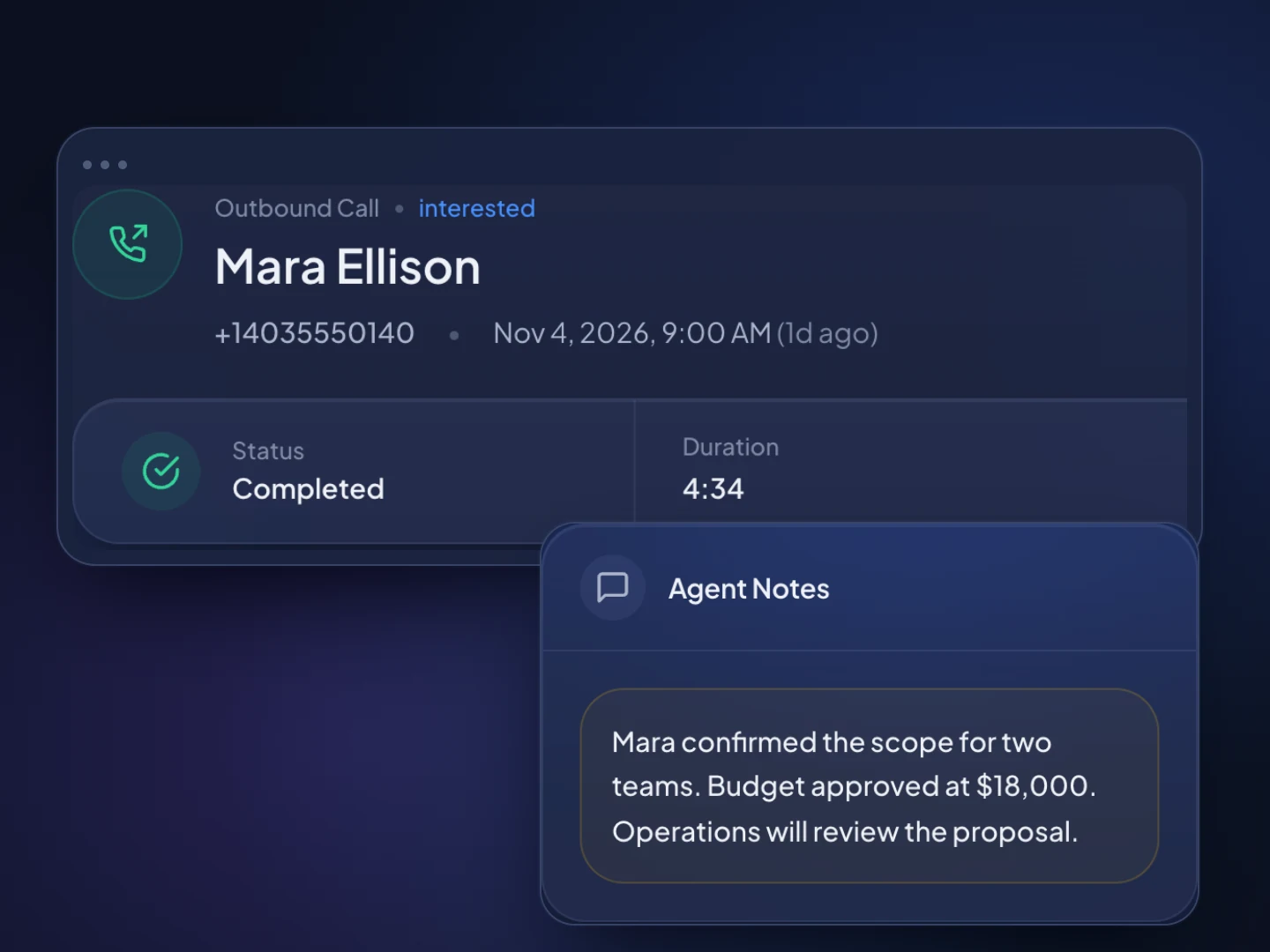
Allo's Power Dialer is a $50-a-month team add-on on Business, and its Parallel Dialer is on Ultra. Every TopReach phone license includes power and parallel modes.
Allo's help center says to start power dialer sessions from its web or desktop app. TopReach's iPhone and Android apps run power and parallel sessions with the call script on screen.
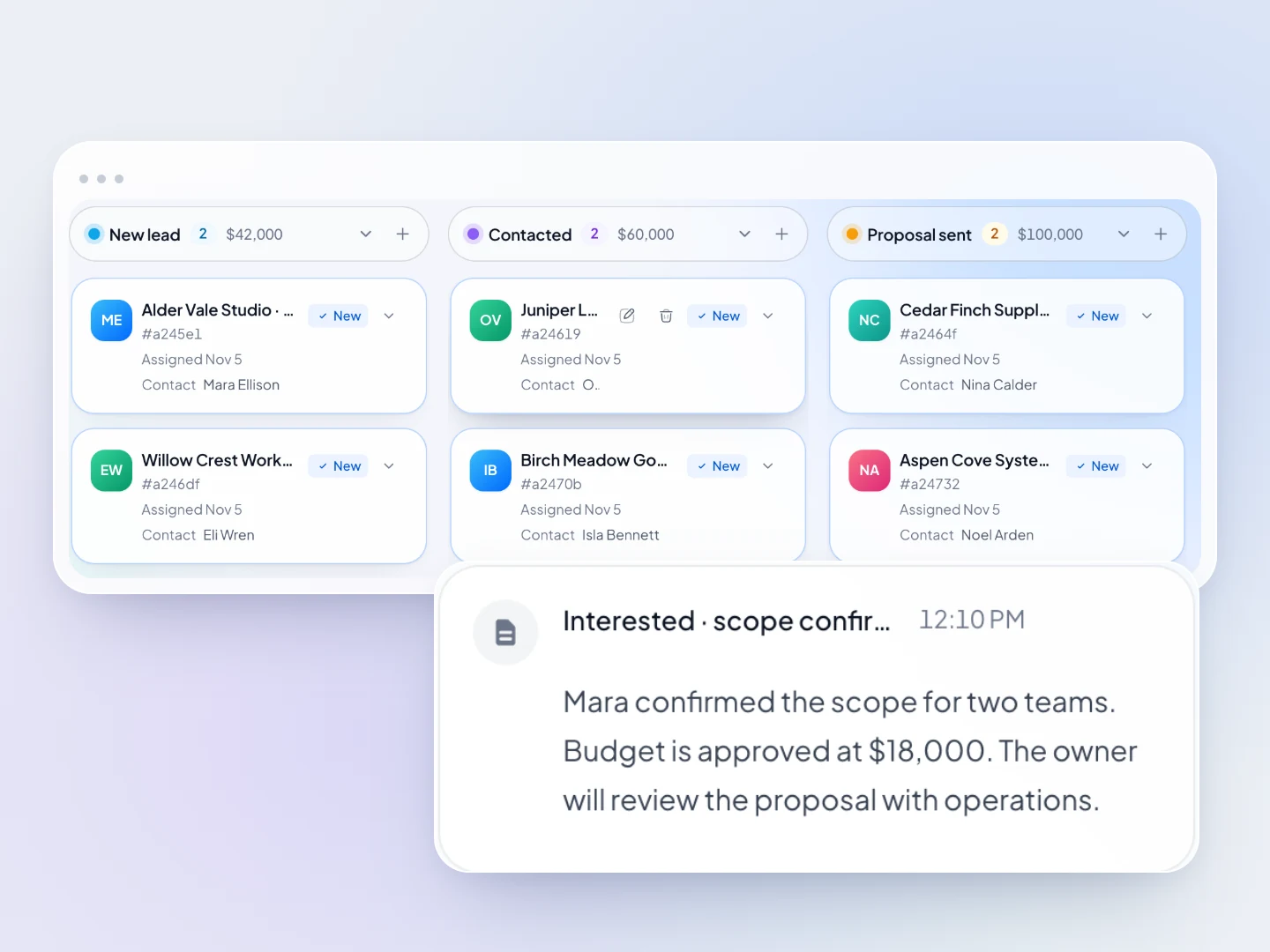
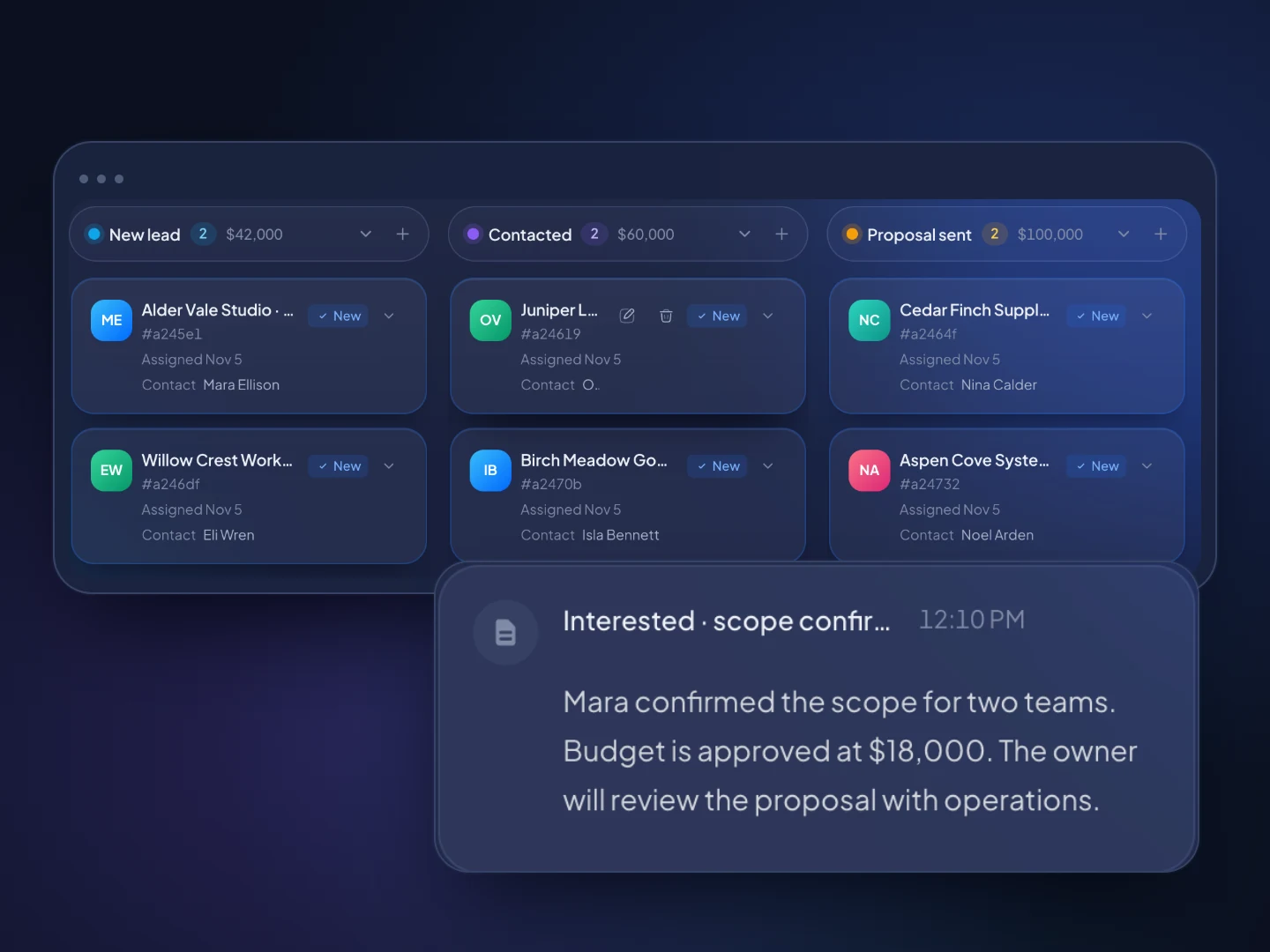
Allo syncs calls to HubSpot, Pipedrive, Attio, Salesforce and others. TopReach is the CRM: contacts, companies, a deals pipeline with value by stage, tasks and a timeline of every call, text and email.
When a call isn't answered, TopReach can drop a voicemail, then send a text or an email on the days you choose. It tracks every touch, so nobody gets the same message twice.
With local presence on, each call shows one of your team's numbers with the lead's area code, or one from their province or state. It works on every parallel line and in the phone app.
Each call list can have its own call script, shown next to the outcome form with the contact's name and company filled in, on the web and in the phone app.
The pipeline
Each call, text and email saves to the contact's timeline, and the deal sits on a pipeline that shows the value at every stage.
How it works
Export the contacts you call from your CRM as a spreadsheet and import it. TopReach finds the phone number in whichever column it's in, and it can find and merge duplicates.
Give each person who calls a phone license. TopReach can move existing numbers over, or you can buy local numbers at $10 a month each and turn on local presence.
Start a power or parallel session in the browser or the phone app. Outcomes save to the contact, unanswered calls get the follow-up you set, and deals move along the pipeline.
Guide
Teams usually look for an Allo alternative when outbound calling becomes the main job and the dialers start to cost extra: a power dialer add-on, a higher plan for parallel dialing, and sessions tied to a desktop. This guide explains what Allo is built for, how its dialers work, when it's still the right choice and how the prices compare. Every statement about Allo comes from Allo's own pages, checked November 7, 2026.
Allo is an AI business phone system for teams under 250 people, with apps for mobile, desktop and the web. It records calls, writes AI summaries and transcripts, and syncs calls to the CRM you already use, such as HubSpot, Pipedrive, Attio or Salesforce.
Business, at $32 a seat a month billed annually or $45 monthly, is described as 'Best for growing teams, from 2 to 250 people'. Each seat gets its own number, with CRM sync, outbound texting to US numbers, call analytics and MCP. Ultra, at $100 or $120 through sales, adds the parallel dialer, AI agents and a dedicated account manager. Allo's page shows prices in the visitor's currency; these USD figures come from its FAQ.
Allo also handles inbound calls: call flows with IVR menus, ring groups that ring all at once, in a cascade or as a queue, missed-call text-back, spam blocking and an AI receptionist add-on at $32 an agent a month billed yearly. It doesn't support desk phones: Allo says 'If your workflow relies on physical desk phones, Allo isn't the right fit today'.
Allo's Power Dialer is an add-on at '$50 a month for the whole team' on paid plans, and included on Ultra. It auto-skips voicemail, allows one active queue per person and holds up to 25,000 numbers. Its product page is headed 'Built for desktop', and the help center says: 'Open your queue from web.withallo.com or the desktop app and press Start.'
Allo's Parallel Dialer is on Ultra. Allo says it 'rings 3 to 5 contacts or more at the same time and connects you to the first person who picks up'. Its pages don't say whether parallel sessions run in the mobile app, and its App Store listing describes no dialer.
Allo notes that add-on 'Pricing is early and can still change', so confirm the current price before you plan around it.
Allo is the better choice when you want a modern business phone line that feeds the CRM you already have, or when inbound calls matter as much as outbound.
A CRM with a built-in dialer fits better when calling through lists is the job, every rep dials every day, and you'd rather not run a phone system and a CRM side by side.
In TopReach, the call, the outcome, the follow-up and the deal sit on the same record, with no sync to watch. A rep builds a saved list, or a dynamic list that fills itself from rules, and starts the dialer in the browser or on their phone. The call script shows next to the outcome form with the contact's details filled in.
When a call isn't answered, TopReach can drop a voicemail and then send a text or an email on the days you choose. Managers see conversations and outcomes per rep, with leaderboards, and can listen in, whisper or barge in on live calls.
Both have a power dialer and a parallel dialer. The difference is how you get them and where they run. On Allo, power dialing is a team add-on on Business and parallel dialing needs Ultra. On TopReach, both come with every $99 phone license.
Power mode calls one number after another, so whoever answers reaches a rep. It suits warm leads, existing customers and callbacks. Parallel mode rings several numbers at once and connects the rep to whoever picks up first. When two people answer at the same moment, one of them gets dropped, so keep parallel mode for large cold lists where most calls go unanswered.
In the US, the Telemarketing Sales Rule limits abandoned calls to 3% of answered calls per campaign, measured over 30 days, and Canada's limit is 5%. A team using parallel mode for telemarketing needs to watch that rate, whichever tool it uses.
In TopReach, yes. The iPhone and Android apps run power and parallel sessions: pick a call list, tap Power or Parallel, and the next lead, the live call and the call script share one screen. Parallel shows when your workspace has it turned on. Calls go out over Wi-Fi or mobile data from your team's business numbers, and local presence works the same as on the web.
Allo's app makes and takes calls over the internet, with texts, contacts and AI summaries. For power dialing, Allo's help center says: 'Open your queue from web.withallo.com or the desktop app and press Start.' Allo doesn't say whether its parallel dialer runs on the phone.
Allo costs less per seat, especially for power dialing from a desk. TopReach includes the CRM and both dialer modes for every caller, on the web and the phone.
Take four callers and one manager who doesn't call. On TopReach with monthly billing, that's five seats at $55, four phone licenses at $99 and four numbers at $10: $711 a month, or $681 with the seats billed yearly, with the CRM included.
Five Allo Business seats with the Power Dialer add-on are listed at $210 a month billed annually, or $275 monthly, with power sessions run from a desktop. For parallel dialing, five Ultra seats are $500 a month billed annually, or $600 monthly. Both are before the CRM you'd sync Allo to. If you already pay for a CRM you plan to keep and your reps dial from desks, Allo Business will usually cost less.
Check how much of your phone work is inbound, where your reps dial from, and which tools calls need to reach. A short list:
Outbound calling and texting are regulated in both the US and Canada, whichever tool you use. This is general information, not legal advice.
Side by side
Allo details come from Allo's own pricing page, dialer pages, help center and App Store listing, checked November 7, 2026. Allo's page shows prices in the visitor's currency; the USD figures here come from its FAQ. Plans change, so check theirs before you decide.
FAQ

Start a 14-day free trial, import a list and run a power or parallel session from your browser or phone.
Updated