Final Expense

A final expense CRM and dialer for high-volume lead calling, done respectfully.

TopReach is a CRM with a built-in power dialer, parallel dialer and two-way texting for final expense agents and agencies. Work fresh and aged leads, set phone and kitchen-table appointments, keep each lead's consent record on file and make your calls from your phone between appointments.

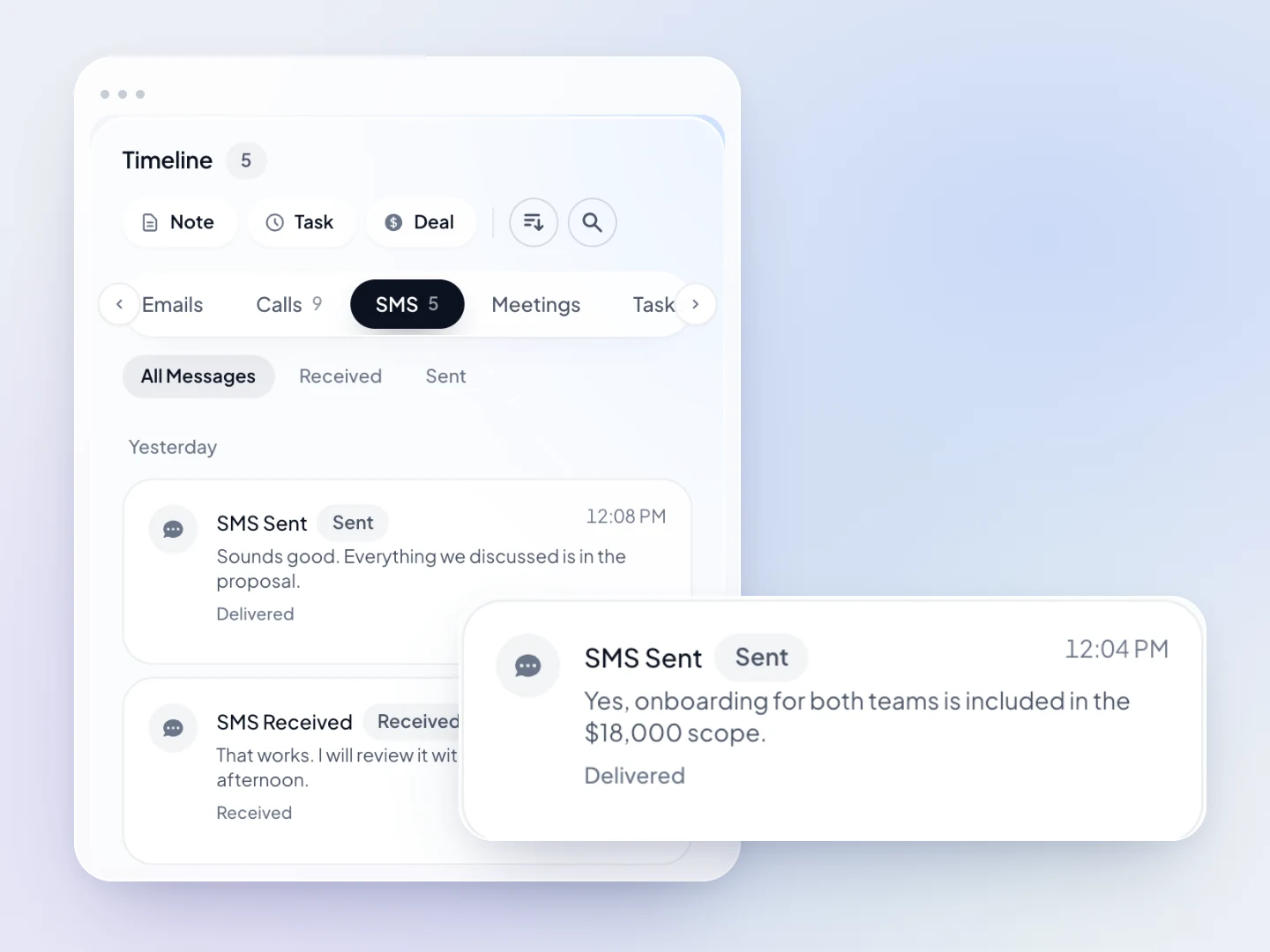
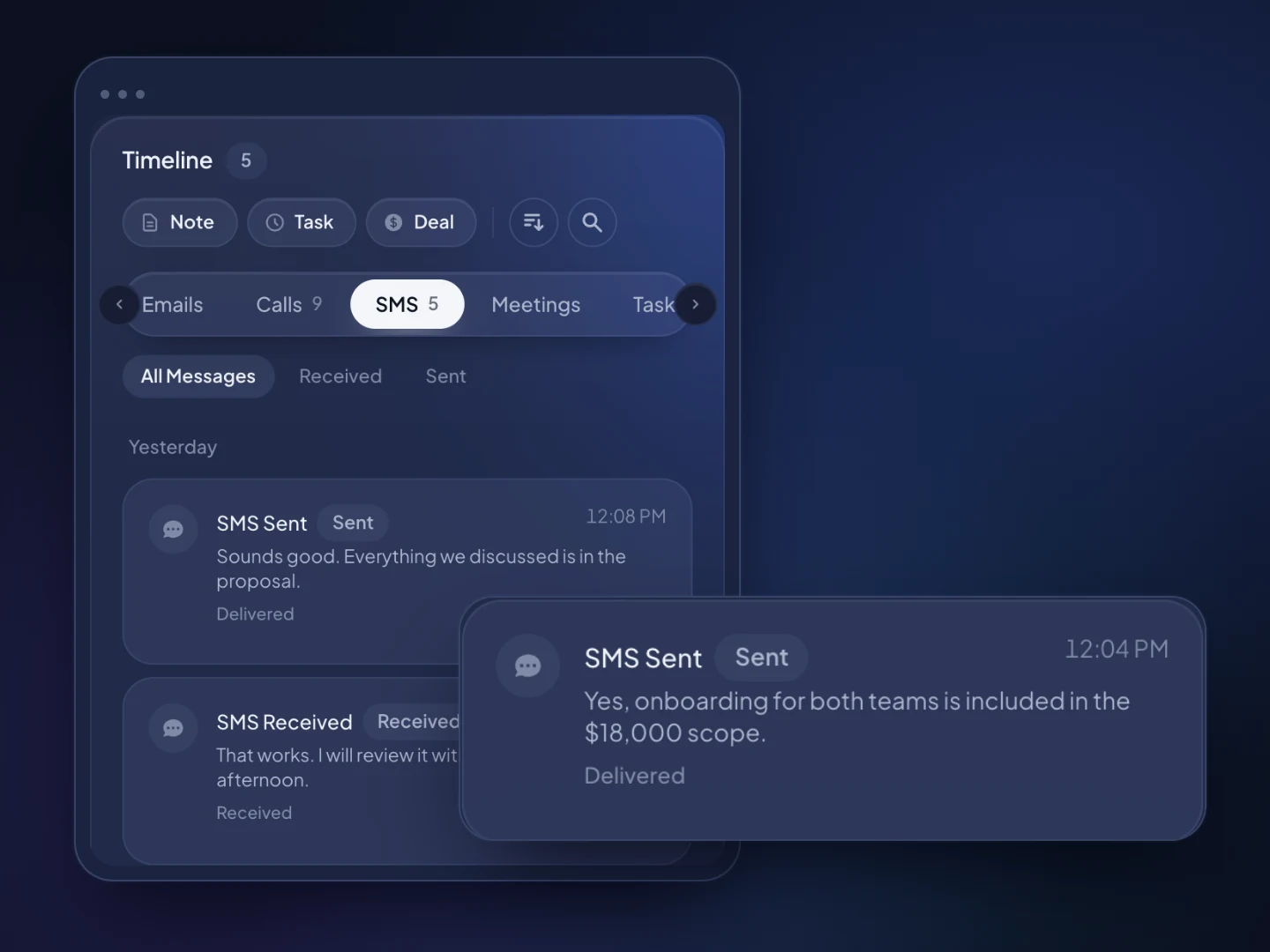
A text conversation and customer reply in the TopReach contact timeline. Fictional sample data.A text conversation and customer reply in the TopReach contact timeline. Fictional sample data.

Built for final expense

What TopReach does for final expense

One workspace for the pipeline, the calls and texts, and the team, instead of a CRM, a phone system and a spreadsheet.

What you get

  • ✓Call fresh TV, mailer and internet leads in power mode the minute they arrive
  • ✓Work aged leads in parallel mode, and move anyone interested to a power list
  • ✓Keep the lead source, the reply card or form wording and the consent date on every lead
  • ✓Track each case from first call to placed, with annual premium at each stage
  • ✓Read a plain-spoken script on the call screen, with the lead's name filled in
  • ✓Confirm appointments by call or text, with every reply in one inbox
  • ✓Power and parallel dial from the TopReach app on iPhone and Android
  • ✓Keep one do-not-call list for the whole agency, so one request covers every agent

At a glance

What TopReach is
TopReach is a CRM with a built-in power dialer, parallel dialer and two-way texting, on the web and on iPhone and Android. Final expense agents use it to work fresh and aged leads, set phone and in-home appointments and follow each case to placed.
What final expense insurance is
Final expense is small whole life insurance meant to pay for a funeral and final bills, usually sold to older adults and often simplified issue, with health questions instead of a medical exam.
How this differs from the other insurance pages
The insurance page covers agencies broadly, including property and casualty, and the life insurance page covers term, IUL and final expense together. This page is for agents who work only the senior final expense market, where lead volume is high and the buyers are older.
Best dialer mode for final expense
Power mode for fresh leads, appointments and policyholders, so every senior who answers reaches an agent. Parallel mode only for aged leads with a consent record that covers you, after a do-not-call scrub, and never to redial the same person in quick succession.
Calling seniors well
Say who you are, your agency and why you're calling in the first sentence. Slow down, confirm they asked for information, offer to include a family member, and take the first no as a no.
Pricing
$55 a seat a month, or $49 a seat a month billed yearly. Each person who calls needs a $99-a-month phone license, which covers every dialer mode, includes 3,000 minutes a month and works in the phone app, and each phone number is $10 a month. There is a 14-day free trial.
What TopReach doesn't do
TopReach doesn't sell leads, quote, run e-apps, store health or bank details, or check numbers against the do-not-call registries. It has no inbound call queues for live transfers and no integration with carriers, IMOs or lead vendors.

Playbooks

The lists a final expense agent calls, and how to work each one

Final expense is high-volume lead work with an older audience, so the plays are about speed and care at the same time. Power mode for every lead that's fresh, booked or a client; parallel mode for aged leads only.

Fresh TV and internet leads

Power mode

Older adults who responded to an ad or a form in the last hour. The goal is a calm first conversation and an appointment.

Why power mode: These leads are often sold to more than one agent, and the person who answers deserves a person, not silence. Power mode makes sure every answer reaches you.

  1. Add the lead with the source, vendor, lead date and the consent wording from the form.
  2. Call within minutes on the final expense script. Local presence shows a number from their area code.
  3. Open with your name, your agency and the request they made, and confirm you're speaking with the person who asked.
  4. Ask who they'd like the policy to help, and book a phone or in-home appointment, offering a time a family member can join.

Follow-up

On a miss, a voicemail in your own voice, and a text only if they agreed to texts. Then a call a day at different times for a few days, weekly for a month, then the aged list. In Florida, no more than three sales calls in 24 hours.


Mailed reply cards

Power mode

Seniors who mailed back a card asking about final expense coverage. The goal is an in-home or phone appointment.

Why power mode: They took the time to mail a card. Each one should reach an agent who has the card's details on screen.

  1. Import the cards with the card date, the beneficiary they named if any, and the town.
  2. Call on the reply-card script, mentioning the card they sent so they place the call.
  3. Book in-home appointments by town, so the day's visits are close together.
  4. If they'd rather talk by phone, set a phone appointment instead.

Follow-up

Two more attempts over the next week. A card is an inquiry, so after three months the do-not-call registry applies again.

Aged leads

Parallel mode

Leads that are weeks or months old and never booked. The goal is to find the few still looking for coverage.

Why parallel mode: Most numbers won't answer, so ringing several at once gets agents to live conversations faster. When two people answer together one call drops, so keep abandoned calls under 3% and never redial a senior who just hung up.

  1. Keep only leads whose consent record covers calls from you, and set the rest aside.
  2. Scrub against the National Do Not Call Registry, state lists and your do-not-call list before import.
  3. Run a parallel session on a short aged-lead script. Anyone interested moves to a power-mode list.
  4. Mark 'not interested' and stop-calling requests on the spot. A no is a no for every agent.

Follow-up

No automatic voicemails or texts unless the consent record covers them. One more pass in a month, then retire the list.

Appointment confirmations

Power mode

Every appointment on tomorrow's calendar. The goal is a client who expects you and has the right people at the table.

Why power mode: Every name has booked with you, and many seniors would rather hear a voice than read a text.

  1. A reminder task for each appointment puts it on the confirmation list.
  2. Call the day before: confirm the time, the address and whether a family member will join.
  3. Text the details too, for clients who use texting and agreed to it. Reschedules land in the shared inbox.

Follow-up

A short call the morning of. A missed appointment gets a same-day call to rebook, without pressure.

Approved to placed, and policyholder care

Power mode

Clients whose policy is approved or newly in force. The goal is a policy that stays in force and a client who refers friends.

Why power mode: These are your clients. Every call should reach the agent who sold the policy.

  1. Call when the policy is approved to explain it and confirm the first premium date the client chose.
  2. Call before the first premium is due, so it isn't a surprise.
  3. Suggest they tell the beneficiary the policy exists and where the papers are.
  4. Set an annual check-in task, and ask whether a spouse or friend would want a quote.

Follow-up

An annual call. Never use these calls to steer a client toward replacing a policy without a clear benefit to them.

The case pipeline most final expense agents run

  1. 1. New lead
  2. 2. Contacted
  3. 3. Appointment set
  4. 4. Appointment held
  5. 5. Application submitted
  6. 6. Approved
  7. 7. Placed

Use annual premium as the deal value. Approved but never paid becomes Not taken with a reason, which shows which lead sources place policies and which only fill the calendar.

Paste a script in as a call list’s script in TopReach and it sits on the call screen next to the outcome form, with the contact’s name, your name and the number you’re calling from filled in.

An independent insurance agent at a kitchen-table office, earbud in, taking notes beside a phone on a stand and a coffee

From your phone

Call your leads between kitchen-table appointments

Final expense agents spend much of the day in clients' homes. The TopReach app keeps the call list, the script and each lead's card on the phone, so the hour between two appointments can be a call block from a quiet spot.

  • ✓Power or parallel dial a call list, with the script and the lead card on the call screen
  • ✓Call from your agency's business numbers, picked on the keypad, so your personal cell stays private
  • ✓Local presence shows seniors a number from their own area code, and the same number when you call back
  • ✓Every business number's texts in one inbox, with notifications for missed calls and voicemails
  • ✓Today lines up callbacks, tasks, missed calls and the deals closing this week
  • ✓Incoming calls to your business numbers ring on your phone and land on the lead's timeline
See the TopReach app for iPhone and Android →

Guide

How final expense agents work leads by phone, and how to treat the senior market well

Final expense agents make a lot of calls to people who are older, often on fixed incomes and often wary of phone sales. This guide covers where leads come from, how to call seniors so they trust you, what to keep on each lead, how to set appointments that hold and which dialer mode to use.

Where do final expense leads come from?

Most agents buy leads, and the kind you buy shapes the day. Track the source and vendor on every lead, so the pipeline shows which sources place policies.

TopReach doesn't sell or supply leads and has no built-in connection to lead vendors. Leads come in by spreadsheet import, or through the public API with keys and webhooks if you connect your own tools.

  • TV and internet leads: forms and responses that arrive in real time and are often sold to several agents.
  • Mailed reply cards: slower, but the senior took the time to ask, and the card often names a beneficiary.
  • Aged leads: older leads sold at a discount, which need a do-not-call scrub and a consent check before you dial.
  • Live transfers: calls routed to the next free agent. TopReach has no inbound queues, so they need a different system.
  • Referrals: friends and family of your policyholders, often the best leads you'll get.

How should you call seniors so they trust you?

Older adults get a lot of scam calls, so the first ten seconds decide whether they stay on the line. Be plain about who you are, slow down and make it easy to say no.

  • Say your name, your agency and the request they made in the first sentence.
  • Never suggest you're calling from Medicare, Social Security or any government program. Federal rules bar implying a government affiliation.
  • Speak slowly, pause for questions and repeat the important parts.
  • Offer to set the appointment for a time a son, daughter or friend can join.
  • If they seem unsure what they're agreeing to, stop, and suggest a call back with family on the line.
  • Take the first clear no as a no. Put stop-calling requests on the do-not-call list right away, for every agent.
  • Keep to reasonable hours in their time zone, inside the federal window and any narrower state limits.

What should you keep on each lead, and what should stay out?

Keep what you need to call well and prove you were allowed to. Health answers, medications, Social Security numbers and bank details for the premium draft belong on the carrier's application, not in your CRM. TopReach doesn't claim HIPAA compliance.

  • Lead source, vendor and lead date
  • The consent wording and date from the form or card
  • State, since you can only sell where you're licensed
  • Who they want the policy to help, and the beneficiary if they've named one
  • Whether a family member wants to be on the call or at the appointment
  • Existing coverage, so you know when a sale would be a replacement
  • Tags such as reply-card, tv-lead, aged-lead and family-to-join

How do you set appointments that hold?

Book a specific time, confirm it the day before by phone and again the morning of, and make it easy to reschedule. A senior who's expecting your call or your knock is far more comfortable than one who isn't.

In TopReach, a reminder task for each appointment builds tomorrow's confirmation list on its own. Texts and replies from every agency number land in one inbox, and Today on the phone app shows the callbacks and tasks due.

Should final expense agents use a power dialer or a parallel dialer?

Use power mode for fresh leads, reply cards, appointments and clients. Power dialing calls one number after another, so whoever answers reaches you, with the script and lead card on screen.

Parallel mode calls several numbers at once and connects you to whoever answers first. It suits aged leads, where most numbers won't pick up. When two people answer at once, one gets dropped, and for a senior that silence can feel like a scam call, so keep it to aged lists, under the 3% abandoned-call limit. Both modes come with the same $99-a-month phone license, on the web and in the app.

The rules

The rules that matter for final expense calling

Final expense calling sits under federal telemarketing law, state do-not-call and telemarketing laws, state insurance rules and, for agents who also sell Medicare, CMS rules. This is a short overview, not legal advice; check with your compliance contact or IMO.

Do-not-call: federal and state

An inquiry, including a reply card, counts as a business relationship for three months. After that, numbers on the National Do Not Call Registry need written permission. Texas keeps its own list, and its licensed-agent exception requires the sale to be completed at an in-person meeting.

Source: 16 CFR § 310.2, Telemarketing Sales Rule definitions (established business relationship); 47 CFR § 64.1200, the FCC's TCPA and do-not-call rules; Public Utility Commission of Texas, Texas No-Call list

No government impersonation

The FTC's impersonation rule bars posing as, or implying an affiliation with, a government agency. Never suggest a call is from Medicare, Social Security or a government program.

Source: 16 CFR § 461.2, FTC rule on impersonating government

Honest fit

Where TopReach isn't the right fit for final expense

TopReach suits agents who work their own leads and set their own appointments. Some final expense operations need something else.

  • You buy live-transfer calls that must ring the next available agent. TopReach has no inbound call queues or IVR menus.
  • You run a large call floor that needs a predictive dialer at high volume. TopReach dials in power and parallel modes, with an agent on every call.
  • You need quoting, e-apps or carrier status feeds. TopReach has no integration with carriers or IMOs.
  • You need health or bank details stored with the lead. TopReach doesn't claim HIPAA compliance, and those details belong on the carrier's application.
  • You want numbers checked against the do-not-call registries for you. TopReach keeps your do-not-call list but doesn't scrub against the registries.

FAQ

Final Expense: common questions

The insurance page covers agencies broadly, including property and casualty. The life insurance page covers term, IUL and final expense together. This page is for agents who work only final expense, where lead volume is high, the buyers are older and the calls need extra care.

A sales team working together at dusk

Work your final expense leads with care, and at volume.

Start a 14-day free trial, import your leads and call them in power mode, on the web or from your phone.

Updated