Life Insurance

A CRM and dialer for life insurance agents who live on lead callbacks.

TopReach is a CRM with a built-in power dialer, parallel dialer and two-way texting for life insurance agents and agencies. Call new leads back in minutes, work aged leads without burning the day, and set term, IUL and final expense appointments from one pipeline.

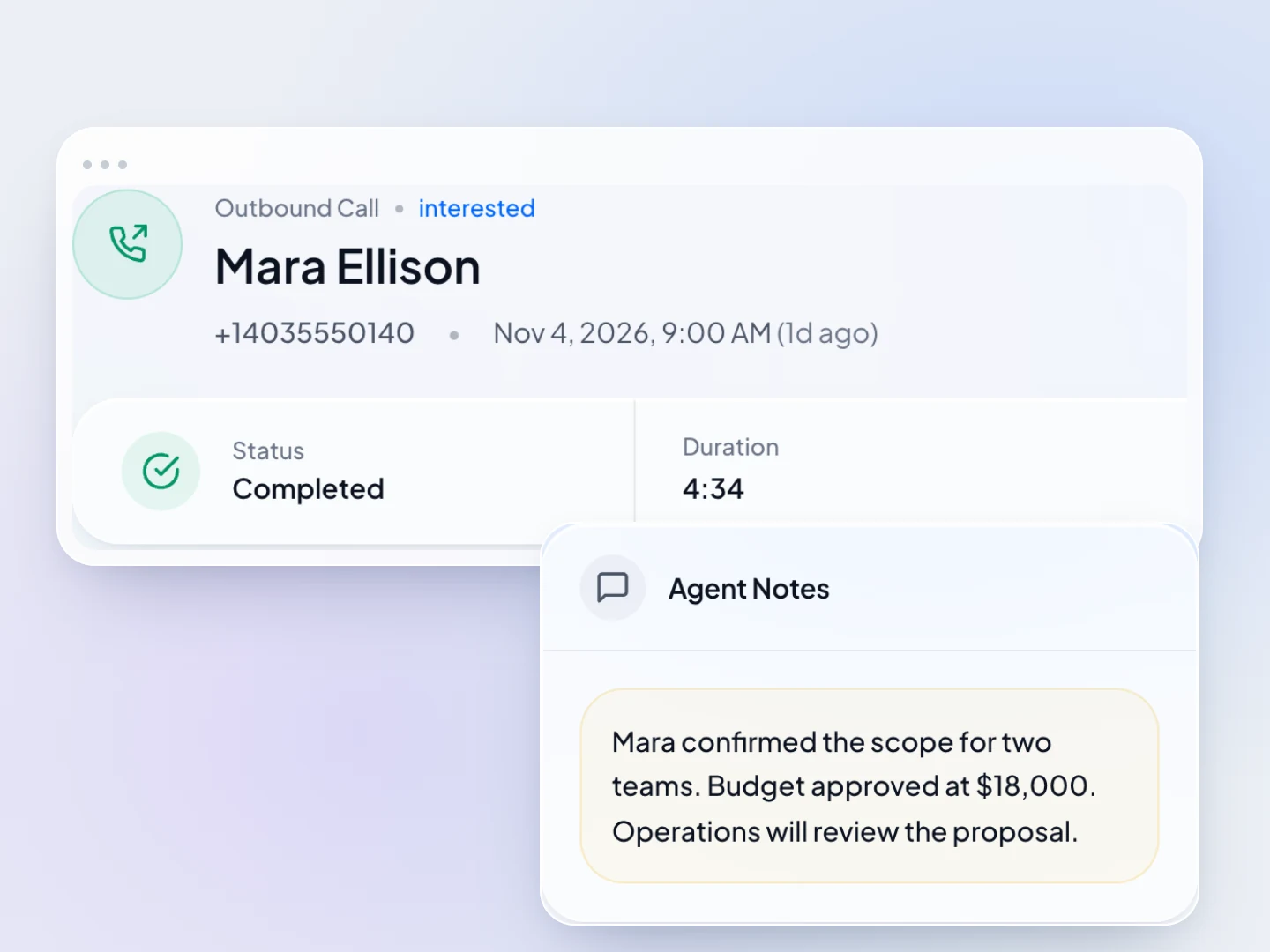
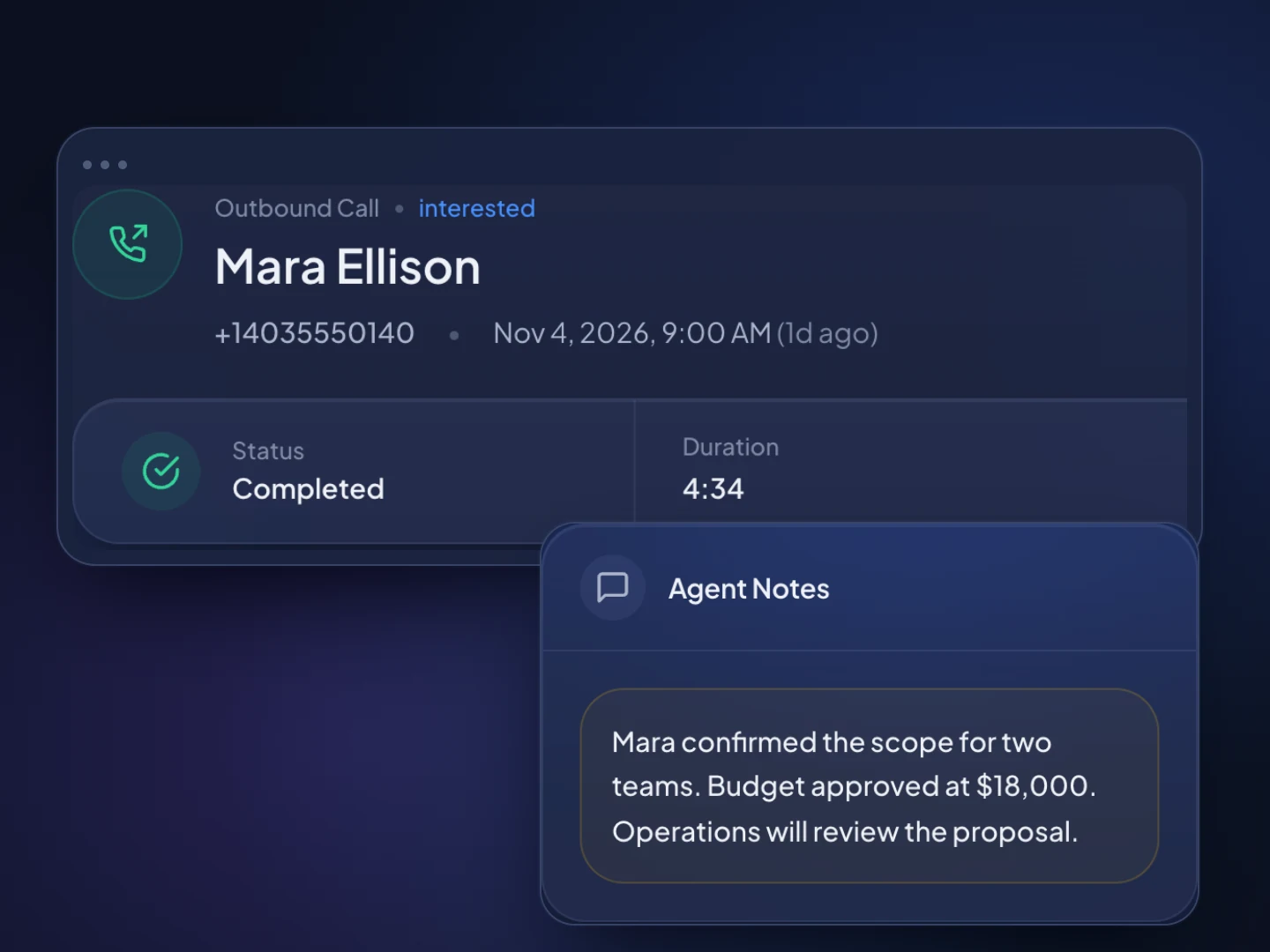
A completed TopReach call with its outcome, duration and saved rep note. Fictional sample data.A completed TopReach call with its outcome, duration and saved rep note. Fictional sample data.

Built for life insurance

What TopReach does for life insurance

One workspace for the pipeline, the calls and texts, and the team, instead of a CRM, a phone system and a spreadsheet.

What you get

  • ✓Call new internet and mailer leads in power mode the minute they arrive, with the lead's details on screen
  • ✓Work aged leads in parallel mode, several numbers at once, and move the ones who answer to a power list
  • ✓Keep product interest, coverage amount, state and consent source on every lead in custom fields
  • ✓Track each case from first call to placed, with annual premium as the value at each stage
  • ✓Drop a voicemail on a missed call, then text or email on the days you choose, for leads who consented
  • ✓Read your script on the call screen, with the lead's name filled in
  • ✓Let AI call summaries keep the objections, budget and next step on every lead
  • ✓Keep one do-not-call list and texting opt-outs across every agent

At a glance

What TopReach is
TopReach is a CRM with a built-in power dialer, parallel dialer and two-way texting. Life insurance agents use it to call inbound leads back, work aged leads and set term, IUL and final expense appointments.
How this differs from the insurance page
Life agents mostly call leads who asked about coverage, not a book of policies up for renewal. Agencies selling property and casualty lines have the insurance page, and agents who work only the senior final expense market have a page of their own.
Best dialer mode for life agents
Power mode for fresh leads, callbacks and appointments, so whoever answers reaches an agent. Parallel mode for aged leads, where most numbers won't answer, as long as the consent record covers you and you scrub against the do-not-call registry first.
Life insurance pipeline
A common setup has drag-and-drop stages for New lead, Contacted, Appointment set, Application submitted, Underwriting, Approved and Placed, with Not taken for policies that are approved but never put in force.
Pricing
$55 a seat a month, or $49 a seat a month billed yearly. Each person who calls needs a $99-a-month phone license, which covers every dialer mode and includes 3,000 minutes a month, and each phone number is $10 a month. There is a 14-day free trial.
Compliance
Life lead calling falls under the TCPA's consent rules, the National Do Not Call Registry, state do-not-call lists and telemarketing laws, and state insurance rules on licensing, replacements and misrepresentation. Check with your compliance contact or IMO.
What TopReach doesn't do
TopReach doesn't quote, run e-apps, store health information or sell leads, and it has no built-in integration with carriers, IMOs or lead vendors. You import leads from a spreadsheet, or connect your own tools through the public API.

Playbooks

The lists a life agent calls, and how to work each one

Most life insurance selling is lead follow-up, and the lead type decides the conversation. Power mode for every lead that's fresh, booked or in underwriting; parallel mode only for aged leads where most numbers won't answer.

Fresh inbound leads

Power mode

People who asked about life insurance in the last hour, through a website, a TV or radio response, or a mailed reply card. The goal is a real conversation and an appointment.

Why power mode: Shared leads are often sold to several agents, so the first agent with a good conversation usually wins. Nobody who just asked should pick up to a dropped call.

  1. Add the lead with the product they asked about, the lead source and vendor, the lead date and the consent wording from the form.
  2. Call within minutes on the inbound-lead script. Local presence shows a number from their area code.
  3. Confirm you're speaking to the person who asked and who they want to cover, then ask about coverage amount and budget.
  4. Book a phone, video or in-home appointment, or quote on the spot if your carriers allow it. The deal moves to Appointment set.

Follow-up

On a miss, the voicemail drops and a text follows if the form's consent covers prerecorded calls and texts from you. Then calls on days 1, 2, 3, 5 and 7, weekly for a month, and the aged list after that.

Term and mortgage protection appointments

Power mode

Families and homeowners who want coverage tied to a mortgage or to income. The goal is a quote both spouses hear together.

Why power mode: These are booked appointments. Every call should reach the agent who booked it.

  1. Book the appointment when both decision-makers can be on the call or at the table.
  2. Before it, note the mortgage balance or income to replace, dependents and the term length they're thinking about.
  3. Quote two or three term lengths and face amounts, and move the deal to Application submitted when they apply.

Follow-up

A confirmation call or text the day before. If they want to think it over, a call two days later, then weekly for a month.

IUL and permanent life appointments

Power mode

Clients interested in permanent coverage with cash value. The goal is a discovery call, then an illustration meeting.

Why power mode: A longer sale with fewer, higher-stakes conversations. Each call should reach the agent who knows the client's goals.

  1. Run discovery first: income, goals for the cash value, existing coverage and how long they can fund the premium.
  2. Log the goals in custom fields so the illustration meeting starts where discovery ended.
  3. Book the second meeting to walk through the carrier's illustration, and add an Illustration presented stage before Application submitted.

Follow-up

A call within two days of the illustration meeting, then weekly. Record the reason on every case that doesn't go ahead.

Final expense appointments

Power mode

Older adults who want a small whole life policy for funeral costs and final bills. The goal is an unhurried appointment, often with a family member.

Why power mode: Senior callers deserve a person on the line and time to think. Never drop their call.

  1. Say who you are and why you're calling in the first sentence, and confirm they asked for information.
  2. Offer to set the appointment for a time a family member can join.
  3. Quote through your carriers and move the deal along as with any other case.

Follow-up

Agents who work only this market have their own playbook on the final expense page.

Aged leads

Parallel mode

Leads that are weeks or months old and never answered. The goal is to find the few still looking.

Why parallel mode: Most won't answer, so ringing several at once gets you to live conversations faster. When two answer together one call drops, so keep abandoned calls under 3%.

  1. Keep only leads whose consent record covers calls from you, and set the rest aside.
  2. Scrub against the National Do Not Call Registry, state lists and your own do-not-call list: an inquiry older than three months no longer counts as a business relationship.
  3. Run a parallel session on the aged-lead script. Anyone interested moves to a power-mode list and gets an appointment.
  4. Mark wrong numbers and stop-calling requests as you go.

Follow-up

No automatic voicemails or texts unless the consent record covers them. One more pass in a month, then retire the list.

Underwriting to placed

Power mode

Clients who applied and are waiting on underwriting, exams or delivery. The goal is a policy in force, not Not taken.

Why power mode: These are your clients mid-sale. Each call should reach someone who can see where the case stands.

  1. Call to help schedule the paramedical exam if the carrier needs one, and keep the client posted on delays.
  2. When the case is approved, call to explain the policy and confirm the first premium date.
  3. Move it to Placed when the policy is in force, and set a task for an annual review.

Follow-up

A call at each underwriting step, and an annual review that asks about beneficiaries, new coverage needs and referrals.

The case pipeline most life agents run

  1. 1. New lead
  2. 2. Contacted
  3. 3. Appointment set
  4. 4. Application submitted
  5. 5. Underwriting
  6. 6. Approved
  7. 7. Placed

Use annual premium as the deal value so the board shows premium waiting at each stage. Approved but never paid becomes Not taken, with a reason, so you can see which lead sources place and which only apply.

Paste a script in as a call list’s script in TopReach and it sits on the call screen next to the outcome form, with the contact’s name, your name and the number you’re calling from filled in.

Guide

How life insurance agents work leads by phone, from first call to placed

For most life agents the week is lead follow-up: new leads called back fast, aged leads worked in blocks, appointments held and cases pushed through underwriting. This guide covers where leads come from, how term, IUL and final expense calls differ, what to keep on each lead, a follow-up cadence and which dialer mode to use.

Where do life insurance agents get leads?

Most agents buy leads, generate their own, or both, and each kind needs a different approach. Track the source and vendor on every lead, because the pipeline will tell you which sources place policies and which only fill your call list.

TopReach doesn't sell or supply leads and has no built-in connection to lead vendors. Leads come in by spreadsheet import, which finds the phone number in whichever column the file uses, or through the public API with keys and webhooks if you connect your own tools.

  • Internet leads: forms on comparison sites or your own site. Shared leads go to several agents; exclusive leads go to you alone and cost more.
  • Direct-response leads: replies to TV, radio or mailed reply cards, common for final expense and mortgage protection.
  • Referrals: clients, family and partners such as mortgage brokers and financial planners.
  • Aged leads: older leads sold at a discount, usually weeks or months past their first contact.

How do term, IUL and final expense calls differ?

They're different conversations with different buyers, so give each its own call list and script.

  • Term and mortgage protection: families and homeowners replacing income or covering a mortgage. The call is about coverage amount, term length and budget, and both spouses should hear the quote.
  • IUL and other permanent life: clients who want lifelong coverage with cash value. It's a longer sale, usually a discovery call and then an illustration meeting, with more questions about income, goals and funding.
  • Final expense: older adults buying a small whole life policy for funeral costs and final bills, often simplified issue with health questions instead of an exam. The pace is slower and a family member often joins.

What should you keep on each lead, and what should stay out?

Keep what you need to decide who to call and what to say. Health details, medical history, Social Security numbers and bank information belong on the carrier's application, not in your CRM. TopReach doesn't claim HIPAA compliance.

Custom fields and tags sit on each contact, and saved lists or dynamic lists built from rules on them become your call lists.

  • Product interest: term, mortgage protection, IUL, whole life or final expense
  • Coverage amount wanted and monthly budget
  • State, since you can only sell where you're licensed
  • Lead source, vendor and lead date, so aged leads are easy to pull
  • Consent wording and date from the lead form, so anyone can check before using voicemail drops or texts
  • Existing coverage, so you know when a sale would be a replacement
  • Tags such as shared-lead, exclusive-lead, referral and spouse-to-join

How often should you call a new life insurance lead?

Often in the first week, then on a steady schedule. A new lead is warmest in the first minutes, and a lead who doesn't answer on day one may answer on day three.

TopReach handles the repetitive part. When a call isn't answered, it can drop a voicemail recorded once, in your voice or an AI voice, then send a text or an email on the days you choose, and it tracks every touch so nobody gets the same message twice. Use it only where the lead's consent covers prerecorded calls and texts from you.

  • Day 1: call within minutes, then again a few hours later.
  • Days 2 to 7: a call a day at different times, with a voicemail every other attempt.
  • Weeks 2 to 4: a call a week.
  • After a month: move the lead to an aged list and let a parallel session find the ones still looking.
  • Any time: a do-not-call request goes on the list right away, for every agent.

Should life agents use a power dialer or a parallel dialer?

Use power mode for fresh leads, appointments and clients in underwriting. Power dialing calls one number after another, so whoever answers reaches an agent, with the lead card and script on the call screen.

Parallel mode calls several numbers at once and connects you to whoever answers first. It suits aged leads, where most numbers won't pick up. When two people answer at once, one gets dropped, which counts as an abandoned call, so keep it to aged lists and under the 3% limit. Both modes come with the same $99-a-month phone license.

The rules

The rules that matter for life insurance lead calling

Life lead calling sits under federal telemarketing law, state do-not-call and telemarketing laws, and state insurance rules. This is a short overview, not legal advice; check with your compliance contact or IMO.

State lists and calling limits

Texas keeps its own no-call list, and its exception for licensed insurance agents applies only when the call isn't automated and the sale is completed at an in-person meeting, so phone-only sales generally don't qualify. Florida limits sales calls to 8 a.m. to 8 p.m. and three per person in 24 hours, and that applies to licensed agents too.

Source: Public Utility Commission of Texas, Texas No-Call list; Fla. Stat. § 501.616, Florida calling hours and call limits; Fla. Stat. § 501.604, Florida Telemarketing Act exemptions

Honest fit

Where TopReach isn't the right fit for life insurance

TopReach is calling, texting and a pipeline for agents who work their own leads. Some life operations need something else.

  • You buy live-transfer calls that have to ring the next available agent. TopReach has no inbound call queues or IVR menus.
  • You need quoting, e-apps, carrier status feeds or IMO back-office tools. TopReach has no integration with carriers or IMOs.
  • You need health information or medical records stored with the lead. TopReach doesn't claim HIPAA compliance.
  • You want numbers checked against the national and state do-not-call lists for you. TopReach keeps your own do-not-call list; scrub elsewhere before you import.
  • You run a large call center that needs a predictive dialer, or want AI agents to make the calls. TopReach does neither.

FAQ

Life Insurance: common questions

The insurance page covers agencies broadly, including property and casualty: quote follow-up, x-dates, renewals and cross-sell. This page is for life agents, whose work is mostly calling leads who asked about coverage and setting term, IUL and final expense appointments. Agents who work only the senior final expense market have their own page.

A sales team working together at dusk

Call your next life lead back in minutes, not hours.

Start a 14-day free trial, import your leads and work them in power mode, with aged leads in parallel.

Updated