Every lead in one place
Import leads from a spreadsheet, whatever the source, or add them by hand. TopReach finds the phone number in whichever column it's in.
Lead management
TopReach is a CRM with a built-in power dialer, parallel dialer and two-way texting for small teams that follow up leads by phone. Import your leads from a spreadsheet or add them by hand, track each one by status, call the new ones first, and let automatic voicemail, text and email follow-up handle the ones who don't answer.
What it does
Import leads from a spreadsheet, whatever the source, or add them by hand. TopReach finds the phone number in whichever column it's in.
An owner field and a call list per rep that fills itself from rules, so every lead has someone responsible for the next step.
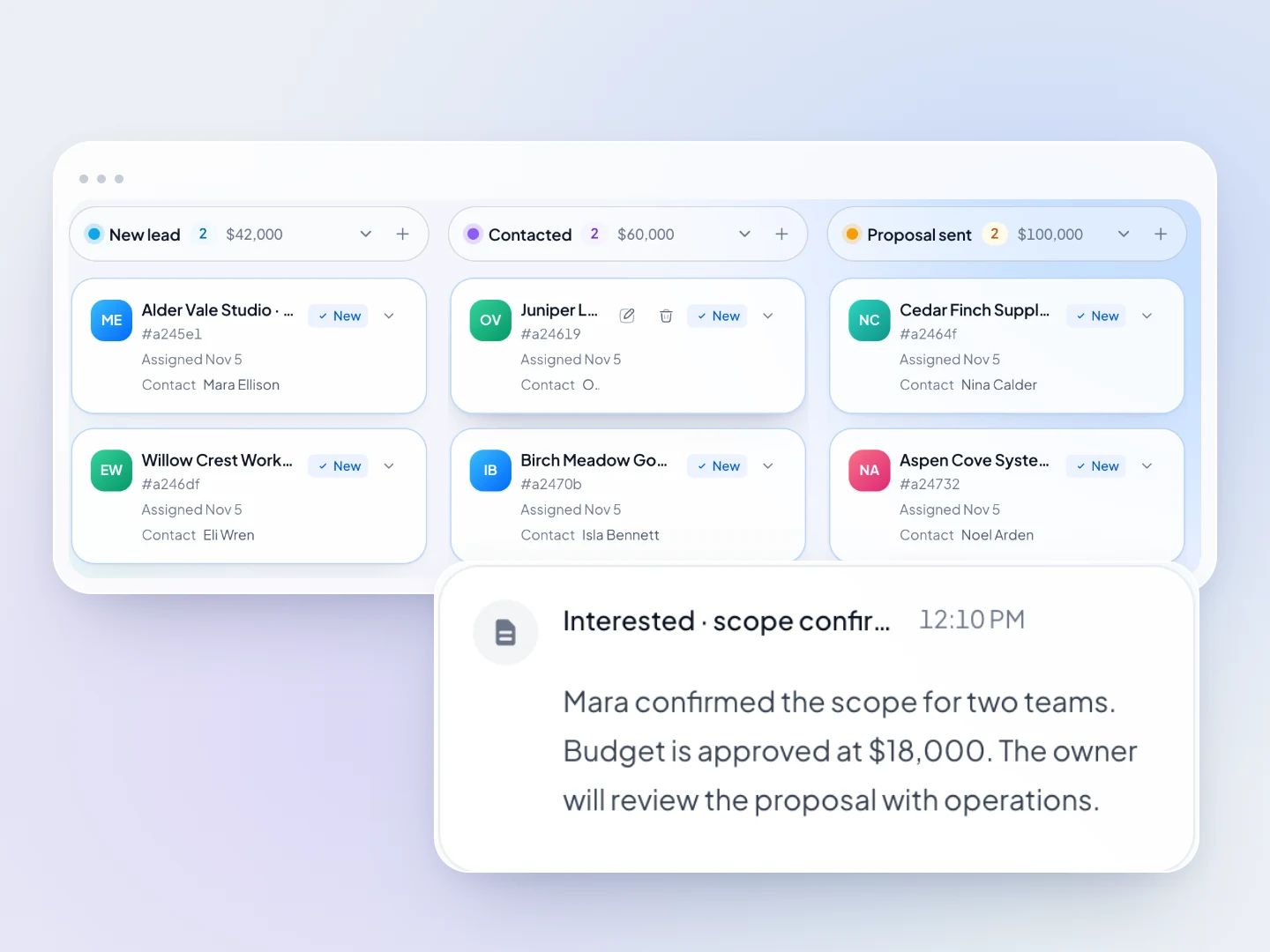
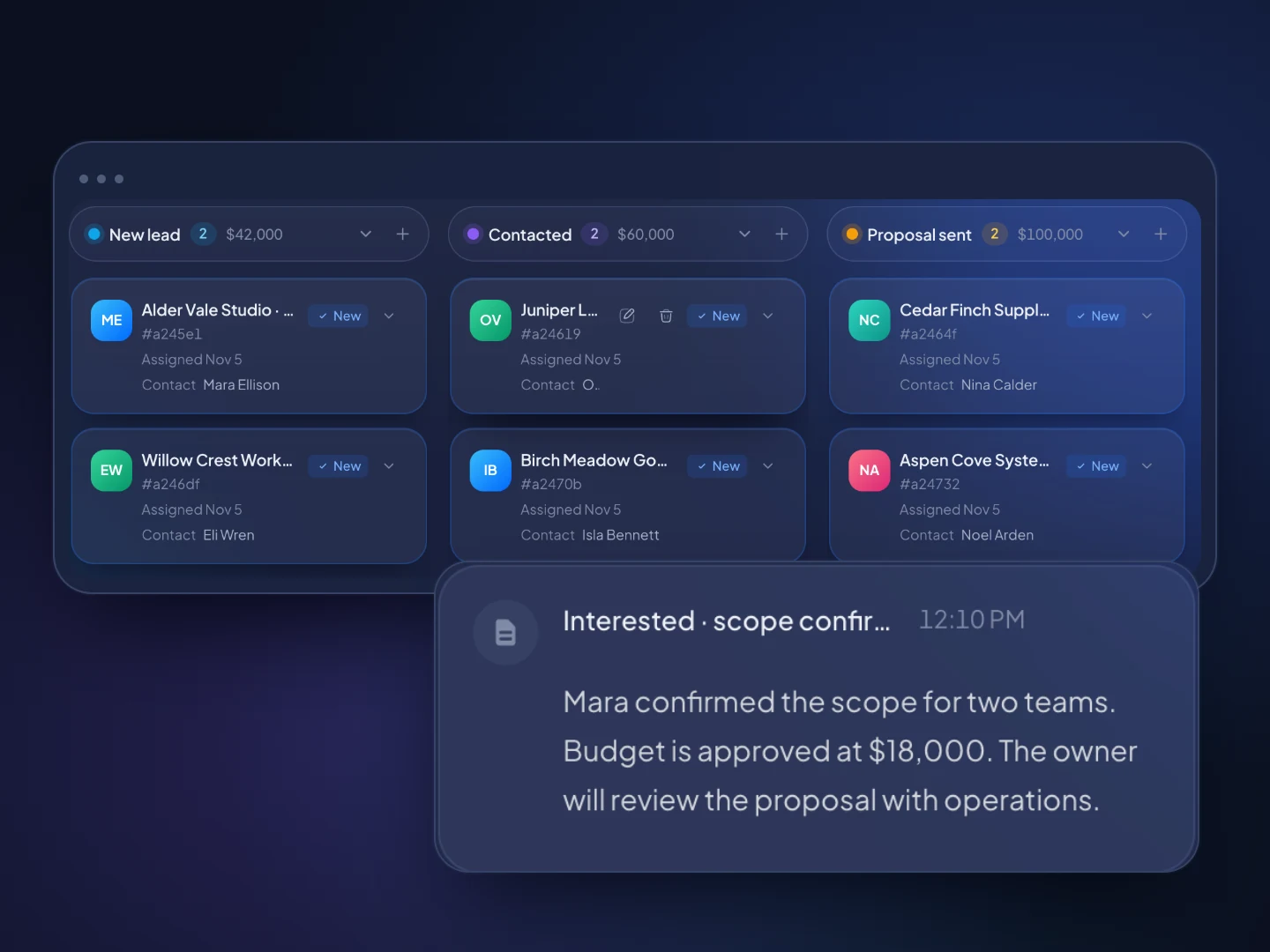
A dynamic list of every New lead gives reps one place to start each calling block, and the power dialer calls through it one lead after another.
Track each lead from New to Attempting, Contacted, Qualified or Nurture in a custom field, and move qualified leads onto the deals pipeline.
Conversations and outcomes per rep, with leaderboards, so you can see who is working their leads.
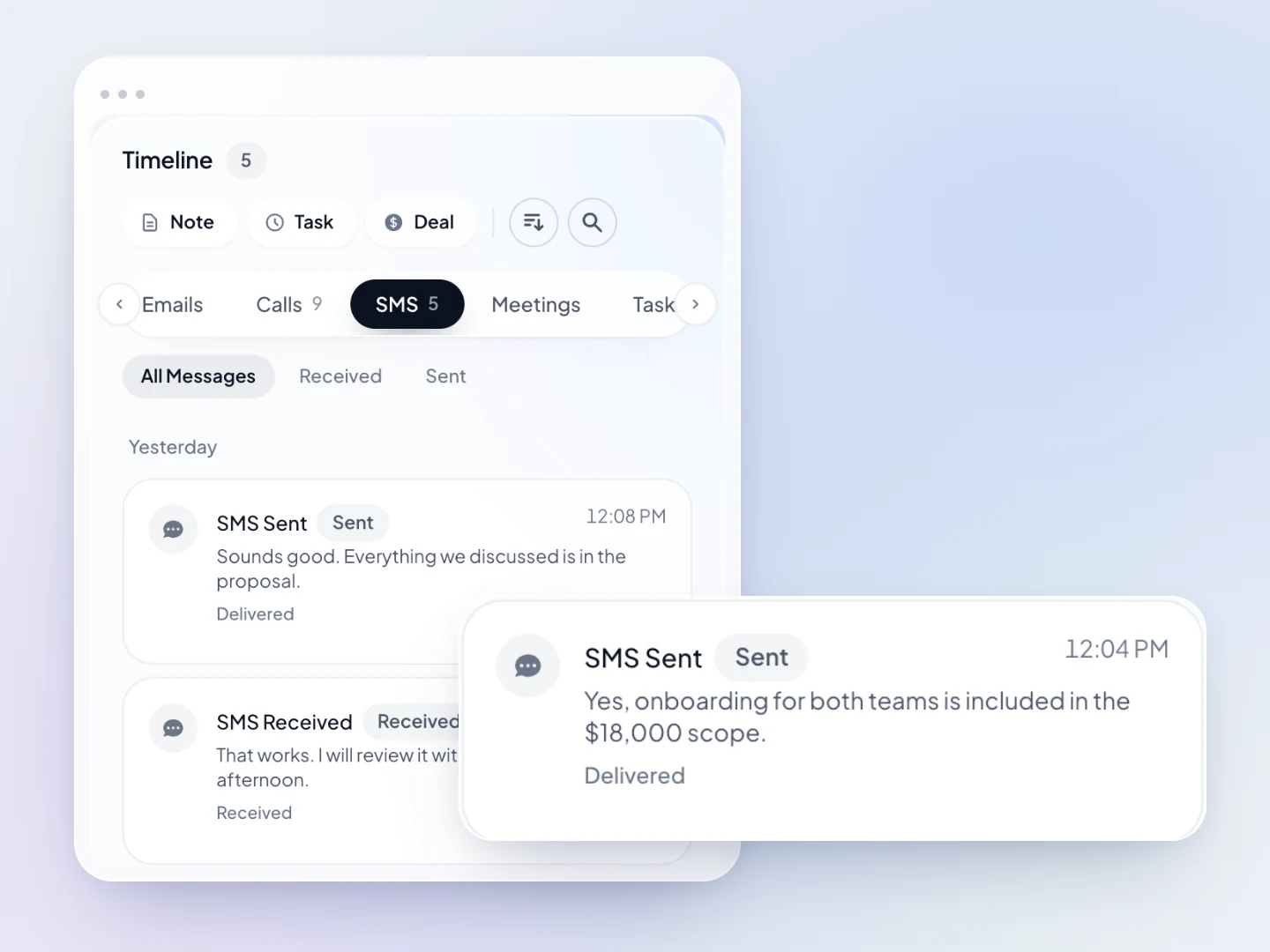
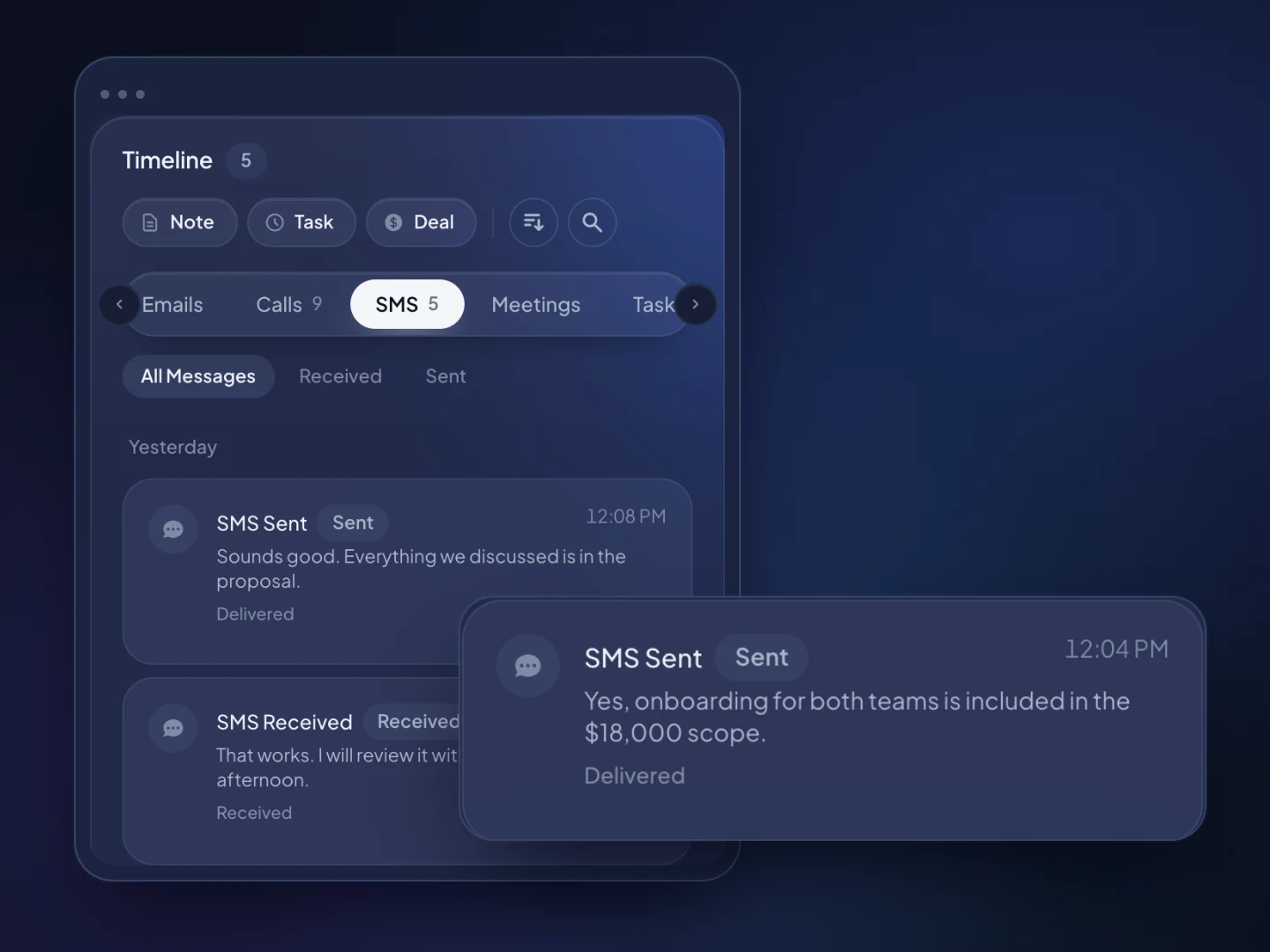
When a lead doesn't answer, TopReach can drop a voicemail, then send a text or email on the days you choose, and track every touch.
Lead view
How it works
Upload a spreadsheet from your form tool, ad platform, event or old CRM. TopReach finds the phone number in whichever column it's in.
Add status and owner fields, then build dynamic lists such as New leads and each rep's own leads.
Reps start each calling block with the New list. Unanswered calls get a voicemail, text or email on the days you choose.
Guide
Plenty of leads go nowhere without anyone saying no. They're called once, late, and then forgotten. This guide covers the practical side of managing your own leads, whether they come from your website, ads, referrals, events or past customers: getting them into one place, the statuses to track, how fast to call, how often to follow up, which dialer mode to use and the consent rules to check. It doesn't cover buying leads, and TopReach doesn't sell them.
Lead management is the work of getting every lead into one place, contacting it quickly, following up until you get an answer and recording where each one stands, so none is left sitting in an inbox.
For a small team that sells by phone, it comes down to four things per lead: one record, one owner, one status and one next step with a date. A lead with all four gets worked. A lead missing any of them tends to drift, because nobody is sure whose it is or what happens next.
Lead management software keeps those four things in one place and puts the call list, the dialer and the follow-up next to the record, so acting on them is quick.
Put every lead into one system on the day it arrives, with the same fields filled in whatever the source.
In TopReach there are two ways in. Batches come in by spreadsheet import, such as an export from your form tool, an ad platform or an event sign-up sheet, and the import finds the phone number in whichever column the file uses. Single leads, such as a referral or a caller who asked for a quote, are added by hand. TopReach doesn't connect to form builders or ad platforms, so set a routine: whoever owns intake adds single leads as they come in and imports batches at fixed times each day. Fill in the same fields every time:
Use a short set of statuses that each describe what has happened with the lead, not how promising it feels.
In TopReach, keep the status in a custom field and build a dynamic list for each status you work, such as New, Attempting and Nurture. Dynamic lists fill themselves from rules, so a lead moves to the right list when its status changes. Qualified leads go on the deals pipeline, with stages such as Qualified, Appointment set, Proposal, Won and Lost, and the pipeline shows the value at each stage. A typical set of lead statuses:
Call as soon as you can, ideally within minutes of the lead arriving and certainly within the hour.
The best-known evidence is a 2011 Harvard Business Review study of how more than 2,000 US companies responded to web leads. It found that firms that tried to contact a lead within an hour were nearly seven times as likely to have a meaningful conversation with a decision-maker as firms that waited longer. The exact gap varies by business, but the direction holds: interest fades quickly, and a lead who asked you for a quote is often asking others too.
TopReach doesn't route leads automatically, so speed comes from habits:
More often than most teams do: plan several attempts over one to two weeks, across calls, voicemails, texts and emails, before you move a lead to Nurture or Disqualified.
Leads who asked to hear from you are often busy rather than uninterested, and one missed call says little. TopReach can take the repetitive part off the rep: when a call isn't answered, it can drop a voicemail, then send a text or an email on the days you choose. Every touch is tracked on the lead's timeline, so no lead gets the same message twice and whoever calls next can see what was already sent. An example cadence for a new lead:
Use power mode for new and recent leads, and keep parallel mode for large, aged lists where most numbers won't answer.
Power mode calls one number after another, so a lead who answers always reaches a rep, and the call screen shows the lead, your last note and the next step. That matters with someone who asked to hear from you: a dropped call is a bad first impression. Parallel mode calls several numbers at once and connects the rep to whoever picks up, and when two people answer, one gets dropped. That's a fair trade on an old list of leads that went cold months ago, if your consent records allow that kind of dialing.
Both modes come with the same $99-a-month phone licence, so you can pick the mode list by list.
The main question is consent: a lead who filled in a form has asked to hear from you, but that isn't automatically consent to every kind of call or text. Rules vary by country and state, so check with your counsel; this is a general overview, not legal advice.
TopReach keeps a do-not-call list and handles texting opt-outs, and custom fields can hold each lead's consent details. The main rules:
FAQ

Start a 14-day free trial, import your current leads and call the new ones first, or book a walkthrough with our team.